Booking Reminders: Which Channel Do Customers Prefer, SMS, Messengers, or Email?
A customer books an appointment, adds it to their calendar, and then gets busy with everyday tasks. A few days later, they forget about the reservation. This situation is familiar to beauty salons, restaurants, fitness studios, repair services, and other businesses that work with appointments.
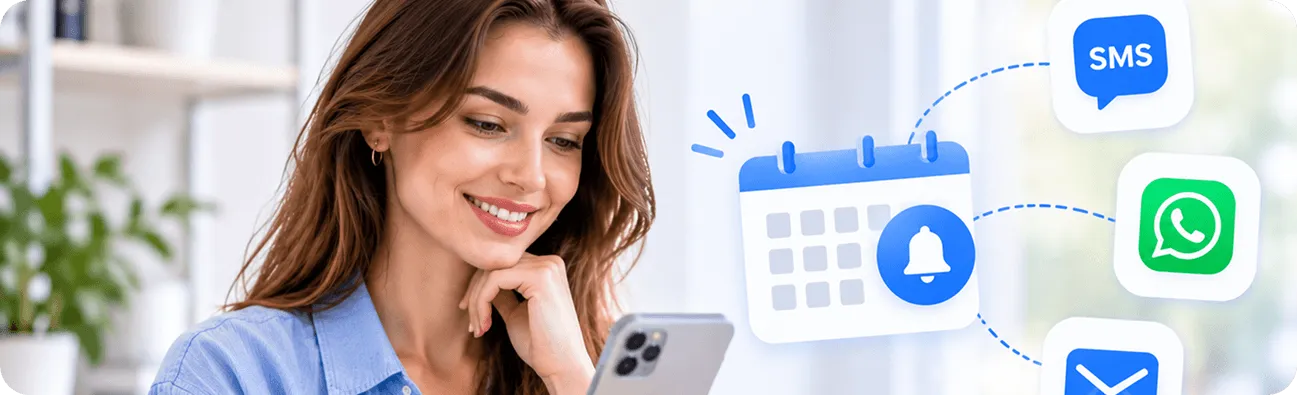
Booking reminders help businesses keep customers informed and reduce the likelihood of missed appointments. But which communication channel should you use? SMS, messaging apps, or email?
Each option has its own advantages. SMS is convenient for short, time-sensitive notifications, messengers support more interactive communication, and email works well for detailed booking information. The best choice depends on your audience, the type of service you provide, and how your customers prefer to communicate.
In this article, we'll compare these three channels, explain when to use each one, and explore how ME-POS can help businesses organize their booking processes.
Why Are Booking Reminders Important?
Customers don't always remember every appointment they make. Their schedules change, notifications get buried, and sometimes they simply forget the date or time.
A booking reminder gives customers a timely prompt and an opportunity to confirm, reschedule, or cancel when necessary.
For businesses, reminders can provide several benefits:
- Reduce missed appointments: A timely notification helps customers remember their reservations.
- Improve schedule management: Customers who can respond or reschedule in advance give businesses more time to adjust availability.
- Improve customer experience: Reminders show that the business values clear communication.
- Save administrative time: Automated notifications can reduce the need for employees to contact every customer manually.
- Support repeat visits: Consistent communication helps maintain relationships with existing customers.
However, reminders work best when they are relevant, timely, and sent through a channel customers actually use.
SMS Booking Reminders: Simple and Direct
Text messages remain a practical option for appointment notifications. They are short, easy to understand, and don't require customers to open an email account or install a particular messaging application.
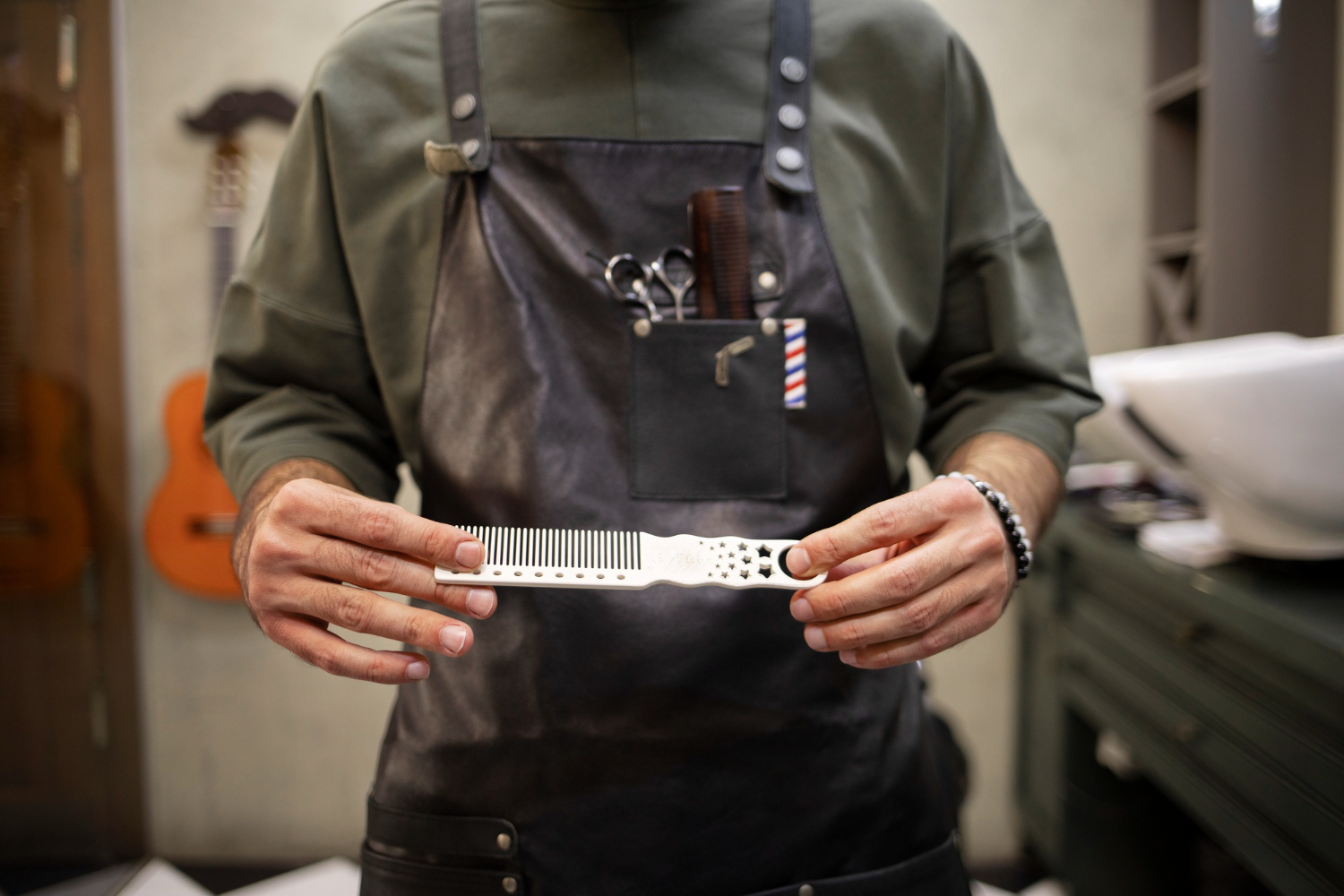
For example, a beauty salon might send a text message the day before a haircut appointment with the date, time, and salon address.
Advantages of SMS Reminders
- Direct communication: Text messages arrive in the customer's mobile messaging inbox.
- No internet connection required to receive SMS: Customers can receive ordinary text messages through their mobile network.
- Suitable for short notifications: Appointment dates, times, addresses, and brief instructions fit naturally into a text message.
- Broad compatibility: SMS works on most mobile phones without requiring a specific application.
Limitations of SMS Reminders
SMS messages may involve additional costs, especially for businesses sending large numbers of notifications. Message length can also be restrictive when you need to share detailed information or multiple links.
Another consideration is that customers may receive promotional and personal messages alongside appointment reminders. A text notification can still be overlooked, particularly if the customer has notifications muted.
When Should Businesses Use SMS?
SMS is a good option when you need to send short, time-sensitive booking updates. It works particularly well for appointment confirmations, reminders shortly before a visit, and urgent schedule changes.
Messenger Booking Reminders: Convenient and Interactive
Messaging applications such as WhatsApp, Telegram, and Facebook Messenger are widely used for everyday communication. Businesses can use supported messaging channels to send booking notifications and communicate with customers.
Unlike traditional SMS, messengers may support additional content such as images, links, buttons, and interactive responses, depending on the platform and integration.
Advantages of Messenger Reminders
- Familiar communication environment: Customers may already use their preferred messenger every day.
- Interactive conversations: Customers can ask questions or respond to a message when the platform supports it.
- Rich content: Businesses may be able to share maps, booking links, images, and other useful information.
- Ongoing communication: The same channel can support questions about services, appointment changes, and customer support.
Limitations of Messenger Reminders
Not every customer uses the same messaging application. Some people prefer WhatsApp, others use Telegram, and some don't want businesses contacting them through personal messaging accounts.
Automated messaging may also require a business account, platform approval, or a dedicated integration. Depending on the service, there may be additional rules and costs for sending business notifications.
When Should Businesses Use Messengers?
Messengers are useful when your customers already communicate with your business through these applications. They can be especially convenient for businesses that need to combine appointment notifications with customer support.
For example, a beauty salon could use a supported messenger integration to send an appointment reminder and provide a link for contacting the salon if the customer needs to change the time.
Email Booking Reminders: Detailed and Professional
Email is another common channel for appointment communication. It gives businesses more space to share information and works well for customers who prefer keeping booking details in their inbox.
An email reminder can include the appointment date, time, service description, location, preparation instructions, cancellation policy, and links to additional information.
Advantages of Email Reminders
- More room for information: Emails can contain detailed instructions and multiple links.
- Professional presentation: Businesses can use branded templates and consistent formatting.
- Easy access to booking details: Customers can search their inbox when they need to check a reservation.
- Suitable for longer communication: Email works well for appointment preparation, policy updates, and detailed confirmations.
Limitations of Email Reminders
Email notifications can get lost among promotional messages, newsletters, and other correspondence. Some customers check their inbox only occasionally, which makes email less suitable for urgent updates.
Messages may also end up in spam or promotional folders. For this reason, businesses should use clear subject lines and make sure their email communication is properly configured.
When Should Businesses Use Email?
Messengers are useful when your customers already communicate with your business through these applications. They can be especially convenient for businesses that need to combine appointment notifications with customer support.
For example, a beauty salon could use a supported messenger integration to send an appointment reminder and provide a link for contacting the salon if the customer needs to change the time.
SMS vs. Messengers vs. Email: Key Differences
Each communication channel serves a different purpose. The following table summarizes their main characteristics.
Feature
SMS
Messengers
Email
Message format
Short text
Text, links, and supported rich content
Detailed text, links, and attachments
Internet requirement
Not required for standard SMS delivery
Usually required
Required
Application needed
No additional app
Yes, a compatible messaging app
An email app or webmail
Interaction
Usually limited to replies or links
Supports conversations and interactive features, depending on the platform
Supports replies and links
Best for
Short, urgent reminders
Customer communication and convenient updates
Detailed confirmations and instructions
Potential costs
Mobile messaging charges may apply
Depends on platform and integration
Depends on the email service and sending volume
Main limitation
Limited message length and possible sending costs
Not every customer uses the same messenger
Messages can be overlooked or filtered
There is no universal winner. The most effective channel is the one that reaches your customers reliably and provides the information they need.
Which Booking Reminder Channel Do Customers Prefer?
Customer preferences vary depending on age, location, habits, and the type of business they interact with. Someone booking a haircut may appreciate a short SMS, while a customer scheduling a complex treatment may prefer a detailed email.
Instead of assuming that one channel works for everyone, consider these factors:
1. Understand Your Audience
Think about how your customers usually communicate with your business.
If most clients contact you through WhatsApp, a supported WhatsApp notification option may be convenient. If your customers regularly provide email addresses when booking, email reminders may be a natural choice.
You can also ask customers which channel they prefer when collecting booking information.
2. Consider the Type of Appointment
Different appointments require different amounts of information.
- Restaurant reservations: A short SMS or messenger reminder with the reservation time may be sufficient.
- Beauty salon appointments: SMS or messengers can provide a convenient reminder, while email can include additional preparation details.
- Medical or wellness services: Email may be useful for detailed instructions, while a short reminder can help customers remember the appointment.
- Fitness classes: SMS or messenger notifications can remind participants shortly before a scheduled session.
Choose the channel based on what customers need to know before arriving.
3. Give Customers a Choice
If your booking process allows it, let customers select their preferred communication channel.
Some may want SMS notifications, while others prefer email or a particular messenger. Giving people control can make communication feel more convenient and reduce the risk of sending messages through channels they rarely check.
Always collect the appropriate contact details and permission before sending notifications.
How to Create an Effective Booking Reminder
Choosing the right channel is only part of the process. The message itself should be clear, useful, and easy to understand.
A good booking reminder should include:
- Business name: Make it clear who is sending the notification.
- Customer name: Personalize the message when appropriate.
- Appointment date and time: Include the exact reservation details.
- Service information: Mention the booked treatment, appointment, or reservation.
- Location: Provide the address or a useful map link when necessary.
- Rescheduling instructions: Explain how customers can change or cancel their booking.
- Contact details: Give customers a way to reach your team if they have questions.
Timing also matters. A reminder sent too early may be forgotten, while one sent too late may not give customers enough time to make changes.
For many businesses, a reminder one day before the appointment is a reasonable starting point. Some services may benefit from an additional reminder a few hours before the visit. Test different schedules and adjust them based on customer feedback and booking patterns.
Avoid sending too many notifications. Frequent messages can annoy customers and make them less likely to pay attention to important updates.
Start Your Me-Pos
Experience for Free!
Make sure that Me-Pos Online Booking meets your needs and requirements before making a final decision.
Use for Free
How ME-POS Supports Booking Management
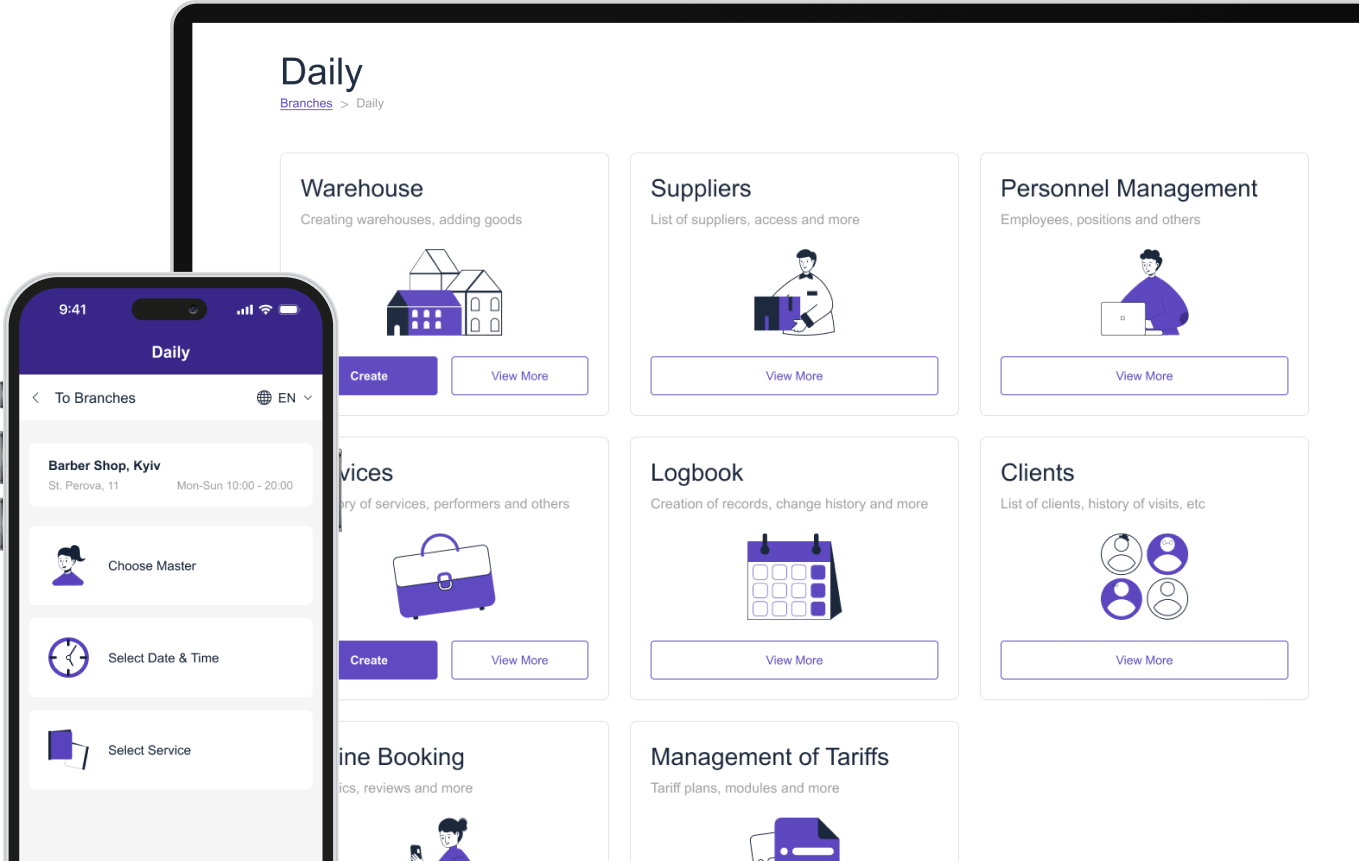
Sending useful reminders starts with having an organized booking process. Businesses need to know which services are available, when employees are working, and which appointments have been scheduled.
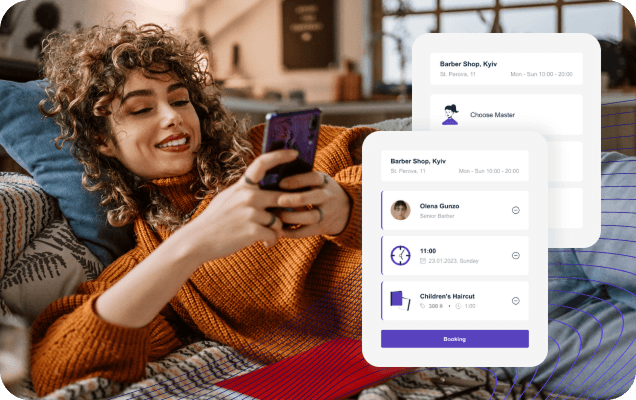
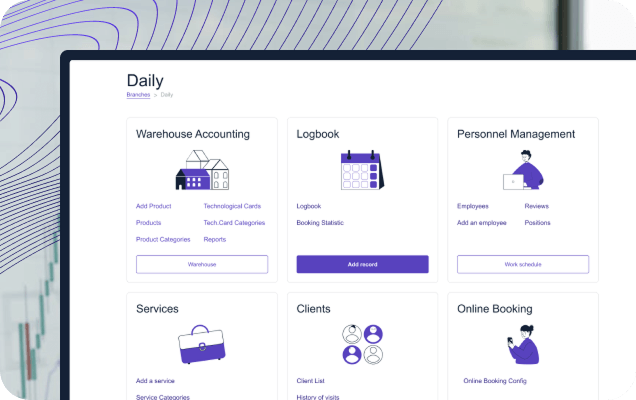
ME-POS offers online booking functionality that helps service businesses organize services, staff, and working hours. This provides a structured foundation for managing reservations and coordinating daily operations.
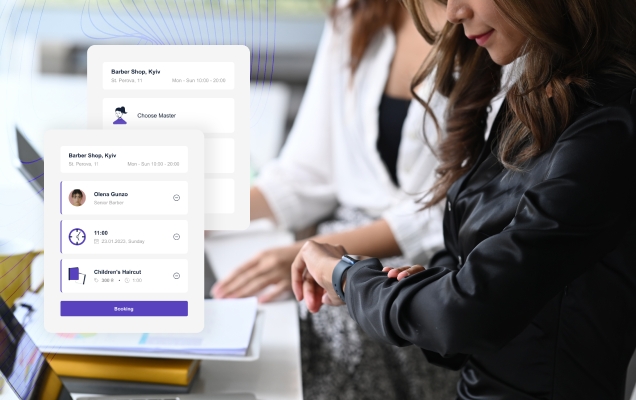
For example, a beauty salon can configure its treatments, assign employees to services, and set available working hours. Customers can then make online reservations based on the configured availability.
When evaluating reminder functionality, check which notification channels and automation options are available in your specific setup. SMS, messenger, and email reminders may require separate integrations or services, so don't assume that every channel is automatically included.
Regardless of the communication method, keeping booking details accurate is essential. A well-organized schedule makes it easier for employees to provide customers with correct appointment information.
Conclusion
SMS, messengers, and email can all help businesses remind customers about upcoming reservations, but each channel has a different purpose.
SMS is convenient for short and time-sensitive updates. Messengers are useful for interactive communication with customers who already use these applications. Email is better suited to detailed confirmations and appointment instructions.
The best approach is to understand your audience, consider the type of service you provide, and choose communication channels that match customer preferences. Where possible, offer customers a choice and keep reminders clear, timely, and relevant.
With ME-POS, service businesses can organize their services, employees, working hours, and online bookings. Combined with an appropriate notification setup, an organized booking process can help improve communication and create a smoother customer experience.
Frequently Asked Questions
There is no single best option for every business. SMS works well for short reminders, messengers support interactive communication, and email is useful for detailed booking information. The right choice depends on your audience and the type of appointment.
A reminder sent approximately 24 hours before an appointment is a useful starting point. Some businesses also send a shorter notification a few hours before the visit. The ideal timing depends on the service and customer preferences.
They can, but sending too many notifications may annoy customers. A practical approach is to use one preferred channel for regular reminders and another only when important additional information needs to be shared.
Yes. Reminders can help customers remember appointments and give them an opportunity to reschedule or cancel in advance. However, they cannot eliminate no-shows entirely, so businesses should also maintain clear cancellation policies.
ME-POS provides online booking functionality for organizing services, employees, and working hours. The availability of specific reminder channels and automated notifications depends on the features and integrations supported by the business's configuration. Check your current setup before choosing a communication workflow.
Me-Pos Team
Last modified 13.11.2026
Was This Article Helpful?
Click on a star to rate it!
Thank you for your vote!

Average Rating: 5/5 Votes: 1
Be the first to rate this post!
Share with Friends:
























View more
Related Articles

1932
5
The Ultimate Well Drinks List: Popular Choices for Every Bar
Running a bar? Then you need a solid well drinks list to keep things moving. These well drinks are your bread and butter—affordable, quick to make, an...
Me-Pos Team
|
11.03.2025
|
10min
462
5
Polite Appointment Reminders and Genuine Reviews: Automation Secrets
Every service business — from salons and spas to tattoo studios and clinics — faces two common challenges: missed appointments and inconsistent custom...
Me-Pos Team
|
02.03.2026
|
9min

380
5
Why More Small Businesses Are Switching to Cloud POS Systems
Small businesses today face increasing pressure to operate faster, smarter, and more efficiently. Whether it’s a beauty salon, retail shop, café, or s...
Me-Pos Team
|
20.04.2026
|
8min
292
5
How QR Menu Technology Is Changing the Restaurant Industry Worldwide
The restaurant industry has always adapted to changing customer expectations, but few innovations have spread as quickly and effectively as QR menu te...
Me-Pos Team
|
22.06.2026
|
13min
183
5
How Contactless Technologies Continue to Transform Restaurants
Restaurants have changed significantly as technology becomes a bigger part of the dining experience. Customers now expect convenient ways to browse me...
Me-Pos Team
|
17.09.2026
|
10min
1603
3.8
Beauty Parlor Design Ideas: Create a Stylish and Inviting Space
Your beauty parlor is more than a place where clients come for a quick haircut or manicure. It’s a sanctuary, a haven where people go to feel refreshe...
Me-Pos Team
|
07.04.2025
|
8min
1932
5
The Ultimate Well Drinks List: Popular Choices for Every Bar
Running a bar? Then you need a solid well drinks list to keep things moving. These well drinks are your bread and butter—affordable, quick to make, an...
Me-Pos Team
|
11.03.2025
|
10min
462
5
Polite Appointment Reminders and Genuine Reviews: Automation Secrets
Every service business — from salons and spas to tattoo studios and clinics — faces two common challenges: missed appointments and inconsistent custom...
Me-Pos Team
|
02.03.2026
|
9min
380
5
Why More Small Businesses Are Switching to Cloud POS Systems
Small businesses today face increasing pressure to operate faster, smarter, and more efficiently. Whether it’s a beauty salon, retail shop, café, or s...
Me-Pos Team
|
20.04.2026
|
8min
292
5
How QR Menu Technology Is Changing the Restaurant Industry Worldwide
The restaurant industry has always adapted to changing customer expectations, but few innovations have spread as quickly and effectively as QR menu te...
Me-Pos Team
|
22.06.2026
|
13min
183
5
How Contactless Technologies Continue to Transform Restaurants
Restaurants have changed significantly as technology becomes a bigger part of the dining experience. Customers now expect convenient ways to browse me...
Me-Pos Team
|
17.09.2026
|
10min
1603
3.8
Beauty Parlor Design Ideas: Create a Stylish and Inviting Space
Your beauty parlor is more than a place where clients come for a quick haircut or manicure. It’s a sanctuary, a haven where people go to feel refreshe...
Me-Pos Team
|
07.04.2025
|
8min
View more
