
Employee Access Levels: How to Protect Business Data While Keeping Your Team Productive
Running a restaurant or service business means giving employees access to the tools they need every day. Staff members may need to manage orders, update menus, check schedules, or work with customer information. But should everyone have access to everything?
Usually, the answer is no.
Employee access levels help businesses control what each team member can see and change. Instead of giving every employee full administrative access, you can assign permissions based on their responsibilities. This protects sensitive business data while allowing employees to work efficiently.
For restaurants using modern management platforms such as ME-POS, access control can become an important part of daily operations. The goal isn't to create unnecessary restrictions. It's to give every employee exactly the access they need to do their job.
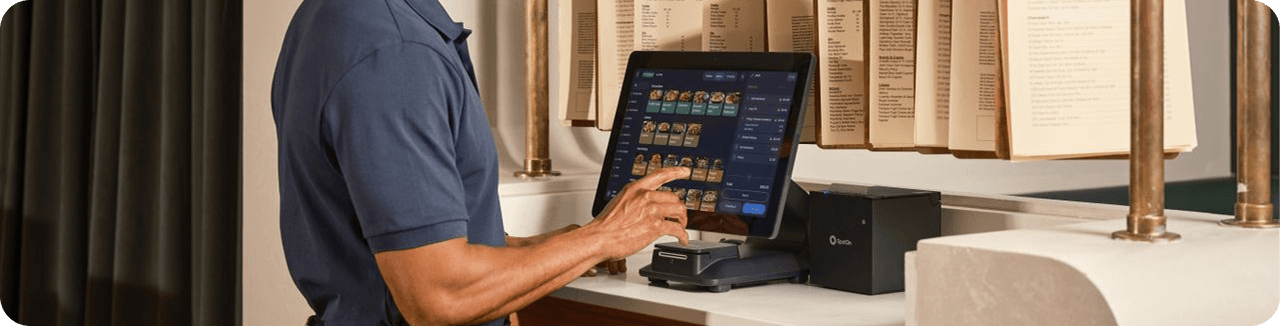

What Are Employee Access Levels?
Employee access levels are permission settings that determine which features, information, and actions are available to different users.
Think of your restaurant's management system as a building. Your employees don't all need keys to every room. A server needs access to the areas required for serving customers, while a manager may need access to reports, settings, and operational information.
The same principle applies to digital business systems.
Depending on their role, employees may need access to:
- Orders and customer information
- Menus and dishes
- Branch information
- Working schedules
- Sales information
- Business settings
- Reports and analytics
- User management
By separating these permissions, you can create a more secure and organized working environment.
Why Giving Everyone Full Access Can Be Risky
Giving every employee administrator-level access may seem convenient at first. After all, there's no need to spend time deciding who can access what.
However, this approach creates unnecessary risks.
An employee with excessive permissions could accidentally:
- Change menu prices
- Delete important information
- Modify restaurant settings
- Change working hours
- Edit business information
- Access information they don't need
There is also a simple productivity problem. When an interface contains too many options, employees may struggle to find the functions they actually use.
The principle is simple: more access does not always mean more productivity.

Match Permissions to Employee Responsibilities
The most effective approach is to create access levels based on job responsibilities.
For example, a restaurant might have the following structure:
Employee Role
Typical Access
Restricted Areas
Main Purpose
Server
Orders and menu information
Business settings
Serve customers efficiently
Kitchen Staff
Dish and kitchen information
Financial settings
Prepare orders accurately
Manager
Operations, menus, reports
User administration if not required
Manage daily operations
Branch Manager
Branch-specific information
Other branches
Control one location
Administrator
Full system access
None or minimal restrictions
Manage the entire business
The exact structure will depend on your business, but the principle remains the same: give access according to responsibility.
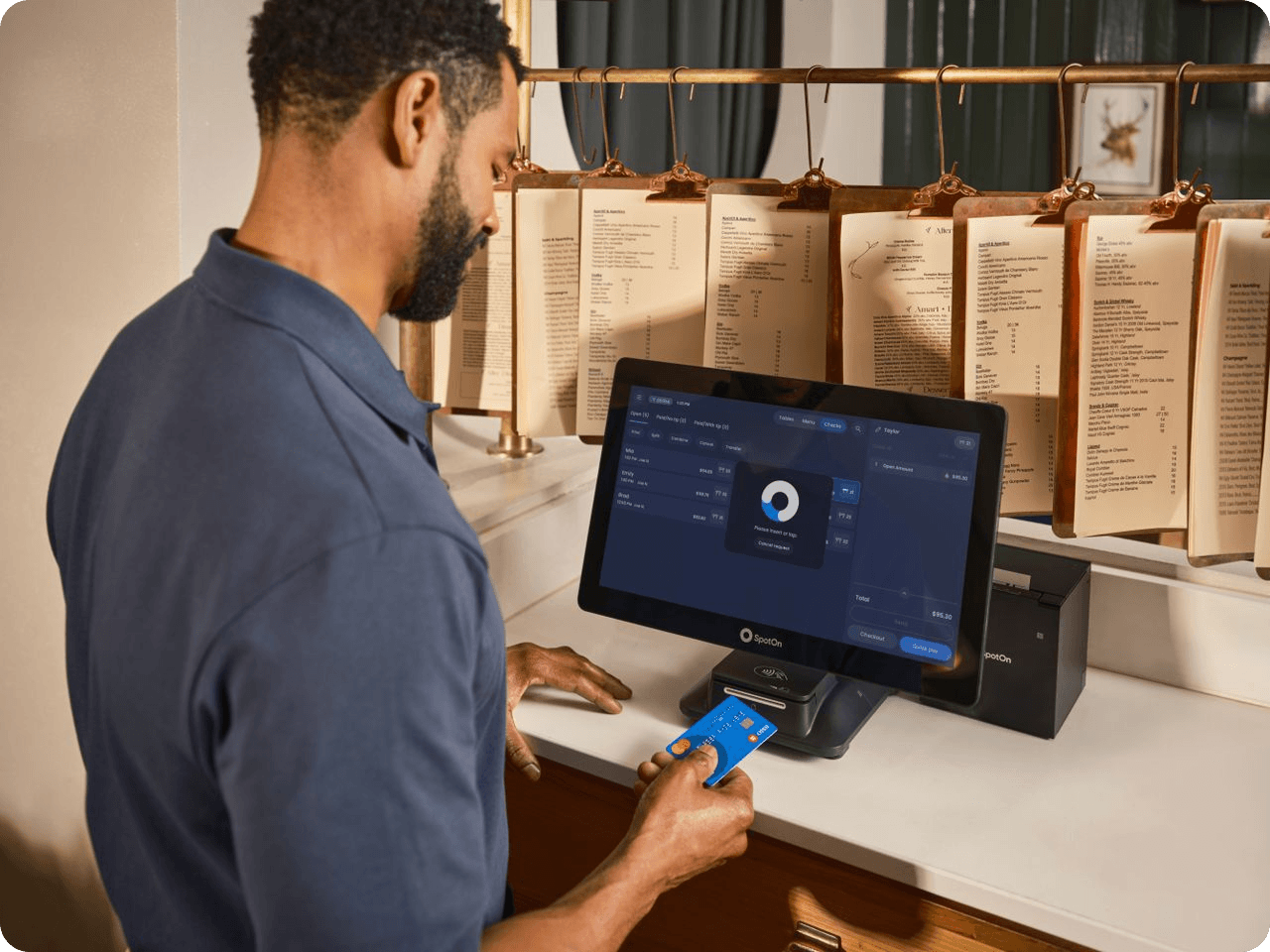
Create a Separate Role for Managers
Managers usually need more access than regular employees.
They may need to:
- Update menu items
- Change prices
- Manage categories
- Check schedules
- Review operational information
- Manage availability
- Monitor branch activities
However, even managers may not need access to every company-level setting.
For example, a branch manager responsible for one location may not need to modify information for another branch.
Keeping permissions relevant to their role reduces the possibility of accidental changes.
Limit Access to Sensitive Business Information
Some business information should only be available to employees who genuinely need it.
Depending on your operation, this may include:
- Financial information
- Business-level settings
- Customer data
- Employee information
- Multiple-branch management
- Administrative controls
A server doesn't need access to company-wide settings simply to serve tables.
Likewise, a kitchen employee shouldn't necessarily have access to financial information just because they use the restaurant's digital system.
This is the principle of least privilege: employees receive only the access necessary to perform their responsibilities.

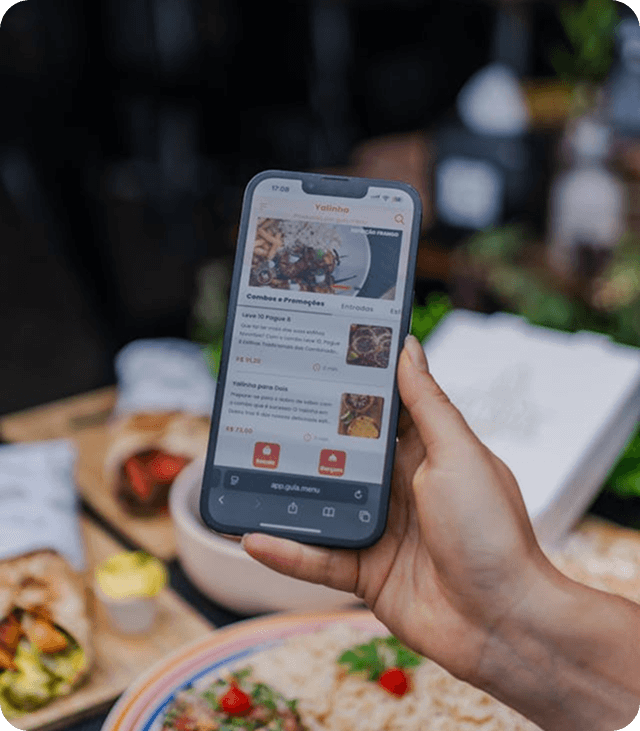
Use Branch-Based Access for Growing Businesses
Access control becomes particularly important when a restaurant operates multiple locations.
Imagine a company with five branches. Each branch has its own:
- Menu
- Working hours
- Contact details
- Employees
- Daily operations
A branch manager should be able to manage their location without accidentally changing information belonging to another branch.
Example: A restaurant group has locations in three different cities.
The manager of Location A needs to update:
- Its opening hours
- Local menu availability
- Branch information
They don't need access to Location B or Location C.
Branch-specific access makes this structure easier to manage and reduces the risk of changes being made in the wrong location.
Keep Employees Productive, Not Restricted
Security shouldn't make everyday work unnecessarily complicated.
If employees constantly need to ask a manager for permission to perform basic tasks, productivity can suffer. The best access structure finds a balance.
Ask yourself:
What does this employee need to do every day?
If a server regularly needs to check menu information, that should be easy.
If a manager frequently updates dishes, they should have direct access to menu management. If an administrator manages company settings, those controls should be available without unnecessary barriers.
The goal is not to restrict employees. It's to remove irrelevant functionality while keeping essential tools accessible.
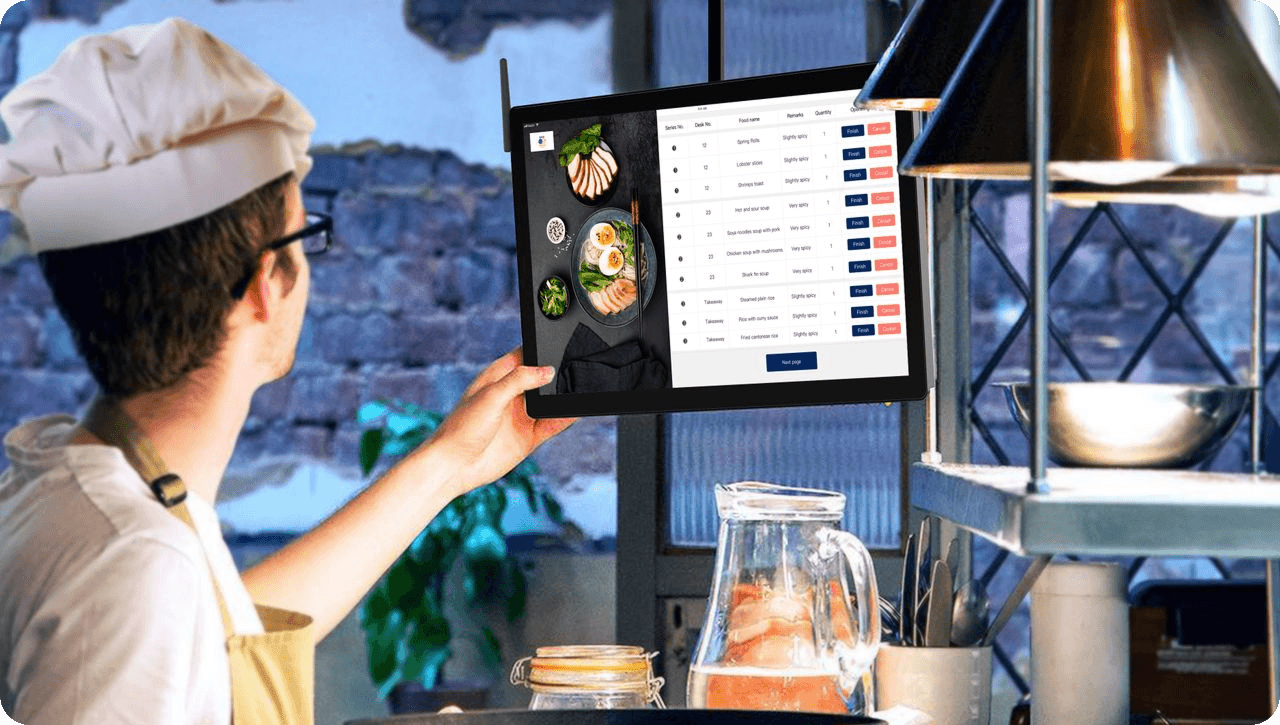
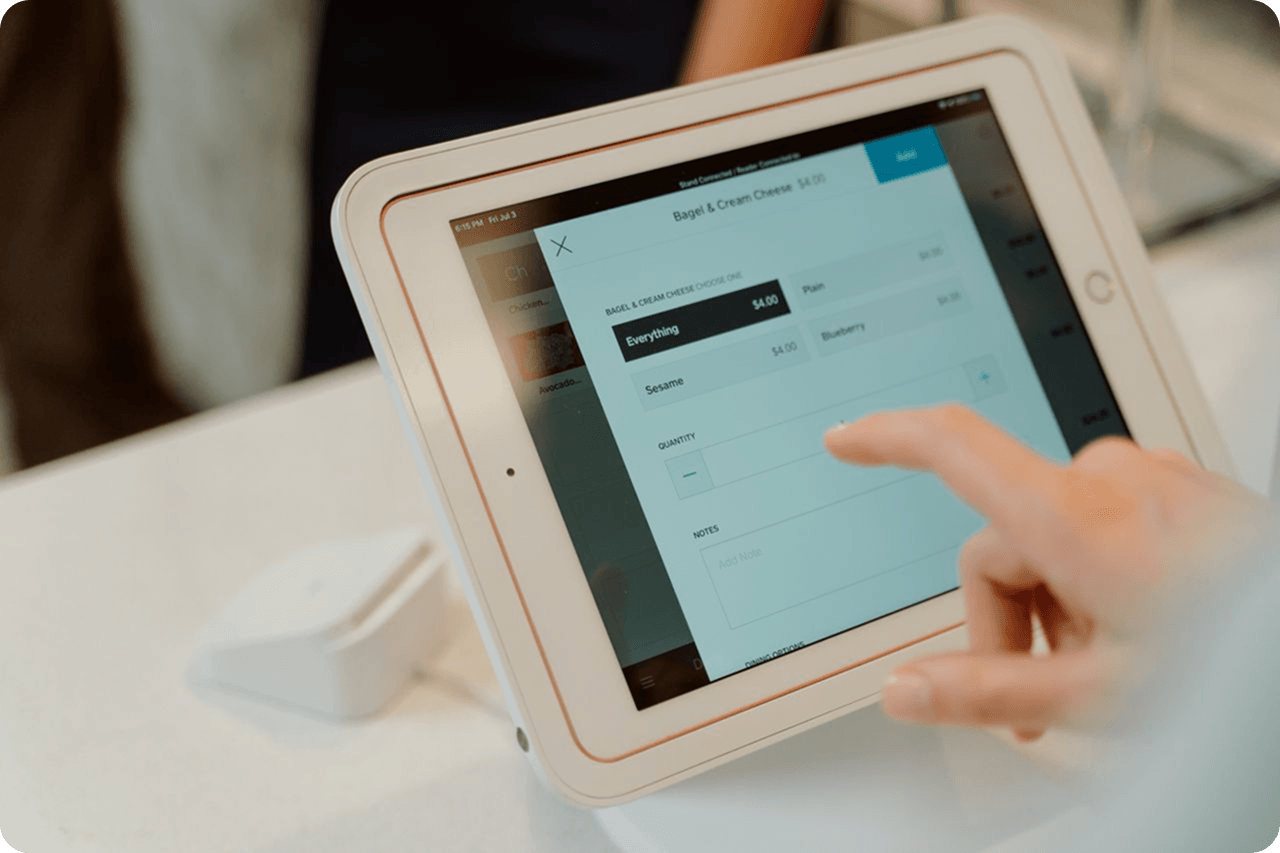
Make Menu Management Role-Based
For restaurants using digital menus, access levels can be particularly useful.
A restaurant may have different employees responsible for:
- Adding dishes
- Updating prices
- Managing categories
- Uploading photos
- Updating availability
- Managing translations
Not everyone needs permission to perform all of these actions.
Example: A marketing employee may be responsible for dish photos and descriptions, while a manager controls prices.
Separating these responsibilities helps prevent accidental price changes while allowing the marketing team to keep menu content updated.
Protect Your Multilingual Menu Content
Restaurants that serve international customers may maintain menus in several languages.
This introduces another area where controlled access can help.
For example, one employee might manage the primary language while another handles translations.
Keeping translation responsibilities organized helps maintain consistency and reduces the chance of someone unintentionally changing the original menu content.
A well-managed multilingual menu also makes it easier to identify who is responsible for keeping each language version accurate.
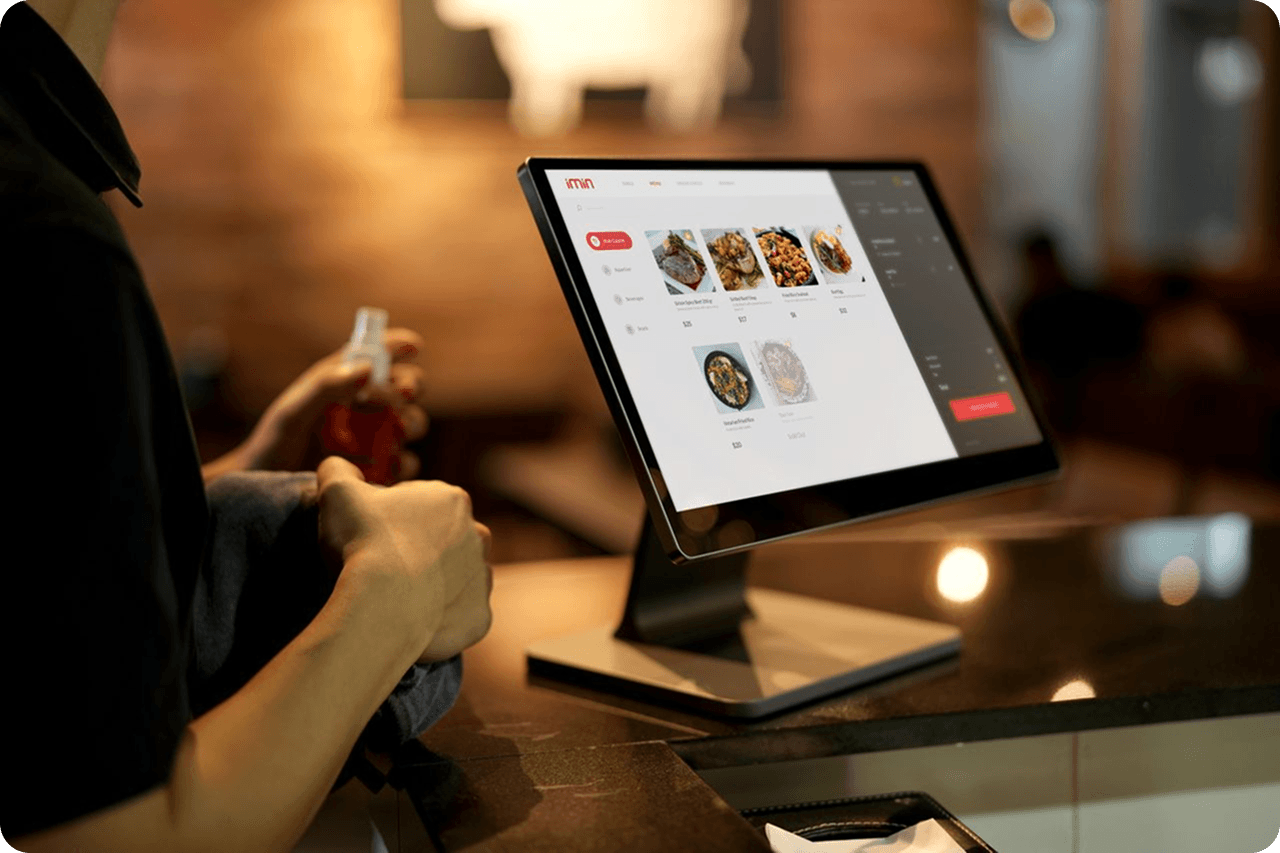
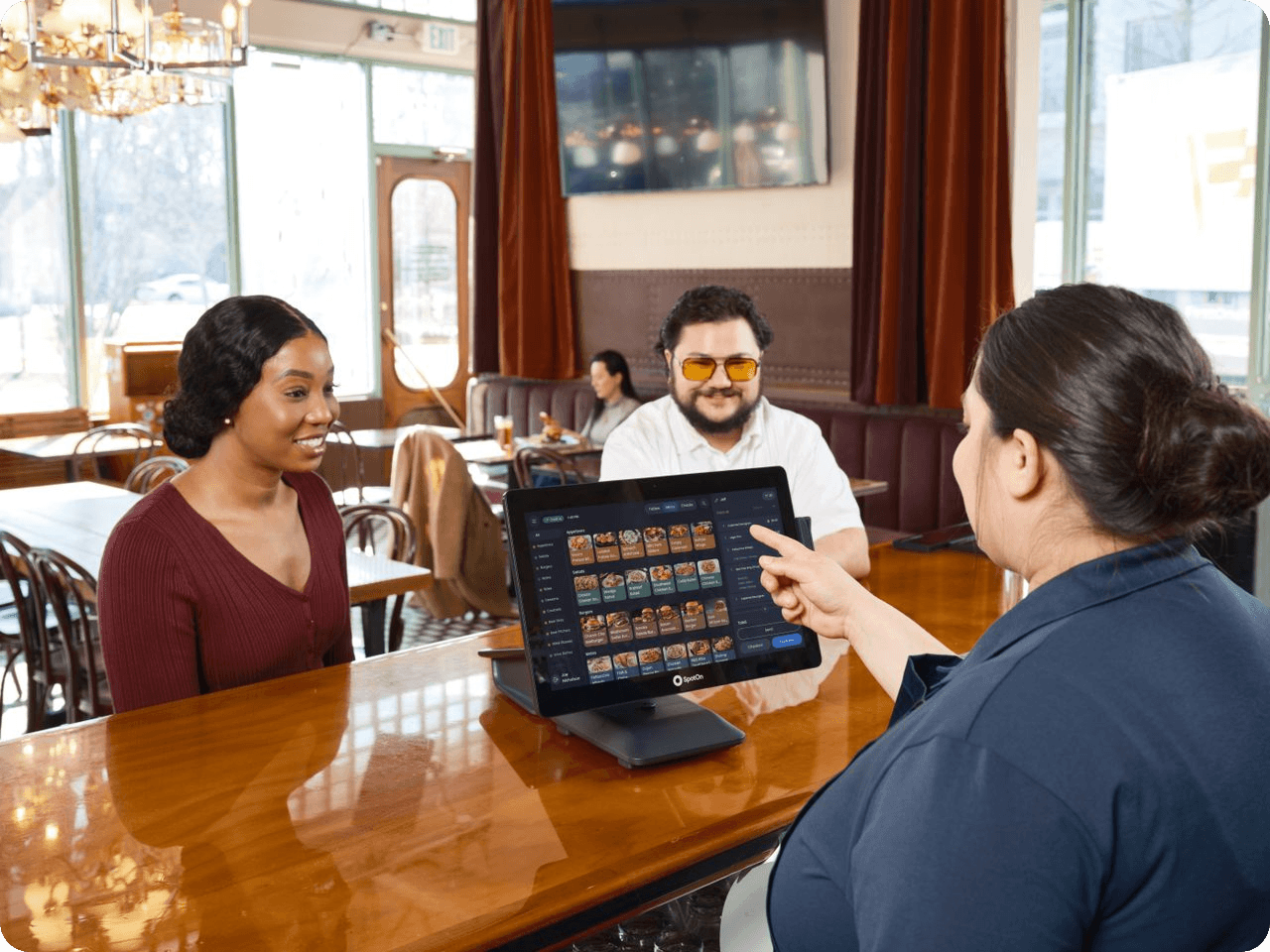
Review Permissions Regularly
Employee roles change.
Someone who starts as a server may eventually become a manager. Another employee may move from one branch to another. Someone may leave the company entirely.
If access permissions aren't reviewed, former responsibilities can remain attached to user accounts.
Create a simple routine for checking employee access.
For example, review permissions:
- When someone joins the company
- When their role changes
- When they move between branches
- When they leave
- During regular administrative reviews
This keeps your access structure aligned with the current organization.
Avoid Shared Accounts
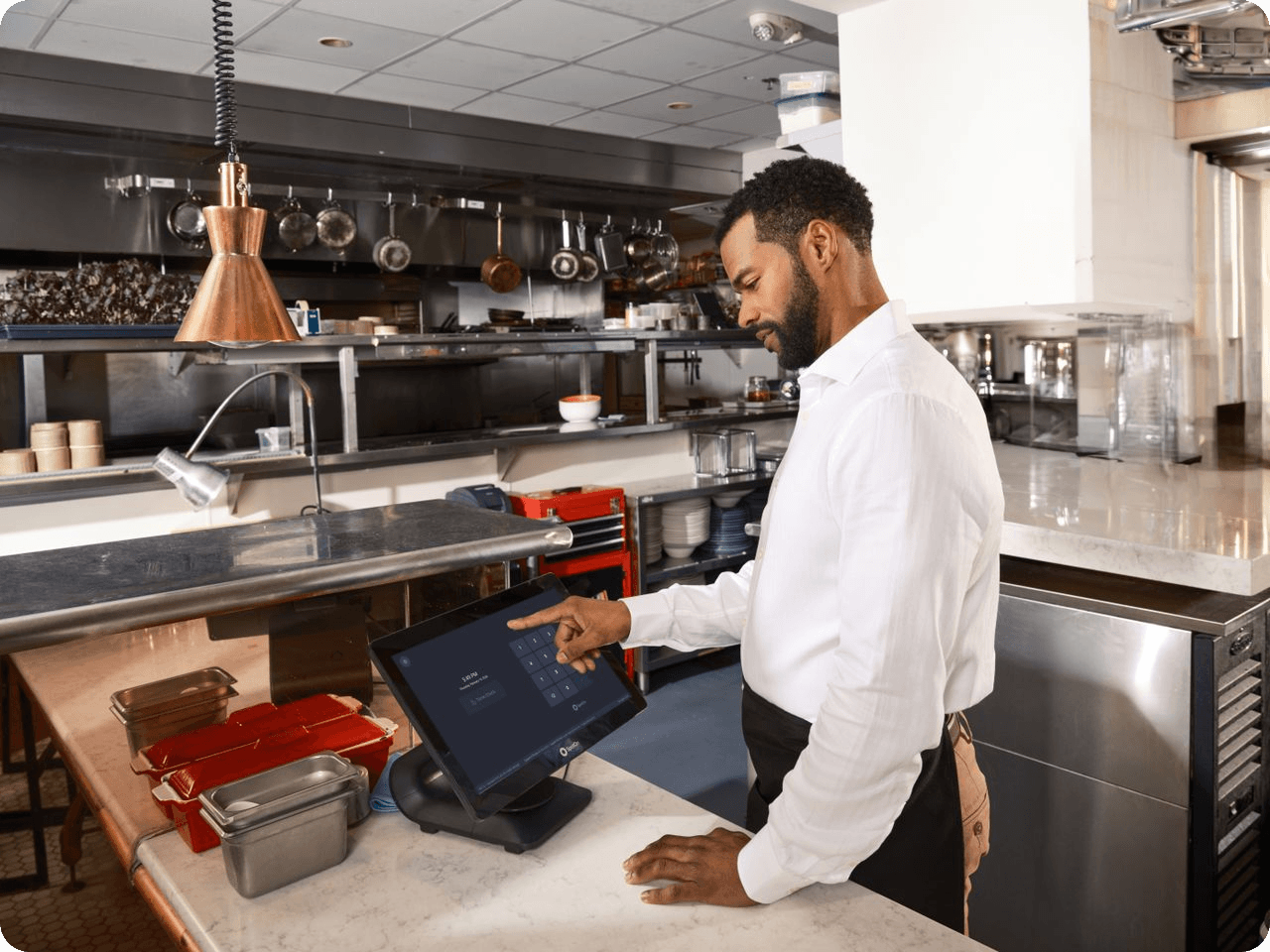
Every employee should ideally have their own account.
Shared accounts create several problems.
If five employees use the same administrator account, it becomes difficult to determine:
- Who changed a menu
- Who modified information
- Who made an incorrect update
- Who should be contacted about an issue
Individual accounts provide better accountability and make access management much easier.
Example: If a dish price suddenly changes from $15 to $25, individual accounts make it easier to identify which user made the change and review whether it was intentional.
Access Levels Can Improve Efficiency Too
Security is not the only advantage.
Well-designed permissions can actually make employees faster.
Consider a restaurant employee who only needs five features but sees twenty different administrative options every time they log in.
The additional features create visual clutter and make navigation more complicated.
With appropriate access levels, employees can focus on the tools relevant to their role.
This creates a cleaner workflow:
Right employee → right tools → fewer mistakes → faster operations.
Common Employee Access Mistakes
Even businesses that use access controls can make mistakes.
- Giving Everyone Administrator Access: It's convenient but creates unnecessary risk.
- Never Reviewing Permissions: Employee responsibilities change, so permissions should change with them.
- Using Shared Accounts: Shared credentials make accountability difficult.
- Giving Access Based on Seniority: Access should be based on responsibilities, not simply job title.
- Over-Restricting Employees: If employees cannot access the tools required for their work, security becomes an obstacle instead of an advantage.
The best system balances protection and productivity.

Start Your Me-Pos
Experience for Free!
Make sure that Me-Pos Online Booking meets your needs and requirements before making a final decision.
Use for Free

How ME-POS Can Support Organized Restaurant Management
As restaurant operations become more digital, controlling access becomes increasingly important.
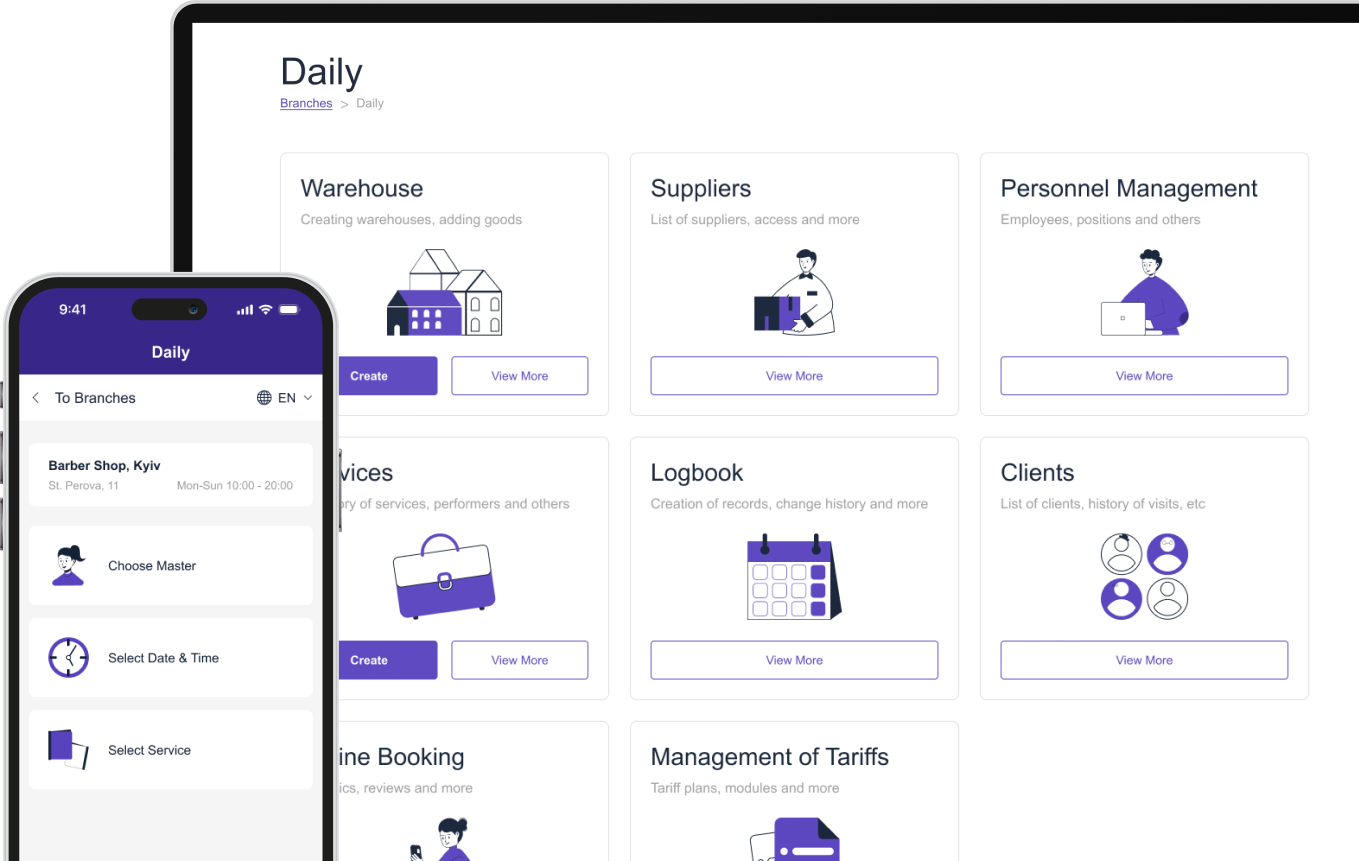
A restaurant management platform should help businesses organize information across areas such as:
- Companies
- Branches
- Menus
- Categories
- Dishes
- Add-ons
- Restaurant settings
When these functions are managed systematically, businesses can create clearer responsibilities and reduce unnecessary access to critical information.
For growing restaurant groups, this becomes even more important because several employees may work across different branches and operational areas.
Conclusion
Employee access levels are an essential part of protecting business data without slowing down your team. Instead of giving everyone the same permissions, restaurants can organize access around real responsibilities and give employees the tools they actually need.
The most effective approach is simple: provide enough access to complete the job efficiently, but avoid unnecessary permissions. Combine role-based access, branch-specific responsibilities, individual accounts, and regular permission reviews to create a safer and more productive workplace.
For modern restaurants using digital management systems, access control is not just a security feature. It's part of building an organized operation that can scale without losing control of its data.
Frequently Asked Questions about Employee Access Levels
Access should be based primarily on the employee's responsibilities, the information they need, and the actions they perform regularly. Job title alone isn't always enough because two employees with similar titles may have very different responsibilities.
Not necessarily. If a manager is responsible for one location, limiting their access to the relevant branch can reduce accidental changes and keep information better organized.
Permissions should be reviewed whenever an employee joins, leaves, changes roles, or moves to another branch. Businesses can also schedule regular reviews to make sure existing access still matches current responsibilities.
Individual accounts improve accountability because businesses can associate actions with specific users. They also make it easier to change or remove access when an employee's role changes.
Yes. When employees only see the tools relevant to their work, they spend less time navigating unnecessary features and are less likely to make accidental changes. Properly designed access levels can therefore improve both security and daily efficiency.
Me-Pos Team
Last modified 10.08.26
Was This Article Helpful?
Click on a star to rate it!
Thank you for your vote!

Average Rating: 5/5 Votes: 1
Be the first to rate this post!
Share with Friends:





































View more
Related Articles

532
5
Combining Online and Offline Bookings to Maximize Your Venue’s Capacity
For service-based venues — whether salons, spas, clinics, tattoo studios, or beauty centers — empty time slots mean lost revenue. Every unbooked chair...
Me-Pos Team
|
26.02.2026
|
8min
How a Beauty Salon Can Accept Bookings 24/7
Beauty salon customers don't always have time to call during business hours. Some may want to book a haircut during their lunch break, schedule a mani...
Me-Pos Team
|
30.10.2026
|
9min
97
5
How to Create a Restaurant Menu Online Without Coding
Creating a restaurant menu online no longer requires coding skills or complicated website development. With a digital menu builder, restaurant owners ...
Me-Pos Team
|
05.10.2026
|
12min
123
5
How to Create a Multilingual Restaurant Menu Online
Restaurants increasingly serve customers who speak different languages. Tourists, international visitors, and multilingual local communities all benef...
Me-Pos Team
|
26.09.2026
|
14min

How to Set Up Online Booking for a Beauty Salon
Running a beauty salon means managing more than just treatments. You also need to coordinate staff schedules, answer appointment requests, avoid doubl...
Me-Pos Team
|
04.09.2026
|
11min
180
5
Why Digital Transformation Still Gives Small Businesses a Competitive Advantage
Running a small business has never been just about having a good product or providing excellent service. Today, customers also expect convenience, spe...
Me-Pos Team
|
31.08.2026
|
12min
273
5
Using QR Code Menus for Hotel Restaurants and Room Service
The hospitality industry is becoming increasingly digital, and guest expectations continue to evolve. Modern travelers expect convenience, speed, pers...
Me-Pos Team
|
14.06.2026
|
17min

QR Menu Use Cases: From Dine-In to Delivery and Pickup Explained
QR menus have evolved far beyond being a simple digital replacement for printed menus. In 2026, they are becoming a central part of restaurant operati...
Me-Pos Team
|
09.06.2026
|
16min

1194
5
How to Make a Restaurant Menu Design?
Designing a restaurant menu is a crucial aspect of the restaurant industry. A well-crafted menu does more than list the dishes offered; it serves as a...
Me-Pos Team
|
30.09.2024
|
15min

876
5
Complete Guide on How to Open a Pet Store: Unique Steps and Tips
The pet industry is booming, making it an ideal time for starting a pet store business. With pet ownership steadily increasing, the demand for quality...
Me-Pos Team
|
28.07.2025
|
12min

1613
5
Liquor Store Opening: Step-by-Step Guide to Launching and Operating
Opening a liquor store can be an exciting and rewarding journey, but it’s not a business you want to jump into without preparation. From understanding...
Me-Pos Team
|
04.04.2025
|
9min
1300
5
Understanding Prices for Food Trucks: A Comprehensive Guide
So you want to start a food truck? Awesome choice! But before you hit the road, you have to figure out how much food trucks cost and what other expens...
Me-Pos Team
|
06.03.2025
|
8min

1509
5
Your Ultimate Guide on How to Open a Pharmacy Business
Starting a pharmacy business can be a rewarding and profitable venture if approached correctly. Pharmacies play a crucial role in communities by provi...
Me-Pos Team
|
20.12.2024
|
19min

1178
5
Starting a Spa Massage Business: A Complete Guide to Success
The wellness industry is booming, offering excellent opportunities for entrepreneurs looking to start a spa business. In today's fast-paced world, mor...
Me-Pos Team
|
19.12.2024
|
12min
1324
5
How to Open a Bar: A Step-by-Step Guide for Aspiring Entrepreneurs
Opening a new bar is an exciting venture, but it requires careful planning and attention to detail. Whether you dream of creating a laid-back pub or a...
Me-Pos Team
|
18.12.2024
|
11min

1075
4.5
How to Start an Ice Cream Truck Business?
Starting an ice cream truck business can be a lucrative and enjoyable venture for those who love being their own boss, engaging with the community, an...
Me-Pos Team
|
17.12.2024
|
16min

1153
4
How to Start a Gym as a Business: From Concept to Reality
Starting a gym business is a rewarding opportunity that combines a passion for fitness with entrepreneurial success. However, it involves far more tha...
Me-Pos Team
|
20.12.2024
|
14min
266
3
How to Create a QR Menu for Your Restaurant: Step-by-Step Guide
The way restaurants present their menus has changed dramatically in recent years. Customers now expect fast, convenient, and contactless access to foo...
Me-Pos Team
|
07.08.2026
|
10min
532
5
Combining Online and Offline Bookings to Maximize Your Venue’s Capacity
For service-based venues — whether salons, spas, clinics, tattoo studios, or beauty centers — empty time slots mean lost revenue. Every unbooked chair...
Me-Pos Team
|
26.02.2026
|
8min
How a Beauty Salon Can Accept Bookings 24/7
Beauty salon customers don't always have time to call during business hours. Some may want to book a haircut during their lunch break, schedule a mani...
Me-Pos Team
|
30.10.2026
|
9min
97
5
How to Create a Restaurant Menu Online Without Coding
Creating a restaurant menu online no longer requires coding skills or complicated website development. With a digital menu builder, restaurant owners ...
Me-Pos Team
|
05.10.2026
|
12min
123
5
How to Create a Multilingual Restaurant Menu Online
Restaurants increasingly serve customers who speak different languages. Tourists, international visitors, and multilingual local communities all benef...
Me-Pos Team
|
26.09.2026
|
14min
How to Set Up Online Booking for a Beauty Salon
Running a beauty salon means managing more than just treatments. You also need to coordinate staff schedules, answer appointment requests, avoid doubl...
Me-Pos Team
|
04.09.2026
|
11min
180
5
Why Digital Transformation Still Gives Small Businesses a Competitive Advantage
Running a small business has never been just about having a good product or providing excellent service. Today, customers also expect convenience, spe...
Me-Pos Team
|
31.08.2026
|
12min
273
5
Using QR Code Menus for Hotel Restaurants and Room Service
The hospitality industry is becoming increasingly digital, and guest expectations continue to evolve. Modern travelers expect convenience, speed, pers...
Me-Pos Team
|
14.06.2026
|
17min
QR Menu Use Cases: From Dine-In to Delivery and Pickup Explained
QR menus have evolved far beyond being a simple digital replacement for printed menus. In 2026, they are becoming a central part of restaurant operati...
Me-Pos Team
|
09.06.2026
|
16min
1194
5
How to Make a Restaurant Menu Design?
Designing a restaurant menu is a crucial aspect of the restaurant industry. A well-crafted menu does more than list the dishes offered; it serves as a...
Me-Pos Team
|
30.09.2024
|
15min
876
5
Complete Guide on How to Open a Pet Store: Unique Steps and Tips
The pet industry is booming, making it an ideal time for starting a pet store business. With pet ownership steadily increasing, the demand for quality...
Me-Pos Team
|
28.07.2025
|
12min
1613
5
Liquor Store Opening: Step-by-Step Guide to Launching and Operating
Opening a liquor store can be an exciting and rewarding journey, but it’s not a business you want to jump into without preparation. From understanding...
Me-Pos Team
|
04.04.2025
|
9min
1300
5
Understanding Prices for Food Trucks: A Comprehensive Guide
So you want to start a food truck? Awesome choice! But before you hit the road, you have to figure out how much food trucks cost and what other expens...
Me-Pos Team
|
06.03.2025
|
8min
1509
5
Your Ultimate Guide on How to Open a Pharmacy Business
Starting a pharmacy business can be a rewarding and profitable venture if approached correctly. Pharmacies play a crucial role in communities by provi...
Me-Pos Team
|
20.12.2024
|
19min
1178
5
Starting a Spa Massage Business: A Complete Guide to Success
The wellness industry is booming, offering excellent opportunities for entrepreneurs looking to start a spa business. In today's fast-paced world, mor...
Me-Pos Team
|
19.12.2024
|
12min
1324
5
How to Open a Bar: A Step-by-Step Guide for Aspiring Entrepreneurs
Opening a new bar is an exciting venture, but it requires careful planning and attention to detail. Whether you dream of creating a laid-back pub or a...
Me-Pos Team
|
18.12.2024
|
11min
1075
4.5
How to Start an Ice Cream Truck Business?
Starting an ice cream truck business can be a lucrative and enjoyable venture for those who love being their own boss, engaging with the community, an...
Me-Pos Team
|
17.12.2024
|
16min
1153
4
How to Start a Gym as a Business: From Concept to Reality
Starting a gym business is a rewarding opportunity that combines a passion for fitness with entrepreneurial success. However, it involves far more tha...
Me-Pos Team
|
20.12.2024
|
14min
266
3
How to Create a QR Menu for Your Restaurant: Step-by-Step Guide
The way restaurants present their menus has changed dramatically in recent years. Customers now expect fast, convenient, and contactless access to foo...
Me-Pos Team
|
07.08.2026
|
10min
View more
