








QR Menu App

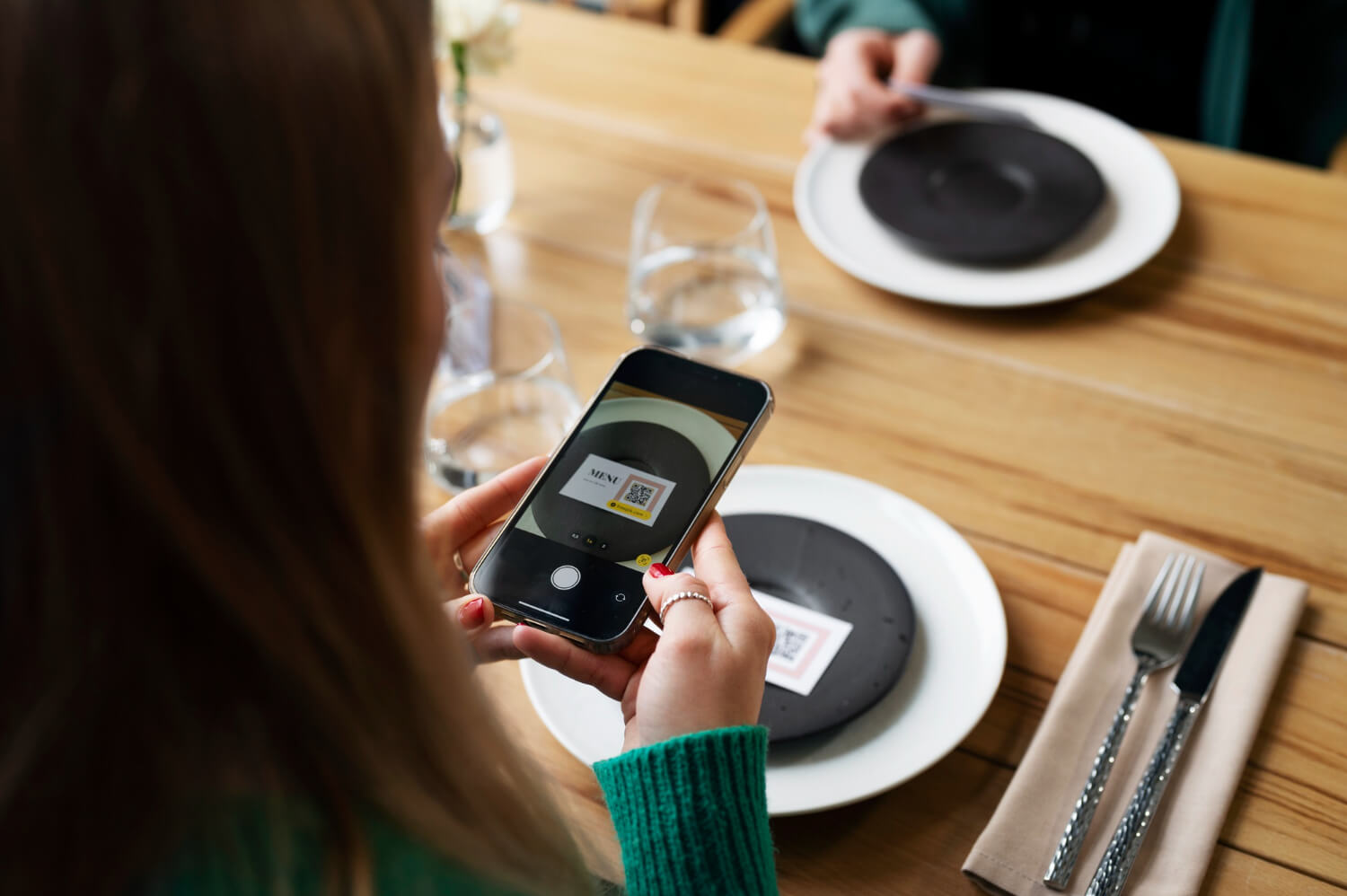
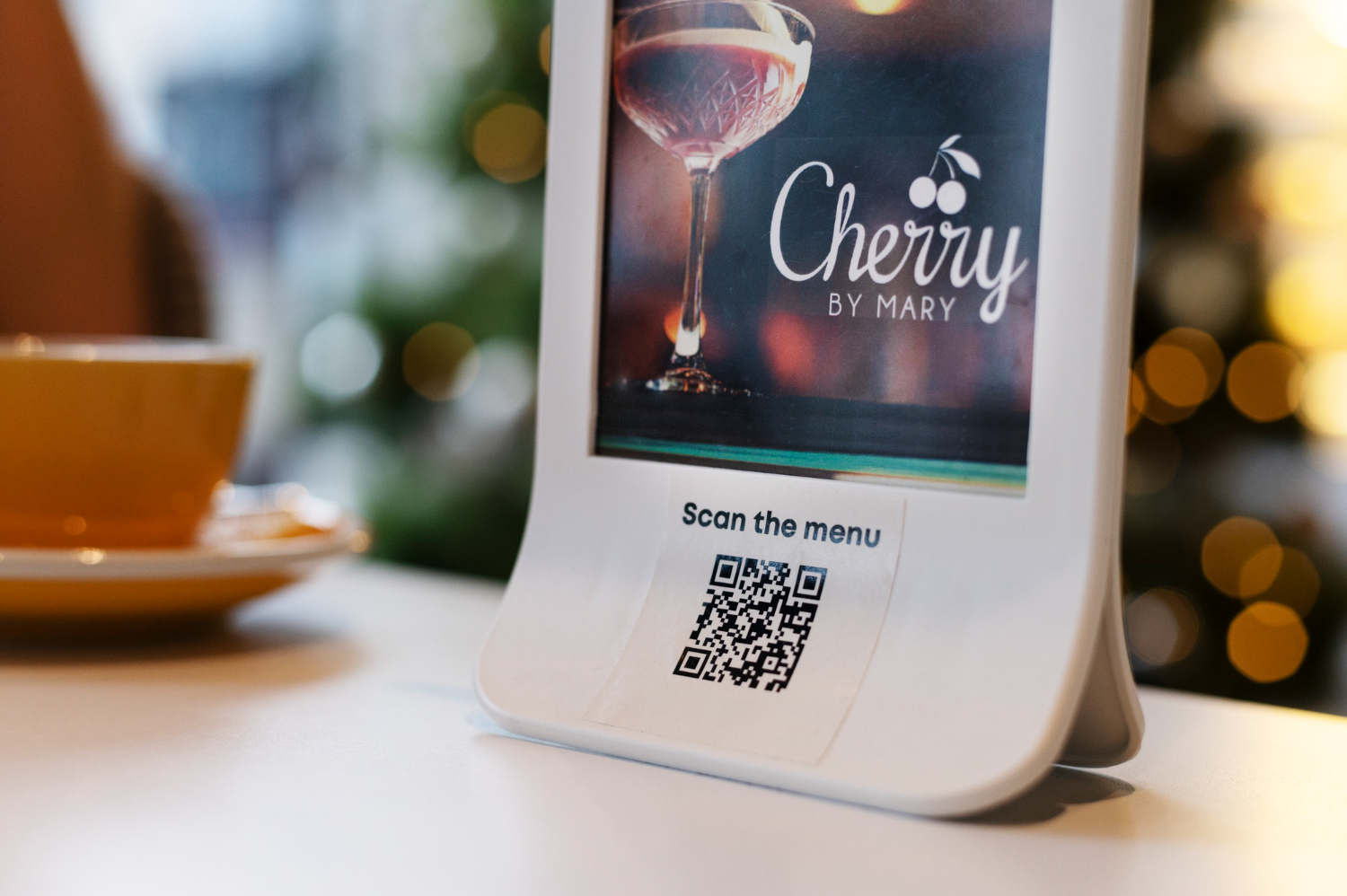
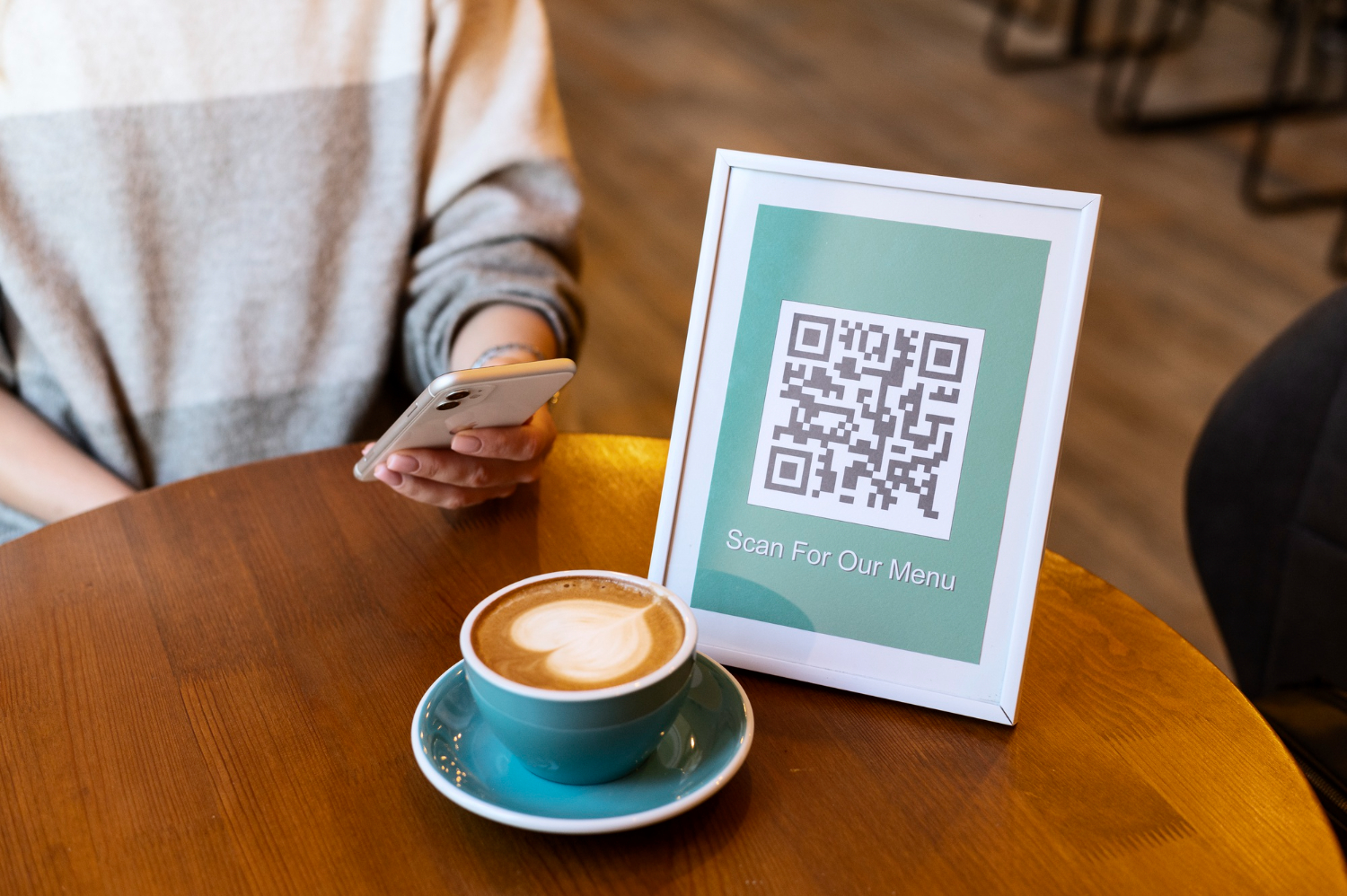
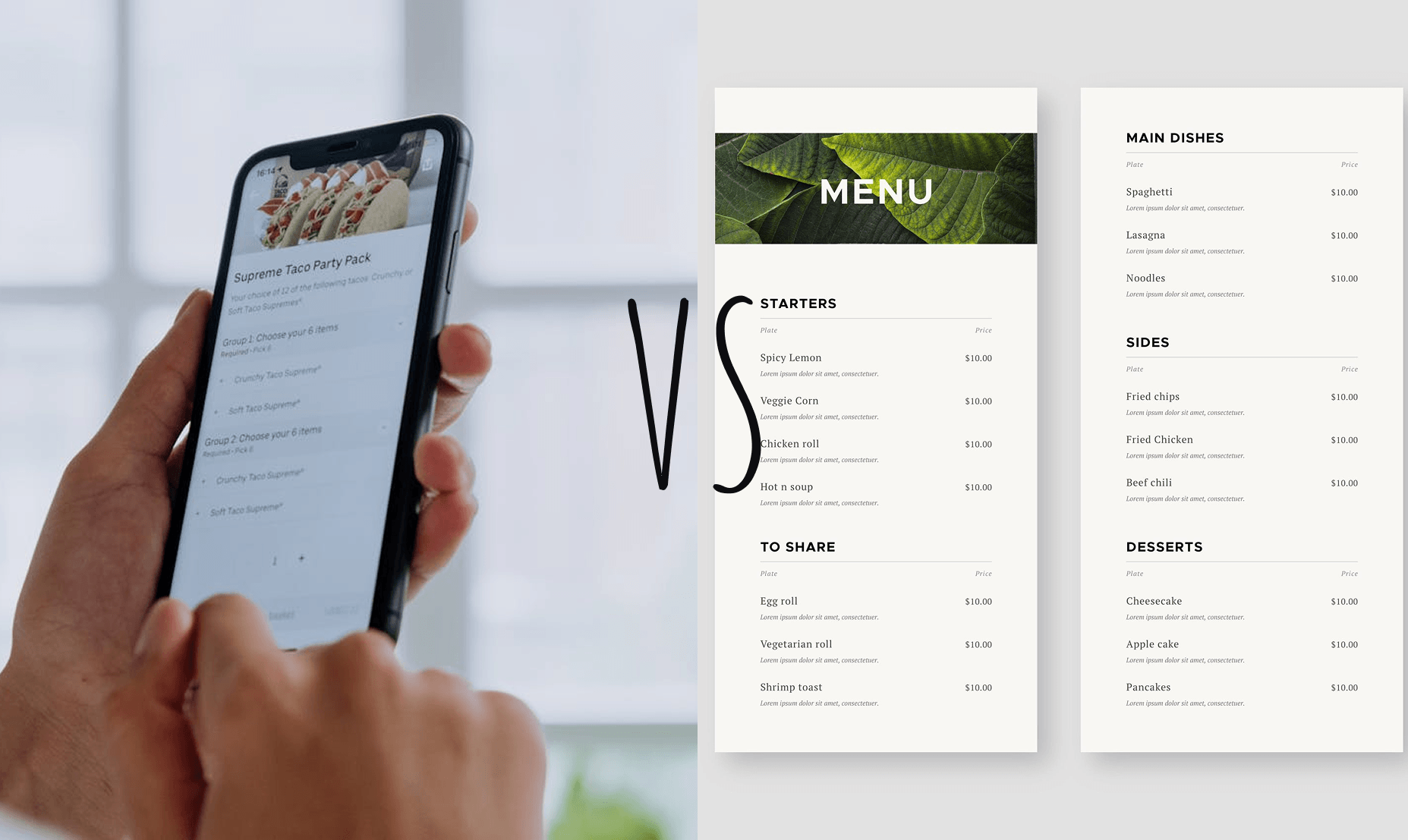
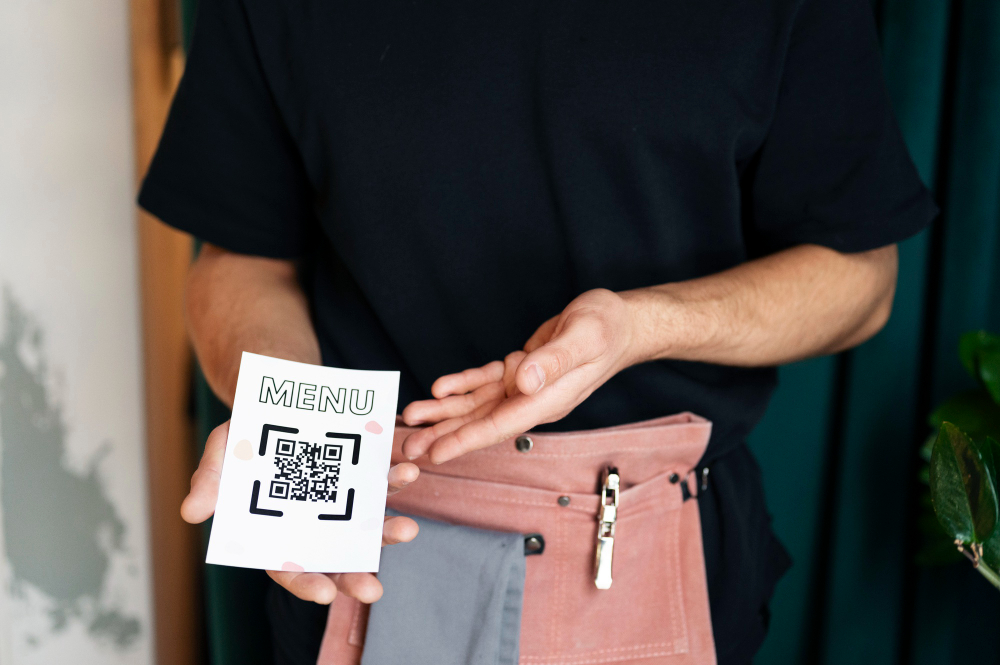
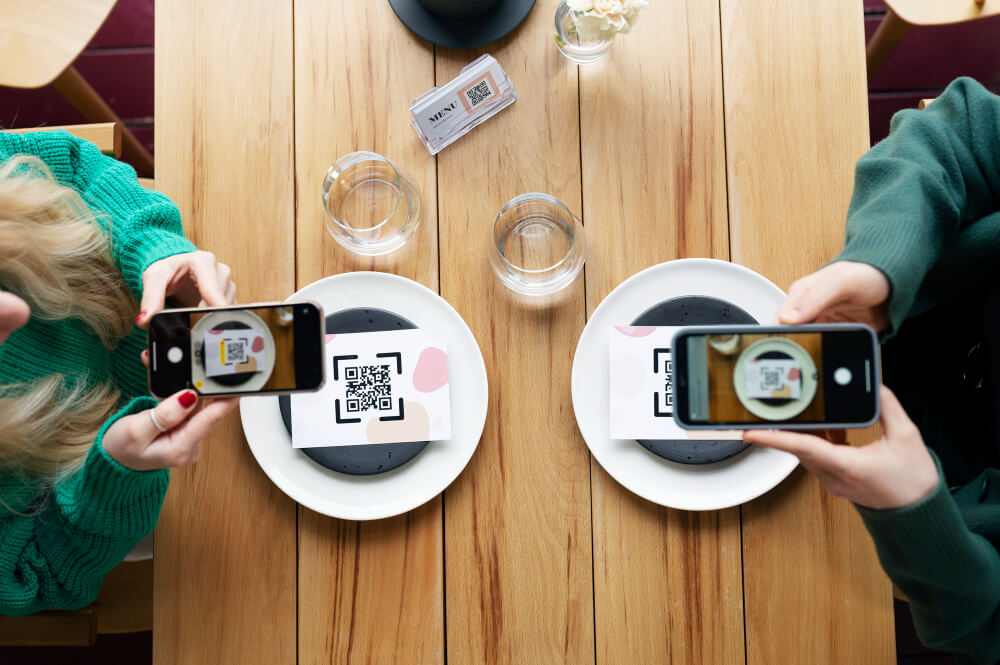
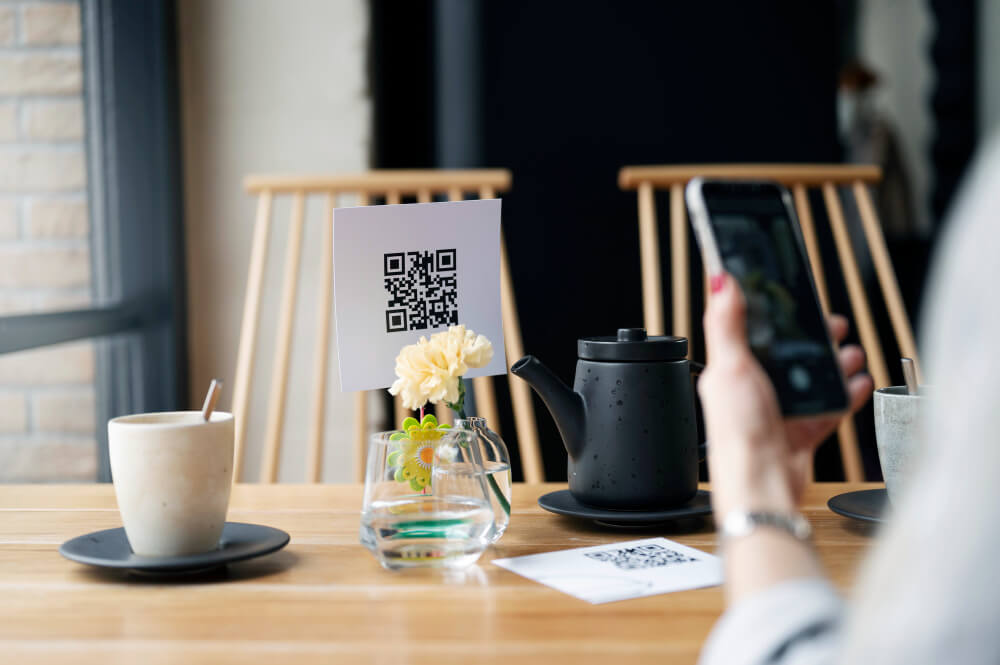
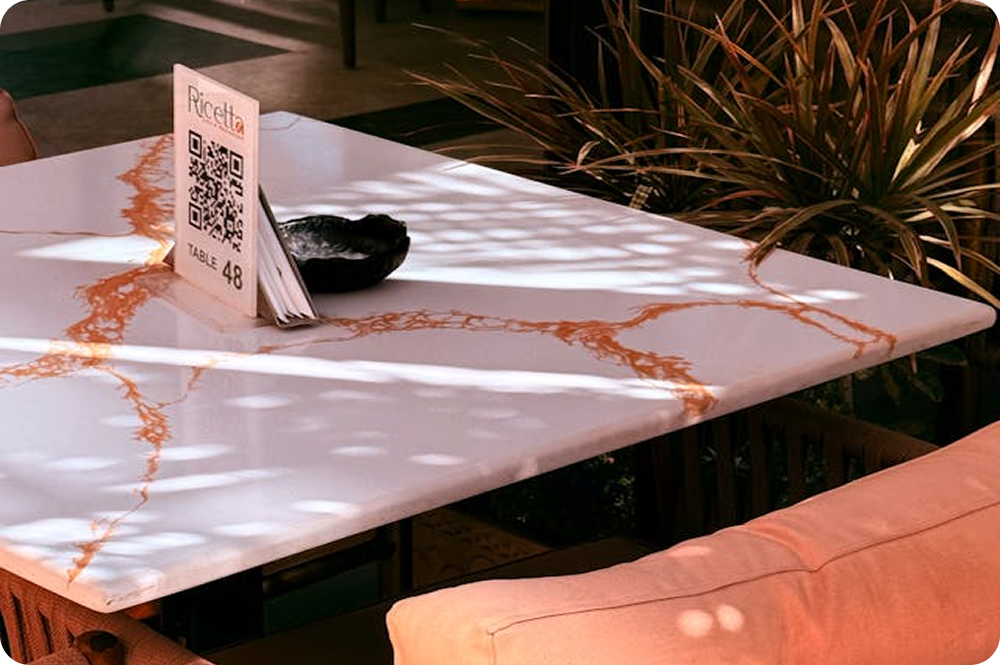
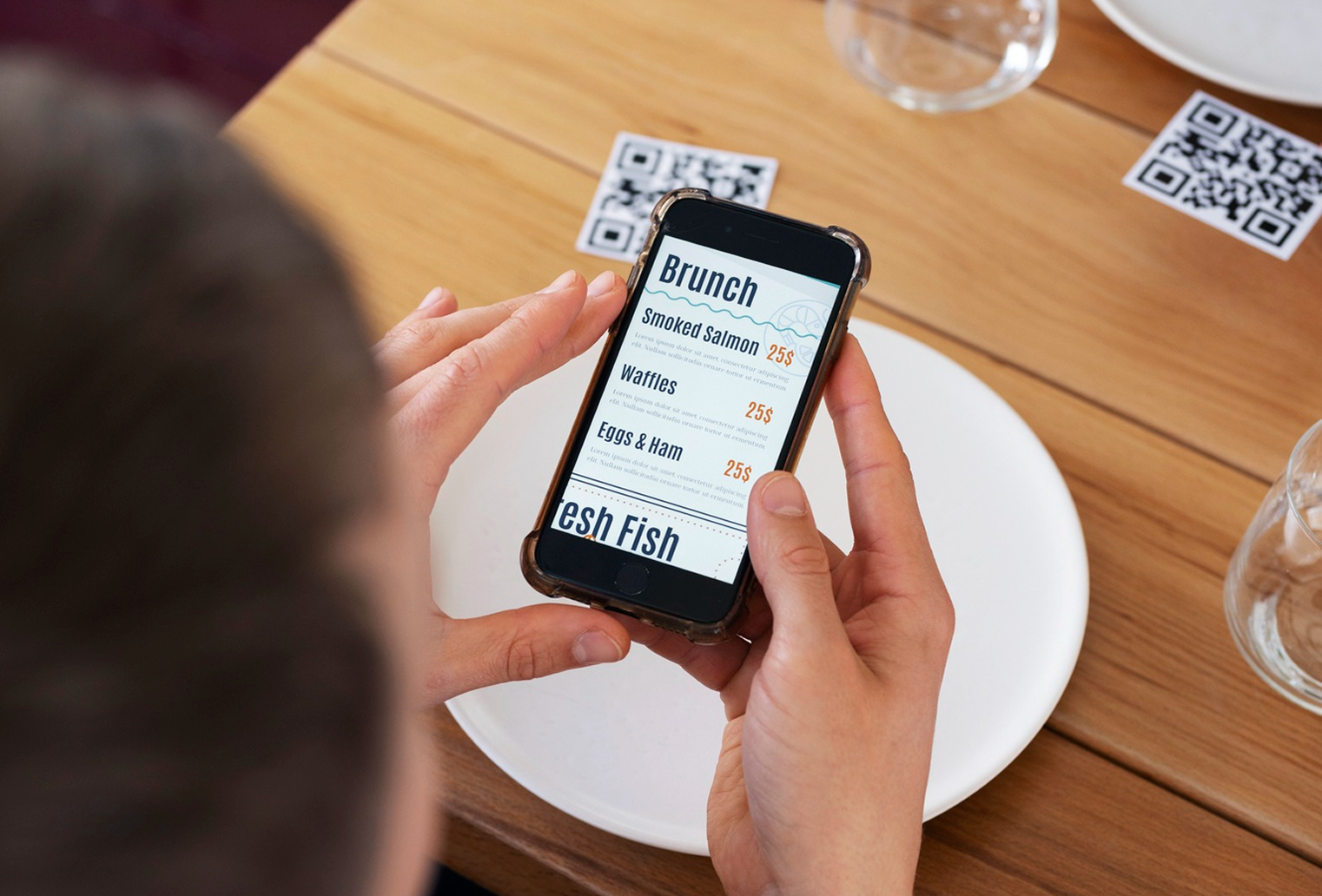
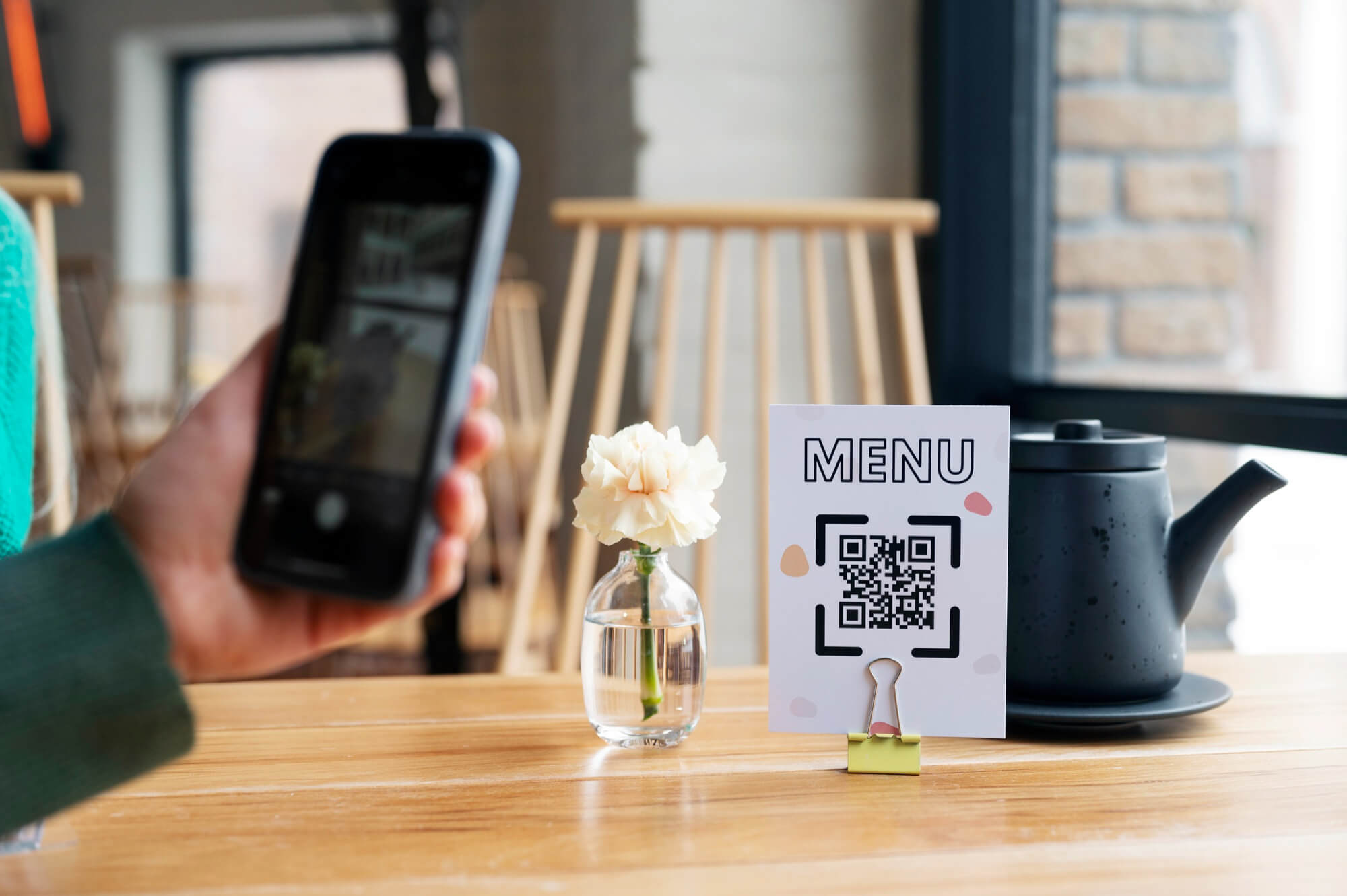
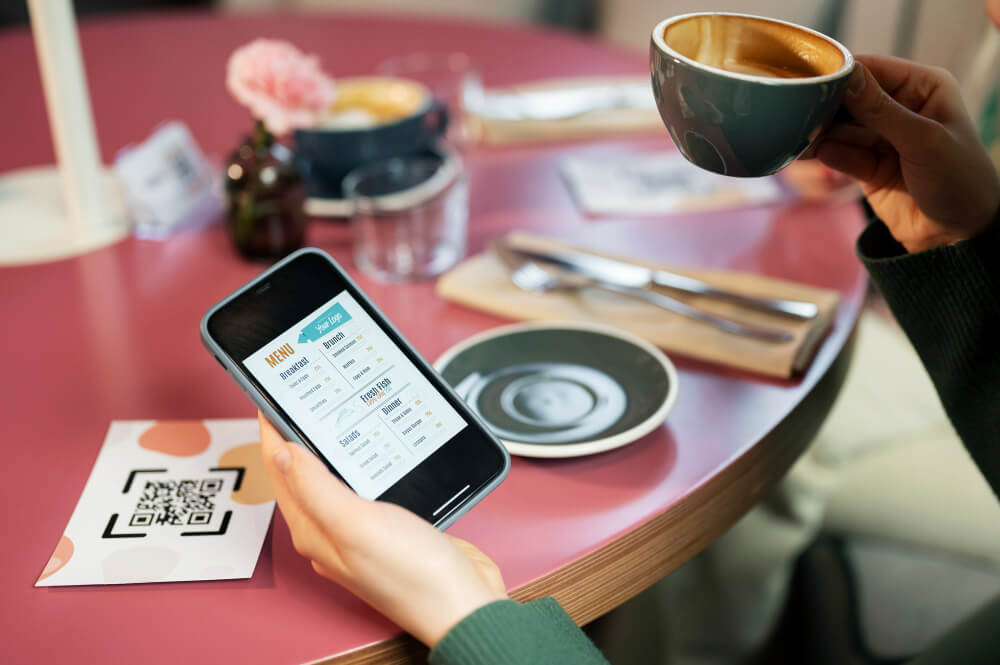
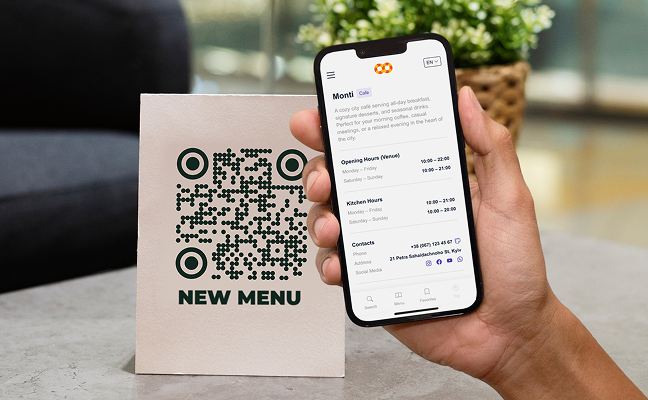
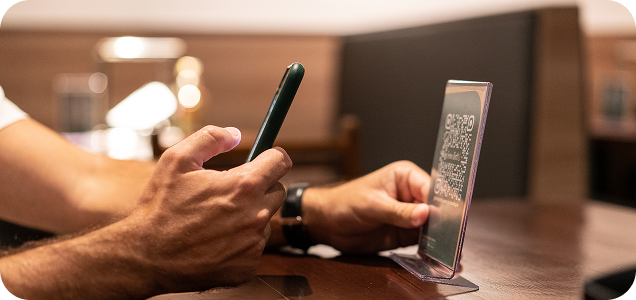
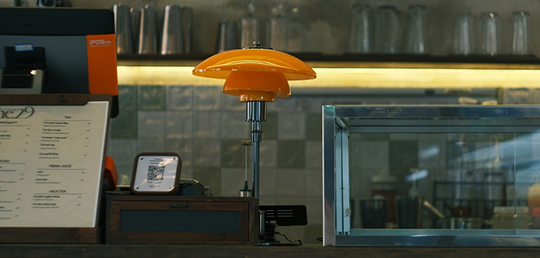
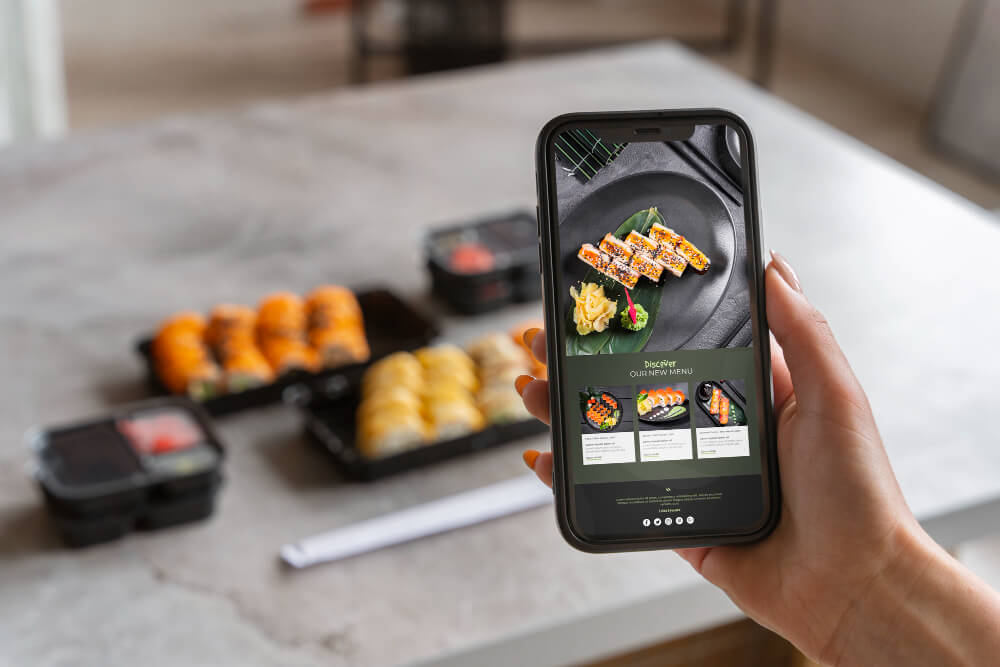
Your guests expect a seamless dining experience from the moment they sit down — and that experience starts with your menu. The QR Menu App transforms your traditional printed menu into a dynamic, contactless digital menu that guests access instantly by scanning a QR code with their smartphone. No app download required, no waiting for a server to bring the menu over. Just a fast, intuitive browsing experience that reflects your brand and keeps your guests informed.

Effortless Booking Solutions with Me-Pos

Use for Free
Lines
Advantages

Advantages of QR Menu App

Full Venue Information at a Glance

Full Venue Information at a Glance

When a guest scans your QR code, the first thing they see is everything they need to know about your establishment. Restaurant name, working hours, kitchen schedule, contact details, and photos of your venue — all presented cleanly on a Venue info page. For new guests especially, this builds trust before they've even browsed the first dish.

Menu Navigation, Search, and Favorites

Menu Navigation, Search, and Favorites

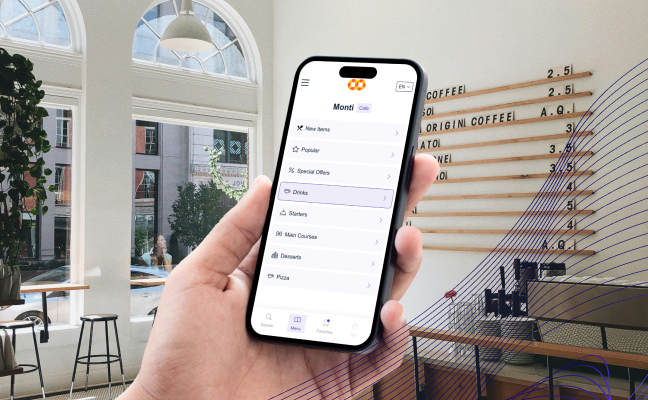
The digital menu is organized with intuitive category navigation, so guests move from browsing to ordering without friction. A built-in search function lets them find any dish instantly — no scrolling through pages of items. Returning guests can save dishes to Favorites for quick reordering, keeping the experience smooth every visit. The result: less time spent browsing, more time enjoying what you've built.

Multilingual Menu Support

Multilingual Menu Support

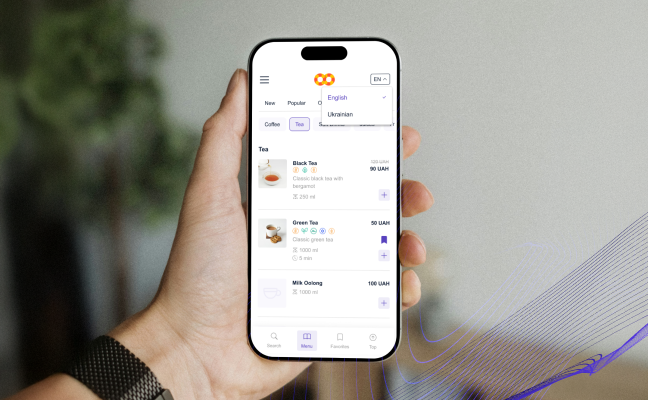
Running a restaurant in a tourist-heavy area, or simply serving a diverse community? The QR code menu system supports multiple language versions within a single menu. Your team sets up the languages during menu configuration, and guests can switch between them with a tap. No separate menus to manage, no translation errors on printed cards — just one smart digital menu that speaks your guests' language.

Detailed Dish Pages That Drive Confident Ordering

Detailed Dish Pages That Drive Confident Ordering

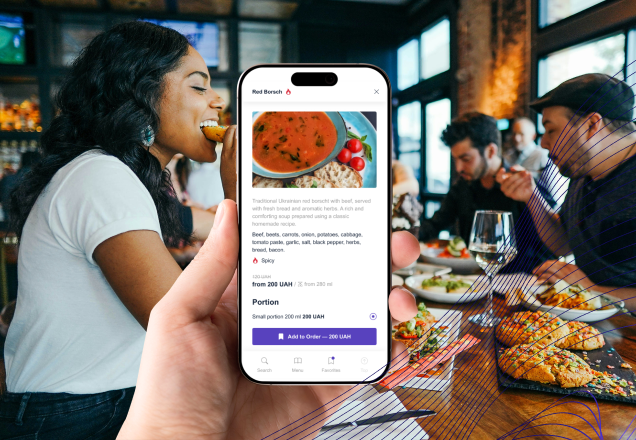
Every dish can have its own page packed with information that helps guests decide faster and reduces questions to your staff. Each dish page can include:

  • High-quality photos of the dish.
  • Full description and ingredient list.
  • Allergen disclosures (gluten, nuts, dairy, and more).
  • Spice level indicators.
  • Available portion sizes.
  • Add-ons and customization options (extra toppings, sauces, sides).
  • Calories per portion.

This level of detail doesn't just improve the guest experience — it cuts order errors and back-and-forth with the kitchen.

Solution

How the Service Solves Customer Pain Points

Printed Menus Are Costing You More Than You Think

Printed Menus Are Costing You More Than You Think

Every time you update pricing, introduce a seasonal dish, or run out of an item, a printed menu becomes a liability. Reprinting is expensive and slow — and in the meantime, guests are ordering off incorrect information. With the menu QR code app, updates happen in real time. Change a price, pull a sold-out item, or add a daily special in minutes, and every guest sees the latest version immediately.

Your Staff's Time Is Worth More Than Answering Menu Questions

Your Staff's Time Is Worth More Than Answering Menu Questions

When guests have access to complete dish information — photos, ingredients, allergens, portion options — they arrive at their order decision without needing to flag down a server. That frees your front-of-house team to focus on hospitality where it actually matters — and works even better alongside a mobile POS for tableside order-taking

A Contactless Menu Is Now a Guest Expectation, Not a Perk

A Contactless Menu Is Now a Guest Expectation, Not a Perk

Contactless menus have shifted from a pandemic-era workaround to a permanent standard. A polished digital QR menu signals that your operation is modern, organized, and attentive to guest comfort. For hotels, bars, cafes, and full-service restaurants alike, it’s no longer a differentiator — it’s the baseline guests walk in expecting.

One Module That Keeps Your Operations Clean

One Module That Keeps Your Operations Clean

Managing separate printed menus for dine-in, delivery, and pickup creates inconsistencies and extra overhead. The QR code menu app centralizes everything under one system. Each service type gets its own dedicated menu, and you control exactly what each QR code shows — keeping your operations sharp and your guests pointed in the right direction.

Lines
Features

More QR Menu App Features

The QR Menu system supports three distinct service models, each with its own tailored menu — so your guests always see exactly what's relevant to how they're ordering.

Dine-In

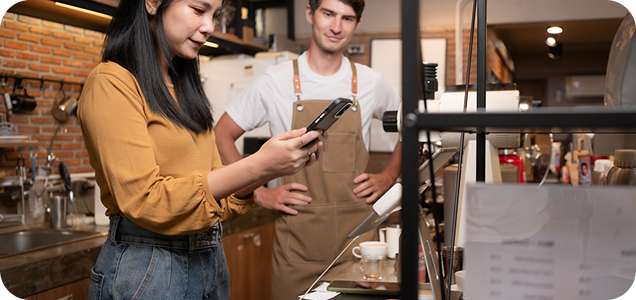
For guests seated at your restaurant, bar, cafe, or hotel dining room, the Dine-In QR menu delivers the full table experience. A quick scan opens your complete menu with category navigation, dish photos, allergen info, portion options, and add-ons. Guests browse at their own pace and order confidently — without waiting for a server to hand them a menu or explain what’s available.

Dine-In

Delivery

The Delivery menu is built for customers ordering from home or the office. It shows your delivery-specific offerings — items, portions, and pricing tailored for off-premise orders — so there’s no confusion about what’s actually available. Customers get the same rich dish detail they’d expect in-venue, all optimized for ordering remotely and getting it right the first time.

Delivery

Pickup

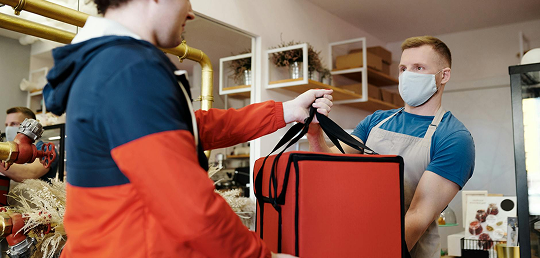
For guests who prefer to order ahead and collect in person, the Pickup menu keeps things fast and accurate. Clear item details and customization options let customers place a complete order before they arrive — fewer mistakes at the counter, shorter wait times, and a smoother handoff for both guests and staff.

Built as a QR menu maker for SaaS, the module takes minutes to set up — just create QR menu, configure the service types, and you’re live.

Pickup

Plans

Choose the Best Plan for Your Business

You save up to 30% on Yearly Plan
Plans Benefits
You save up to 30% on Yearly Plan
Branches
Users
Services
Logbook
Customers
Booking Statistics
Warehouse Accounting
Online Booking Ads-Free
Starter
$0 / Month
Forever Free
2
1 Owner + 6 Employees
With Ads
Lite
/ Month
You save / year
2
1 Owner + 6 Employees
Ads-Free
Premium
/ Month
You save / year
Unlimited
Unlimited Employees
Ads-Free

Starter

$0 / Month
Forever Free
Branches 2
Users 1 Owner + 6 Employees
Services
Logbook
Customers
Booking Statistics
Warehouse Accounting
Online Booking Ads-Free With Ads
Lite
/ Month
Branches 2
Users 1 Owner + 6 Employees
Services
Logbook
Customers
Booking Statistics
Warehouse Accounting
Online Booking Ads-Free Ads-Free
Premium
/ Month
Branches Unlimited
Users Unlimited Employees
Services
Logbook
Customers
Booking Statistics
Warehouse Accounting
Online Booking Ads-Free Ads-Free

Start Your Me-Pos Experience for Free!

Make sure that Me-Pos Online Booking meets your needs and requirements before making a final decision.

Screenshot
Screenshot
Lines

Blog

Expert Tips & Blog

Stay informed with our latest insights, updates, and tips on optimizing your business with Me-Pos. Discover valuable information to help you succeed.

How to Open a Bakery?

This guide will walk you through the essential steps to open a bakery shop, from initial planning to the grand opening. Whether you’re a first-time en...

Me-Pos Team
|
30.09.2024
|
17min

FAQ

Answers to Various Questions About Me-Pos

The setup time depends on the size of your menu. A simple menu can be created in 30–60 minutes, while a more detailed menu with categories, descriptions, and photos may take a few hours. After the initial setup, all updates can be made much faster.

Yes, a QR code menu works on all modern smartphones. Most devices support QR scanning directly from the camera, and the menu opens in a browser without requiring any installation.

Absolutely. A QR menu app is suitable for businesses of any size — from small cafes and bars to large restaurants — helping streamline operations and improve customer experience.

Yes, you can assign specific menus to different QR codes. This allows you to manage what guests see depending on whether they are dining in, ordering delivery, or picking up.

Contacts

Need a Consultation? Contact Us!

Contacts

Our contacts

Technical support service works 24/7. Send us an email if you have questions or need consultation.

Knowledge base

Useful articles and tips for a more detailed acquaintance with the Me-Pos service. Answers to frequently asked questions, etc.