
How to Create a Multilingual Restaurant Menu Online
Restaurants increasingly serve customers who speak different languages. Tourists, international visitors, and multilingual local communities all benefit from being able to read a menu in a language they understand. A multilingual restaurant menu can make ordering easier, improve the customer experience, and help staff communicate more efficiently.
Creating a multilingual menu online is also easier than maintaining several printed menus. With a digital menu, you can update dishes, prices, descriptions, and translations from one place.
Why Create a Multilingual Restaurant Menu?
A multilingual menu removes one of the common barriers between restaurants and their customers: language.
When guests cannot understand dish names or ingredients, they may hesitate to order or ask staff for additional explanations. A digital menu with multiple language options gives customers more control over the ordering process.
Key benefits include:
- Better customer experience: Guests can browse dishes in a familiar language.
- Easier ordering: Customers can understand ingredients, portions, allergens, and options before ordering.
- Greater accessibility: A restaurant can serve both local and international customers more comfortably.
- Fewer misunderstandings: Clear translations can reduce confusion about dishes and ingredients.
- Simpler updates: One digital menu can be updated instead of replacing several printed versions.
- Stronger international appeal: Multilingual information can make a restaurant more convenient for tourists.
Choose the Languages Your Customers Need
The first step is deciding which languages to include. You do not necessarily need to translate your menu into every possible language.
Start with the languages most relevant to your restaurant's location and customer base. For example, a restaurant in a tourist destination might need the local language plus English and one or two other frequently spoken languages.
Consider:
- Where most international customers come from.
- Which languages your staff can support.
- Which languages are commonly spoken in your area.
- Whether your menu contains complex dish descriptions that require careful translation.
It is better to provide a few accurate translations than many incomplete or confusing ones.
Organize Your Menu Before Translating It
Before creating translations, make sure the original menu is well organized. A clear structure makes the translation process much easier.
Divide your menu into logical categories such as:
- Starters
- Main courses
- Soups
- Salads
- Pizza
- Desserts
- Drinks
- Cocktails
- Children's menu
Then review every dish. Make sure each item has a clear name, description, price, and relevant information such as ingredients or allergens.
This is also a good opportunity to remove outdated dishes and check prices before translating the content.
Translate Dish Names and Descriptions
Not every menu item can be translated word-for-word. Some traditional dishes have names that are better kept in their original form with an explanation underneath.
For example, a local specialty could keep its original name while the description explains what it contains and how it is prepared.
Pay particular attention to:
- Dish names
- Ingredients
- Preparation methods
- Portion information
- Allergen information
- Dietary labels
- Add-ons and customization options
- Special offers
The goal is not simply to translate words but to make the dish understandable to someone who has never seen it before.
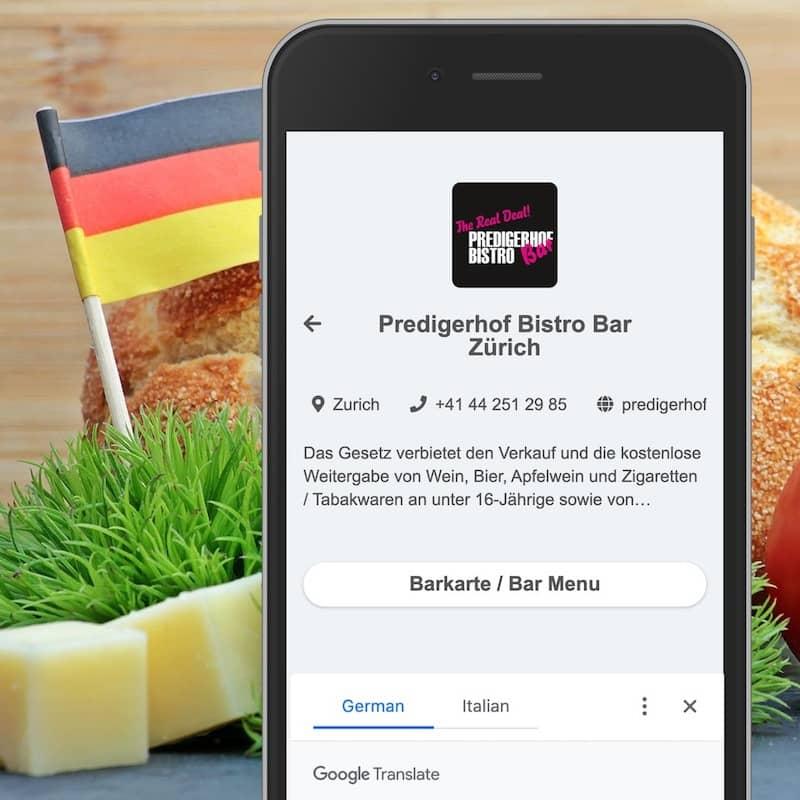
Create a Digital Menu With Language Options
Once your content is prepared, choose a digital menu platform that supports multiple languages. A good online restaurant menu should let you manage translations from the same administration area, switch between languages, edit content, and publish changes without rebuilding the entire menu.
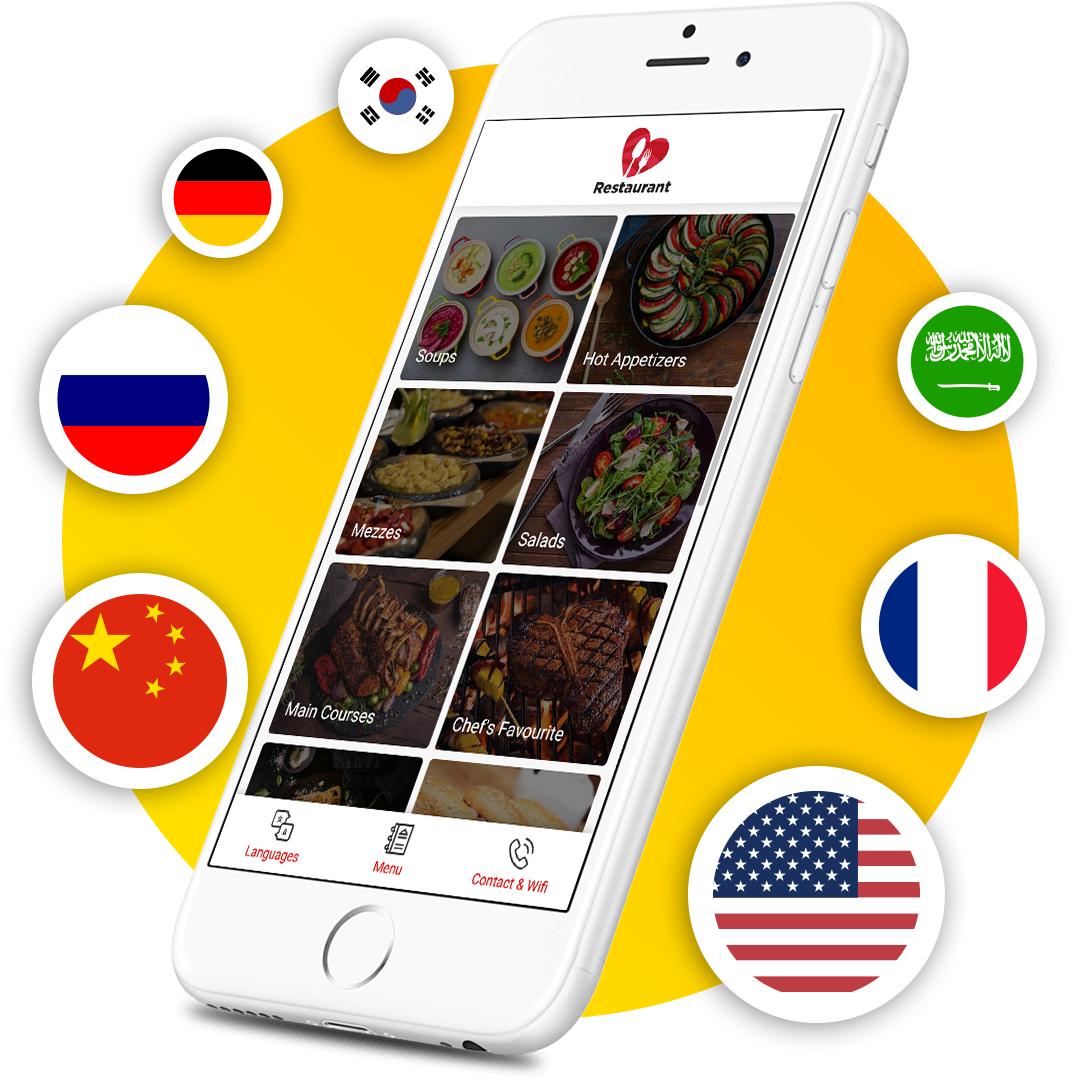
With ME-POS, restaurants can create and manage multilingual digital menus from one platform. Key features include:
- Multiple menu languages: Create menu versions in different languages to serve local and international customers.
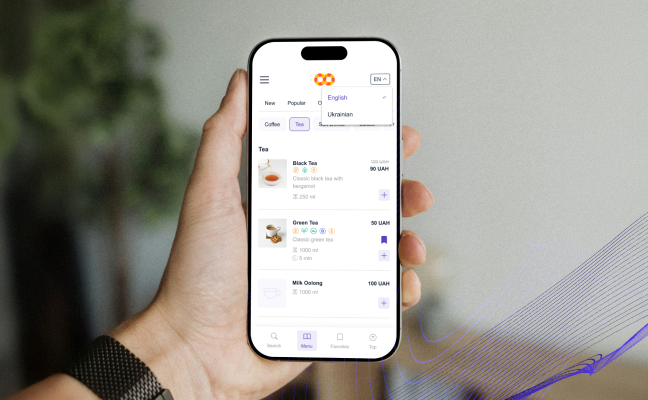
- Language switching: Let customers choose their preferred language while browsing the digital menu.
- Menu categories: Organize dishes into clear categories and subcategories for easier navigation.
- Detailed dish information: Add names, descriptions, ingredients, photos, prices, portions, allergens, and dietary information.
- Multiple portion sizes: Offer different serving sizes with individual prices when needed.
- Dish add-ons: Add customizable options such as toppings, sauces, or other extras with their own pricing.
- Separate menu types: Manage menus for dine-in, delivery, and pickup and provide the appropriate menu to each customer.
- Search and filtering: Help customers quickly find dishes by navigating categories or searching the menu.
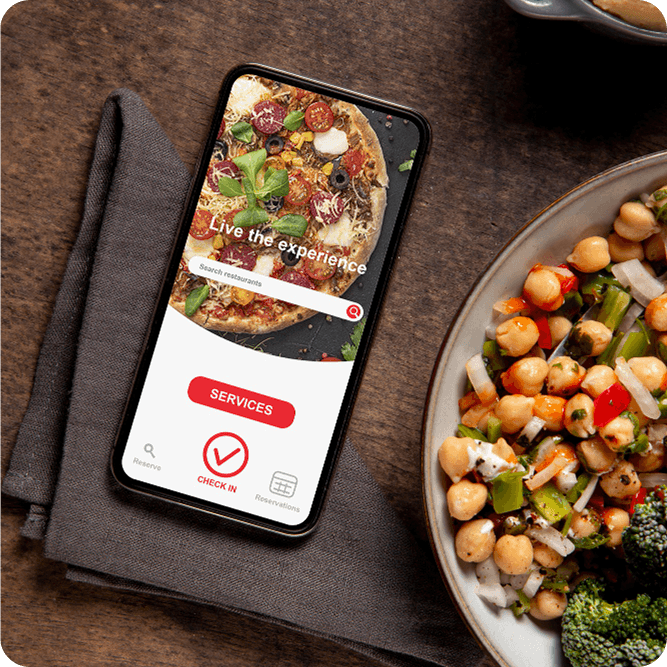
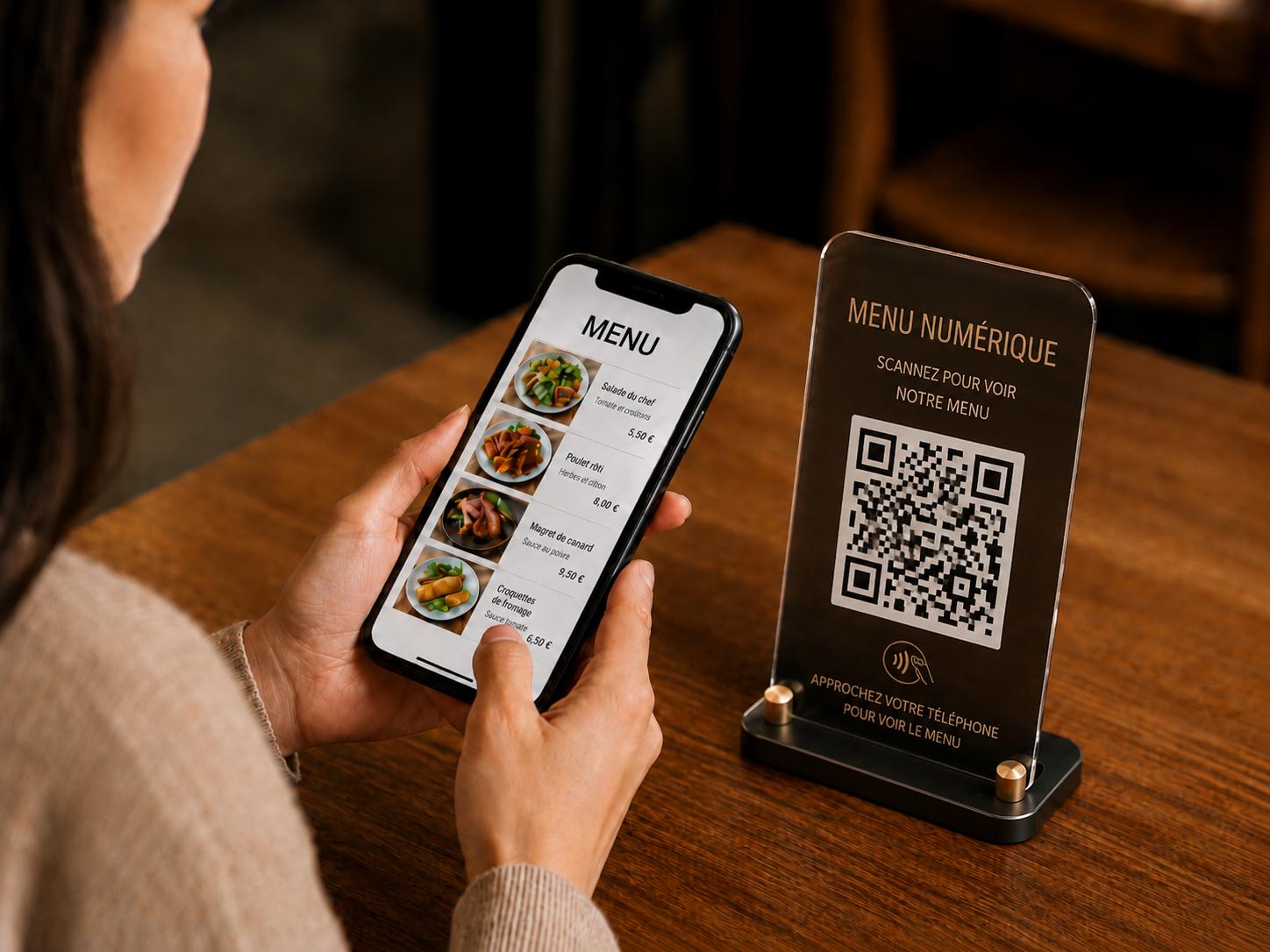
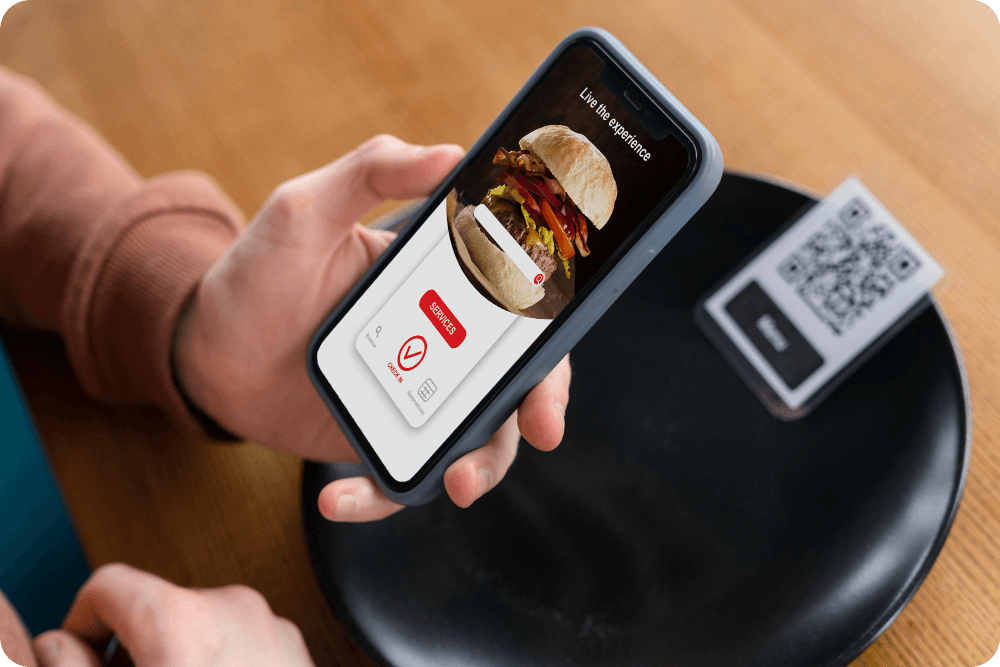
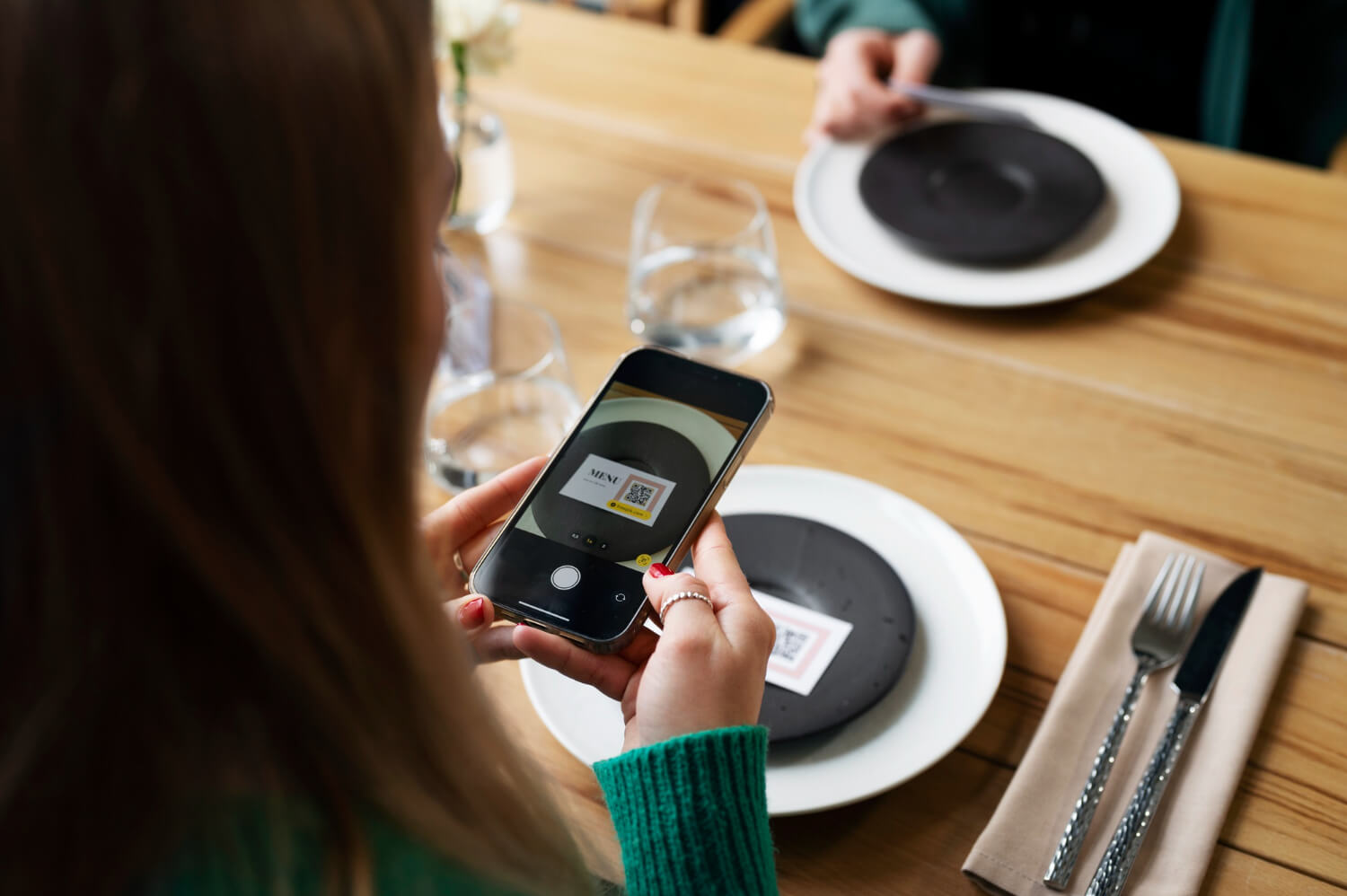
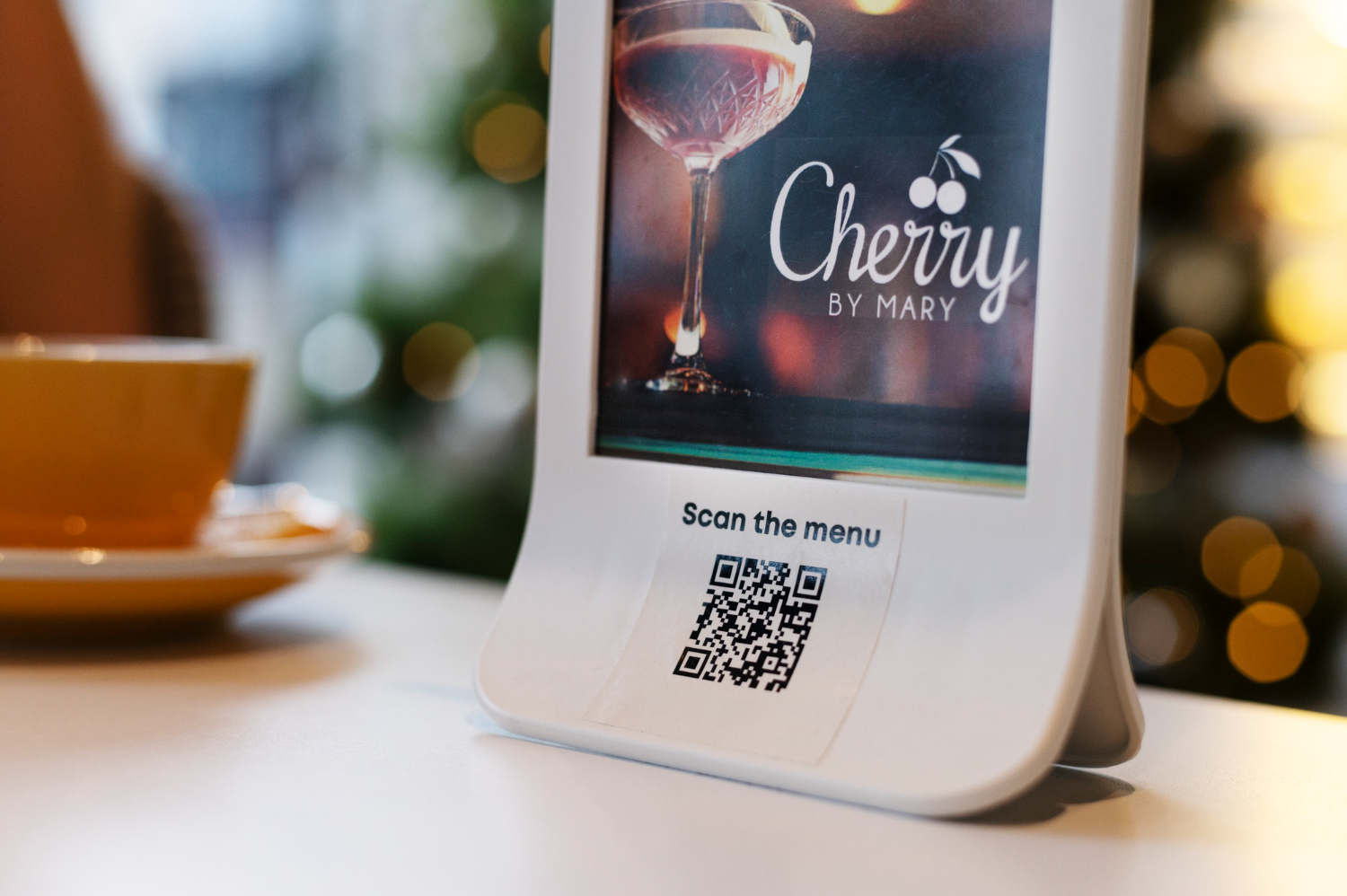
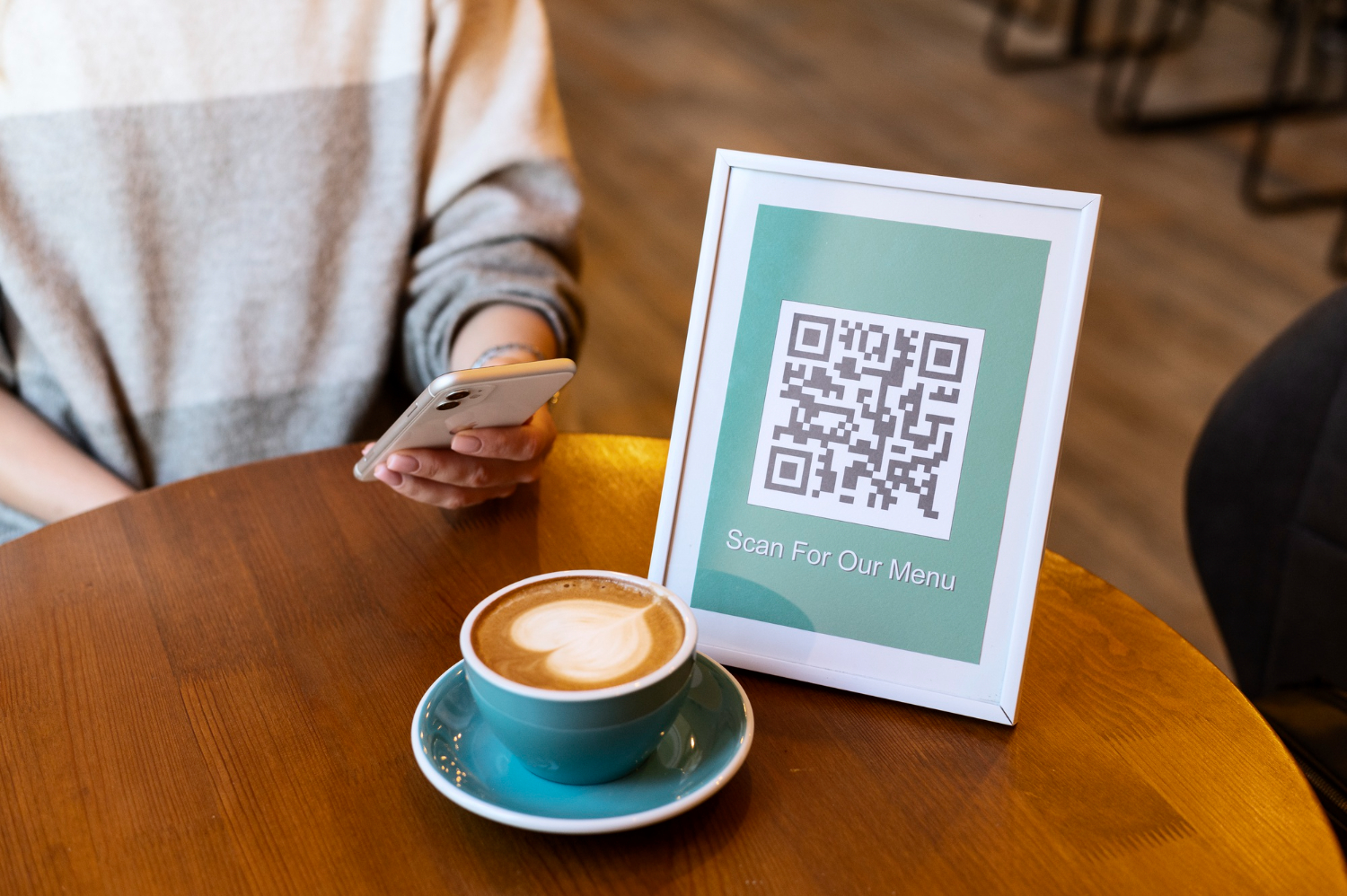
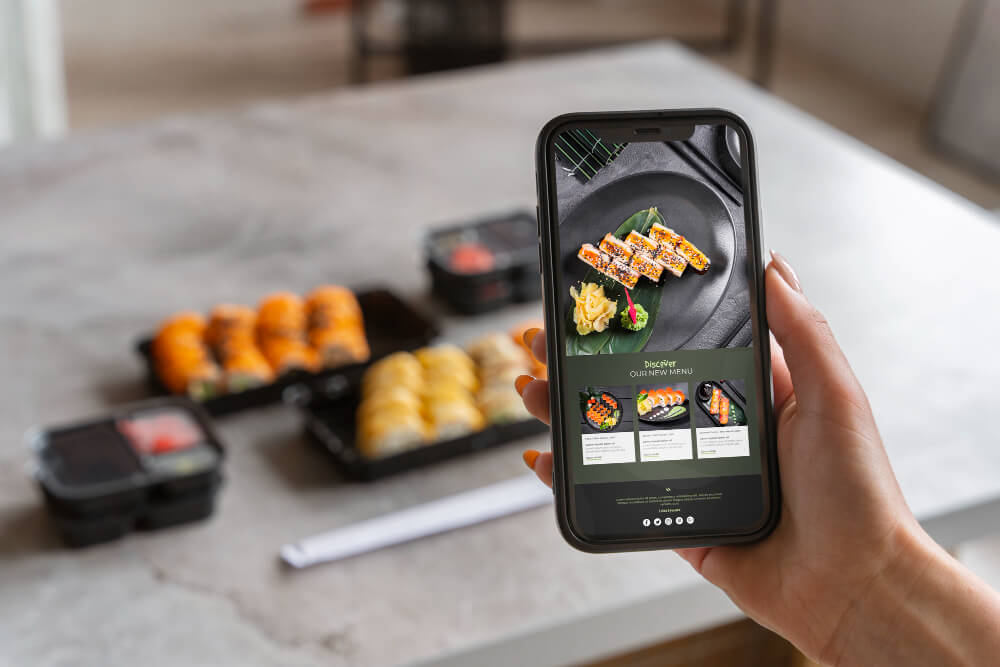
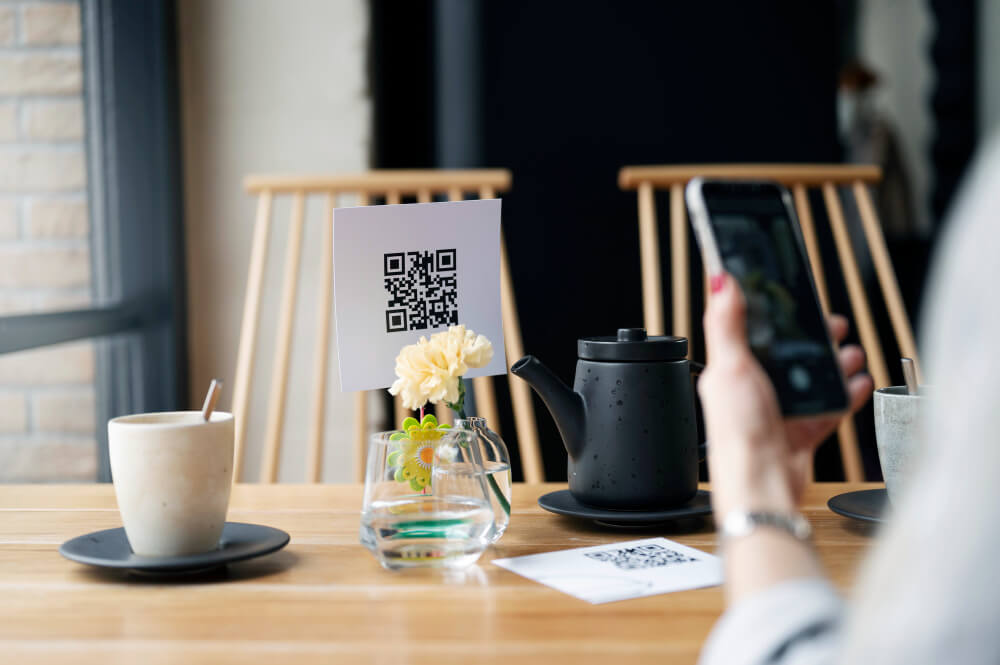
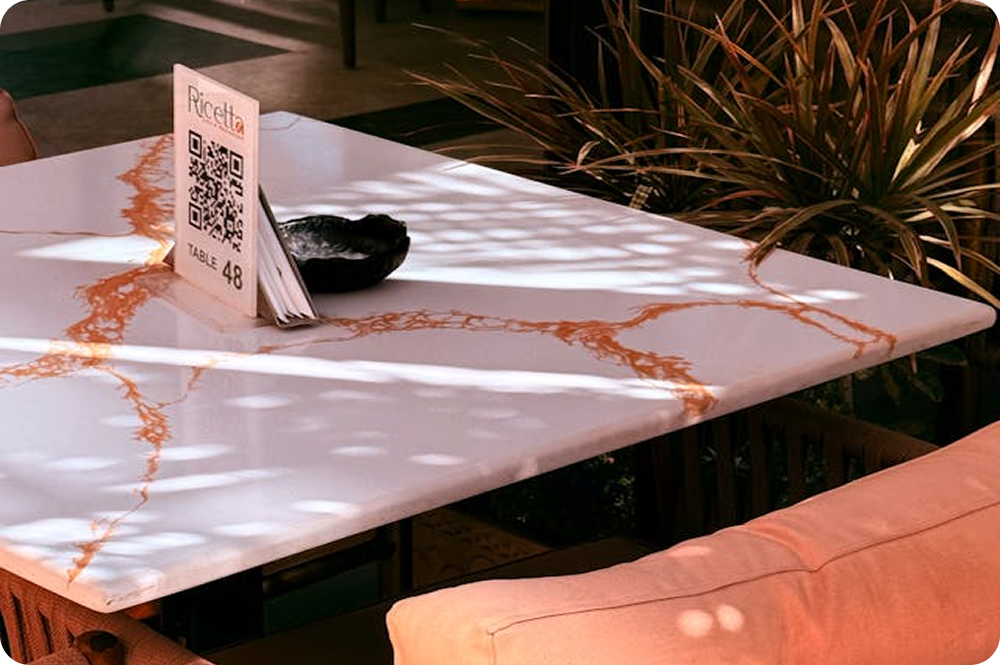
- QR code access: Customers can open the digital menu directly from their smartphones by scanning a QR code.
- Real-time menu updates: Change dishes, prices, descriptions, availability, or other information without reprinting menus.
- Dish photos: Add images to help customers understand unfamiliar dishes across different languages.
- Mobile-friendly experience: Customers can browse the menu conveniently from their phones without downloading a separate app.
This combination makes ME-POS useful for restaurants that want to provide a multilingual digital menu while keeping menu management centralized and easy to update.
Start Your Me-Pos
Experience for Free!
Make sure that Me-Pos Online Booking meets your needs and requirements before making a final decision.
Use for Free
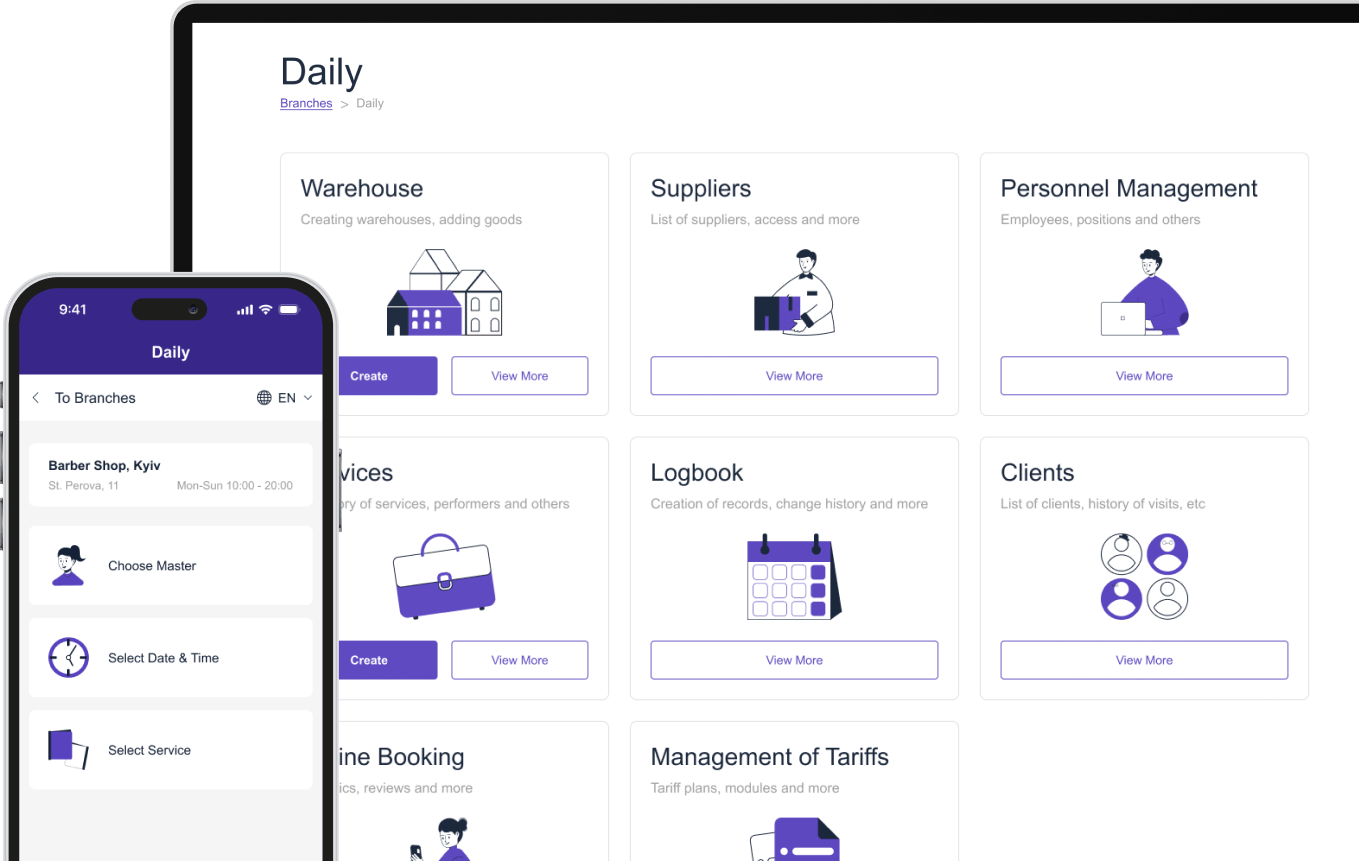
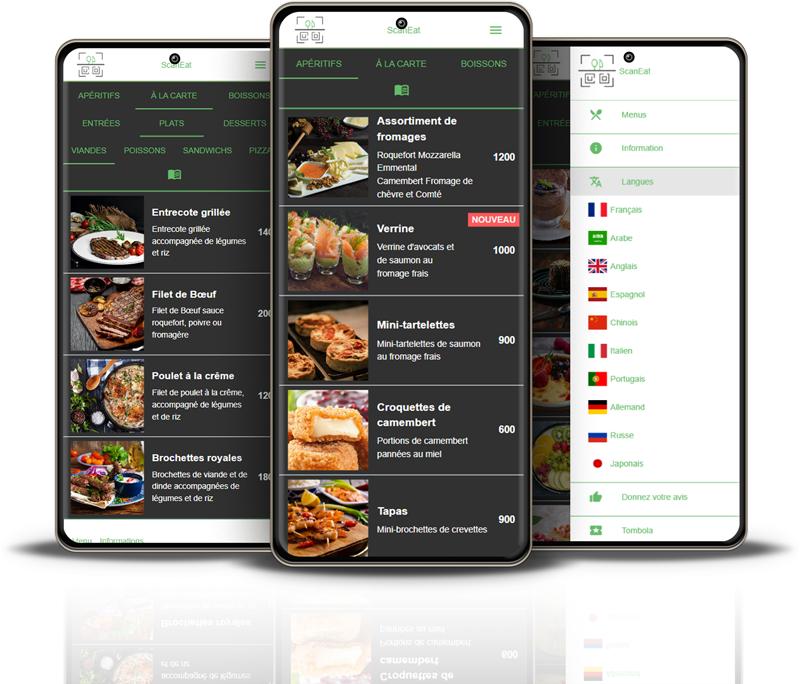
Add a Language Selector
Make language switching easy to find. Customers should not have to search through the menu to discover that other languages are available.
A language selector can be placed near the top of the menu. You can use language names or recognizable language indicators so visitors immediately understand what they can select.
For example:
English | Français | Deutsch | Español
After choosing a language, the customer should see the corresponding menu content without having to repeat the process for every category.
Keep Translations Consistent
Consistency matters when managing a menu in several languages. The same ingredient or dish type should not have different translations in different parts of the menu unless there is a specific reason.
Create a simple translation reference for frequently used terms.
Menu Element
What to Check
Why It Matters
Dish names
Keep names consistent
Makes dishes easier to recognize
Ingredients
Use accurate terminology
Helps customers understand what they are ordering
Allergens
Translate clearly
Supports informed food choices
Categories
Use familiar terms
Makes navigation easier
Add-ons
Match the original options
Prevents ordering confusion
Prices
Keep formatting consistent
Reduces misunderstandings
Dietary labels
Use understandable descriptions
Helps customers find suitable dishes
Use Photos to Support the Text
Photos are particularly useful when a restaurant serves customers from different language backgrounds.
A high-quality image can help customers understand what a dish looks like even when they are unfamiliar with its name. This is especially helpful for regional specialties or dishes with names that do not translate naturally.
However, photos should complement the translated description rather than replace it. Customers still need information about ingredients, allergens, portion sizes, and available options.
Make the Menu Mobile-Friendly
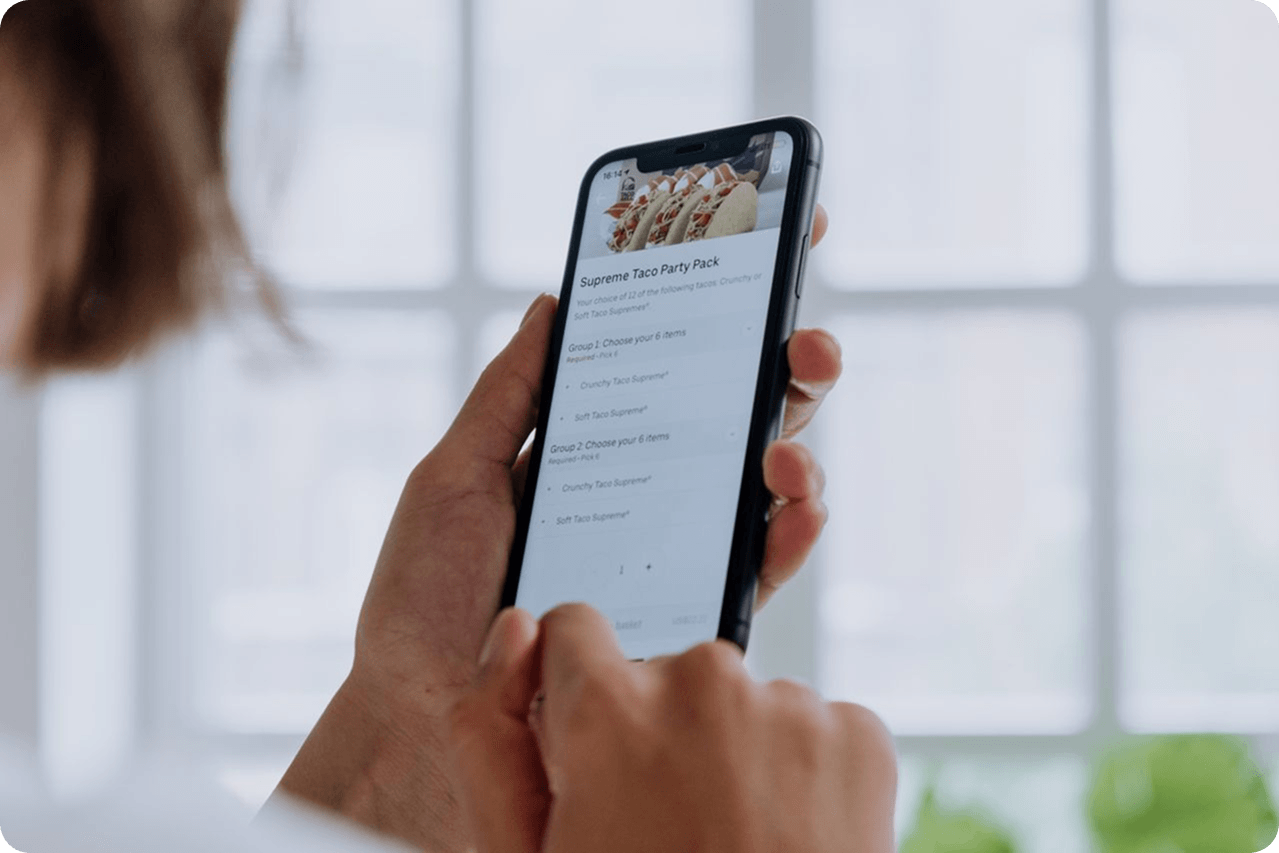
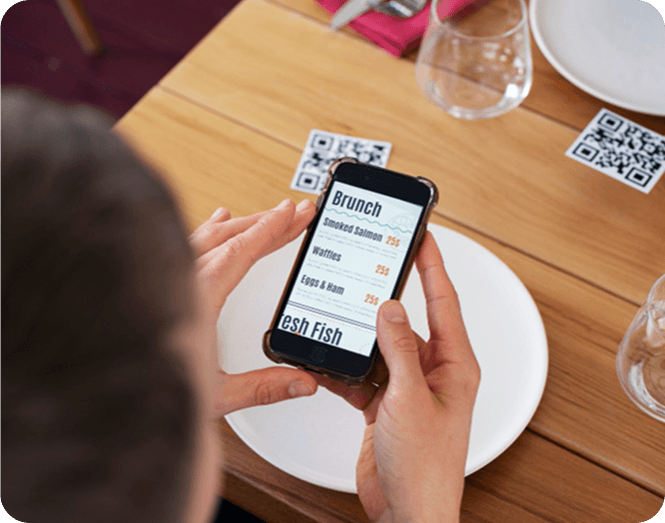
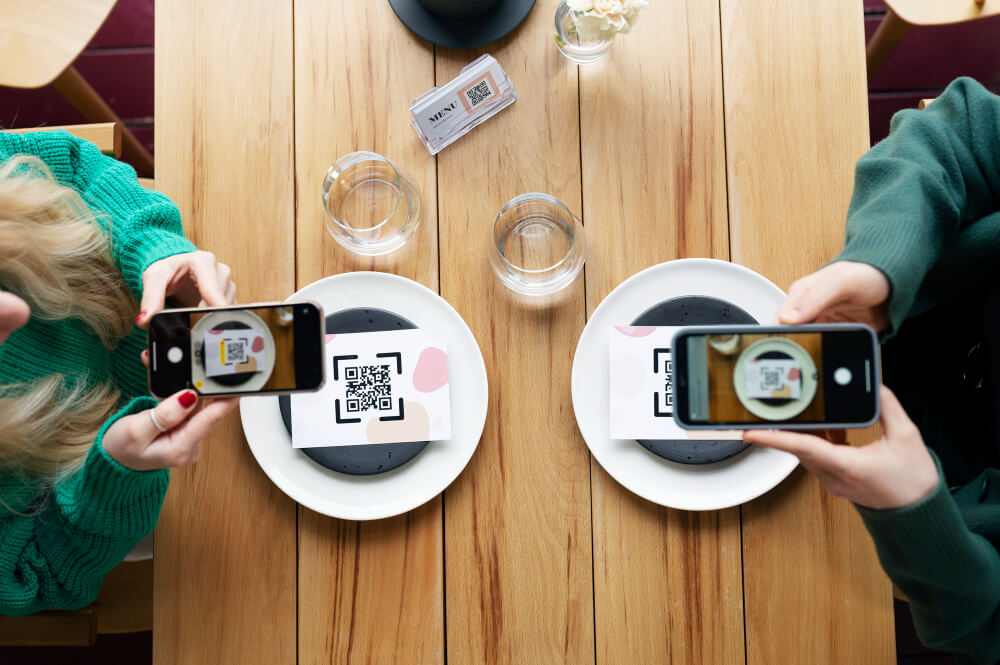
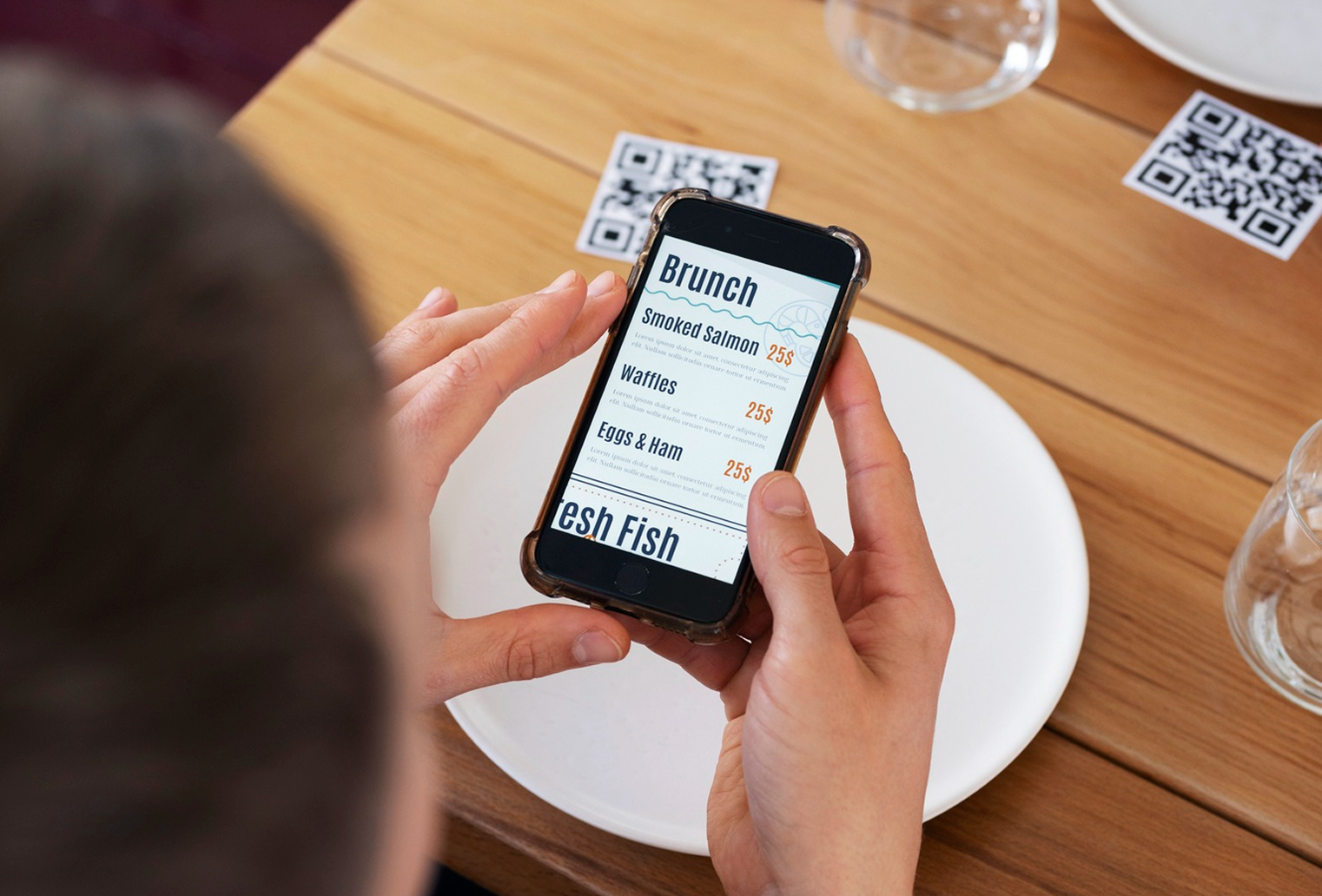
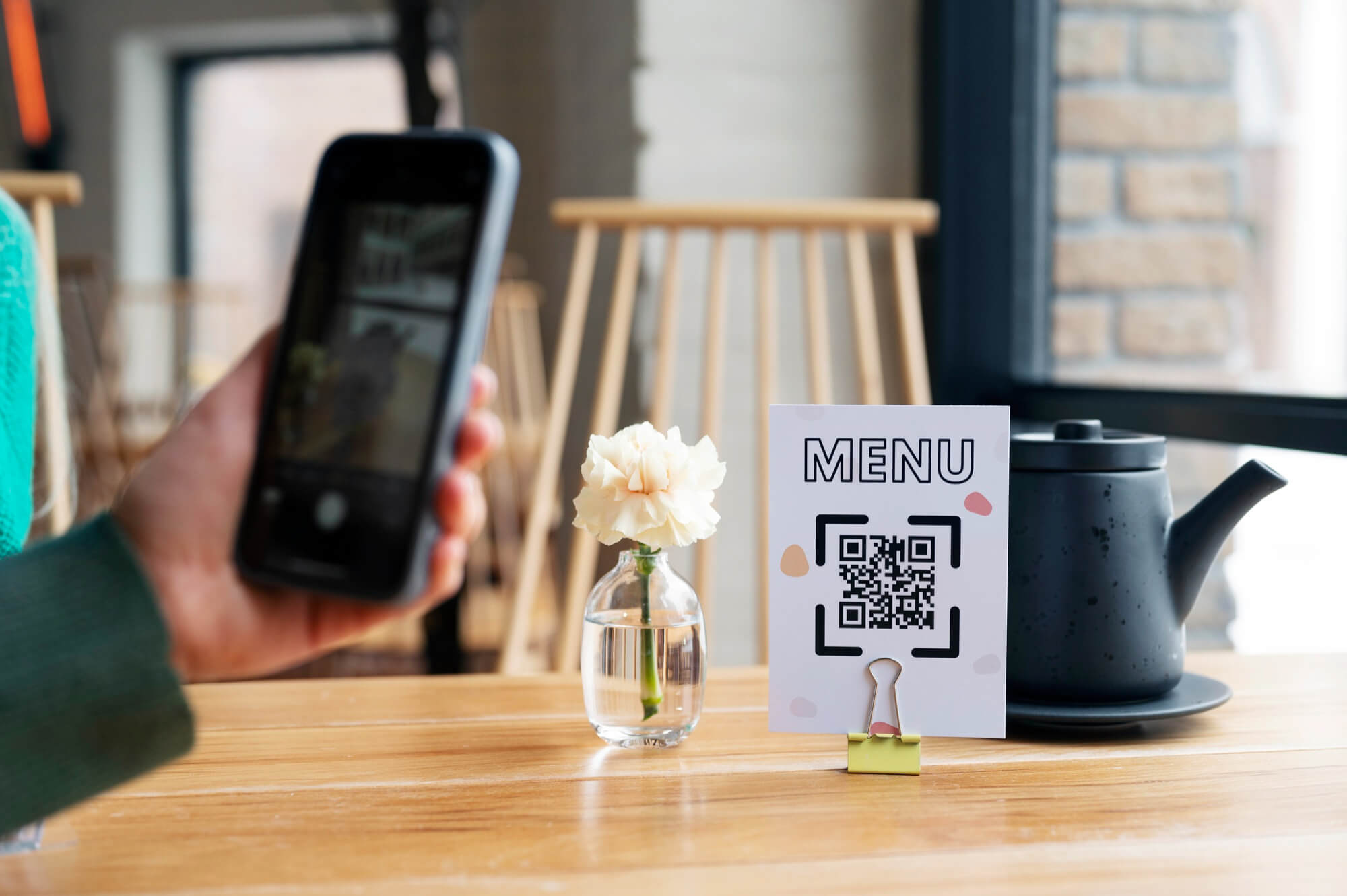
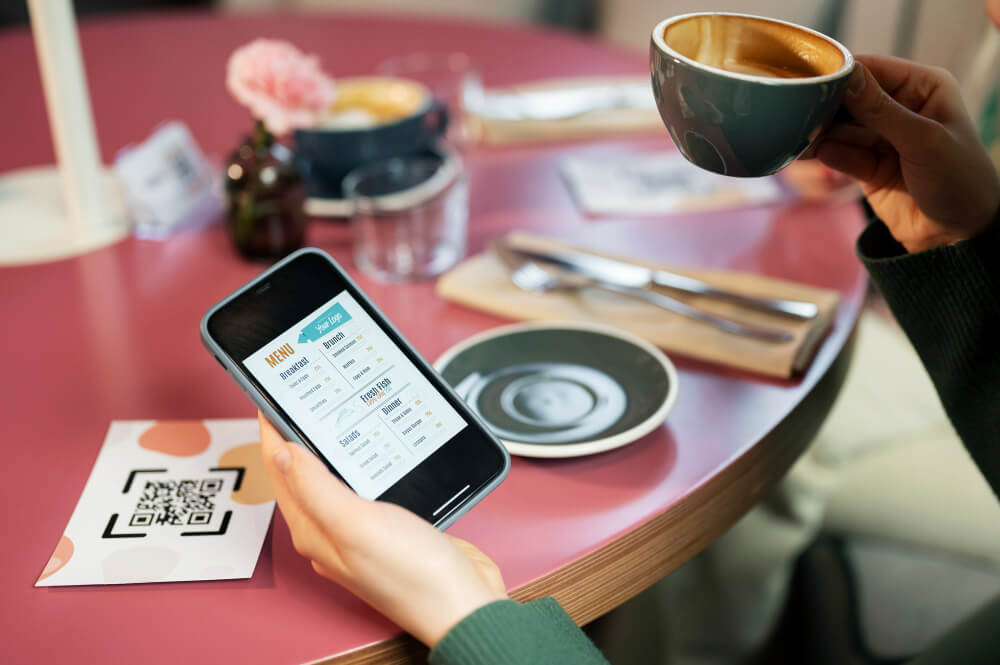
Most customers will access an online menu from a smartphone, often after scanning a QR code at the table.
That means the menu should be easy to navigate on a small screen. Customers should be able to:
- Open the menu quickly.
- Switch languages easily.
- Browse categories.
- Search for dishes.
- View photos and descriptions.
- Check prices.
- Read ingredient and allergen information.
- Review available options or add-ons.
A responsive digital menu removes the need for customers to zoom in or scroll through a desktop-style page.
Keep All Language Versions Updated
One of the biggest advantages of a digital multilingual menu is easier maintenance. But translations still need to be updated whenever the original menu changes.
For example, if you remove a dish from the English version, it should also disappear from the other language versions. If the price changes, every version should display the new price.
Create a simple update routine:
- Update the original menu.
- Review which translations are affected.
- Update translated dish names and descriptions.
- Check prices and availability.
- Preview each language.
- Publish the changes.
With a centralized menu system such as ME-POS, restaurants can manage menu languages and update digital menu content without printing new copies every time something changes.
Test the Menu Before Publishing
Before making the multilingual menu available to customers, test every language version.
Check whether:
- All categories appear correctly.
- Every dish has a translation.
- Prices match across languages.
- Photos display correctly.
- Ingredient information is accurate.
- Allergens are clearly listed.
- Add-ons and options are translated.
- The language selector works.
- The menu looks good on mobile devices.
- QR codes open the correct menu.
Ask someone who speaks each target language to review the content if possible. A native speaker can often identify unnatural wording or cultural nuances that automated translation may miss.
Make Multilingual Menus Part of Your Restaurant Experience
A multilingual restaurant menu is more than a translation feature. It can become part of a broader digital customer experience.
When customers can scan a QR code, select their preferred language, browse dishes, check ingredients, and understand their options without waiting for assistance, the ordering process becomes more convenient.
For restaurants that serve international customers, a multilingual digital menu can also reduce the amount of repetitive explanation staff need to provide.
Conclusion
Creating a multilingual restaurant menu online starts with choosing the right languages and organizing your menu content. From there, restaurants can translate dish information, add a simple language selector, optimize the menu for smartphones, and regularly update every language version.
A platform such as ME-POS can help centralize multilingual digital menu management while giving customers convenient access to restaurant information from their phones. The result is a menu that is easier to maintain for restaurant teams and easier to understand for customers.
Frequently Asked Questions about Multilingual Restaurant Menu
There is no universal number. Start with the languages most relevant to your customers and expand when there is a clear need.
It depends on the dish. Some traditional or well-known names can remain in their original language, while a translated description can explain the dish to international customers.
Yes. Allergen information can be included alongside dish descriptions so customers can review important ingredients before ordering.
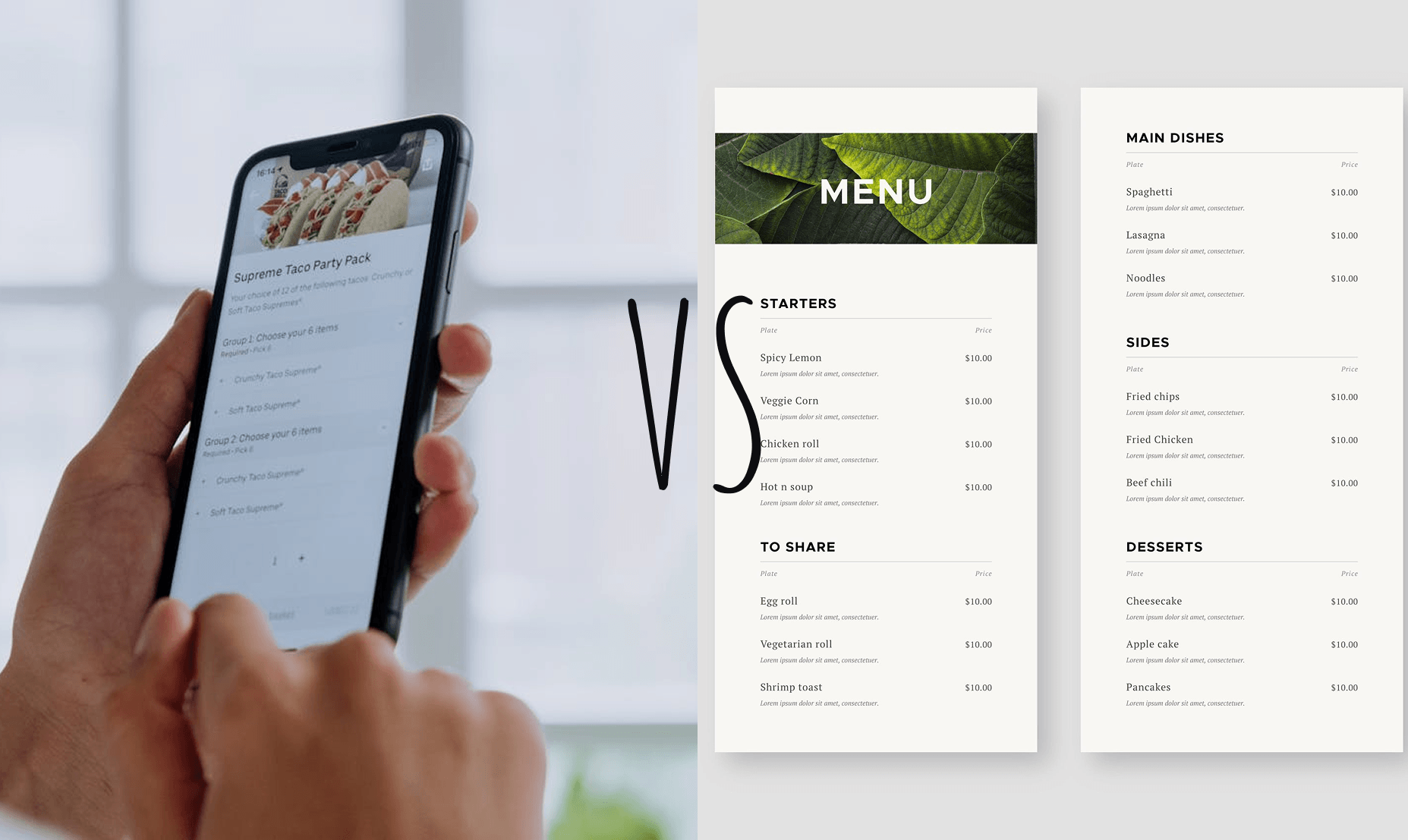
A digital menu is easier to update because restaurants can change prices, dishes, descriptions, and translations without printing new copies. QR access also makes it convenient for customers to open the menu on their smartphones.
Yes. With a digital menu, restaurants can update dishes, prices, categories, and translations as their menu changes.
Me-Pos Team
Last modified 28.09.2026
Was This Article Helpful?
Click on a star to rate it!
Thank you for your vote!

Average Rating: 5/5 Votes: 1
Be the first to rate this post!
Share with Friends:

































View more
Related Articles

540
5
Combining Online and Offline Bookings to Maximize Your Venue’s Capacity
For service-based venues — whether salons, spas, clinics, tattoo studios, or beauty centers — empty time slots mean lost revenue. Every unbooked chair...
Me-Pos Team
|
26.02.2026
|
8min

How a Beauty Salon Can Accept Bookings 24/7
Beauty salon customers don't always have time to call during business hours. Some may want to book a haircut during their lunch break, schedule a mani...
Me-Pos Team
|
30.10.2026
|
9min
106
5
How to Create a Restaurant Menu Online Without Coding
Creating a restaurant menu online no longer requires coding skills or complicated website development. With a digital menu builder, restaurant owners ...
Me-Pos Team
|
05.10.2026
|
12min

How to Set Up Online Booking for a Beauty Salon
Running a beauty salon means managing more than just treatments. You also need to coordinate staff schedules, answer appointment requests, avoid doubl...
Me-Pos Team
|
04.09.2026
|
11min
188
5
Why Digital Transformation Still Gives Small Businesses a Competitive Advantage
Running a small business has never been just about having a good product or providing excellent service. Today, customers also expect convenience, spe...
Me-Pos Team
|
31.08.2026
|
12min
254
5
Employee Access Levels: How to Protect Business Data While Keeping Your Team Productive
Running a restaurant or service business means giving employees access to the tools they need every day. Staff members may need to manage orders, upda...
Me-Pos Team
|
10.08.2026
|
12min
279
5
Using QR Code Menus for Hotel Restaurants and Room Service
The hospitality industry is becoming increasingly digital, and guest expectations continue to evolve. Modern travelers expect convenience, speed, pers...
Me-Pos Team
|
14.06.2026
|
17min
QR Menu Use Cases: From Dine-In to Delivery and Pickup Explained
QR menus have evolved far beyond being a simple digital replacement for printed menus. In 2026, they are becoming a central part of restaurant operati...
Me-Pos Team
|
09.06.2026
|
16min
1216
5
How to Make a Restaurant Menu Design?
Designing a restaurant menu is a crucial aspect of the restaurant industry. A well-crafted menu does more than list the dishes offered; it serves as a...
Me-Pos Team
|
30.09.2024
|
15min

899
5
Complete Guide on How to Open a Pet Store: Unique Steps and Tips
The pet industry is booming, making it an ideal time for starting a pet store business. With pet ownership steadily increasing, the demand for quality...
Me-Pos Team
|
28.07.2025
|
12min

1659
5
Liquor Store Opening: Step-by-Step Guide to Launching and Operating
Opening a liquor store can be an exciting and rewarding journey, but it’s not a business you want to jump into without preparation. From understanding...
Me-Pos Team
|
04.04.2025
|
9min
1334
5
Understanding Prices for Food Trucks: A Comprehensive Guide
So you want to start a food truck? Awesome choice! But before you hit the road, you have to figure out how much food trucks cost and what other expens...
Me-Pos Team
|
06.03.2025
|
8min

1540
5
Your Ultimate Guide on How to Open a Pharmacy Business
Starting a pharmacy business can be a rewarding and profitable venture if approached correctly. Pharmacies play a crucial role in communities by provi...
Me-Pos Team
|
20.12.2024
|
19min

1203
5
Starting a Spa Massage Business: A Complete Guide to Success
The wellness industry is booming, offering excellent opportunities for entrepreneurs looking to start a spa business. In today's fast-paced world, mor...
Me-Pos Team
|
19.12.2024
|
12min
1354
5
How to Open a Bar: A Step-by-Step Guide for Aspiring Entrepreneurs
Opening a new bar is an exciting venture, but it requires careful planning and attention to detail. Whether you dream of creating a laid-back pub or a...
Me-Pos Team
|
18.12.2024
|
11min

1093
4.5
How to Start an Ice Cream Truck Business?
Starting an ice cream truck business can be a lucrative and enjoyable venture for those who love being their own boss, engaging with the community, an...
Me-Pos Team
|
17.12.2024
|
16min

1173
4
How to Start a Gym as a Business: From Concept to Reality
Starting a gym business is a rewarding opportunity that combines a passion for fitness with entrepreneurial success. However, it involves far more tha...
Me-Pos Team
|
20.12.2024
|
14min
270
3
How to Create a QR Menu for Your Restaurant: Step-by-Step Guide
The way restaurants present their menus has changed dramatically in recent years. Customers now expect fast, convenient, and contactless access to foo...
Me-Pos Team
|
07.08.2026
|
10min
540
5
Combining Online and Offline Bookings to Maximize Your Venue’s Capacity
For service-based venues — whether salons, spas, clinics, tattoo studios, or beauty centers — empty time slots mean lost revenue. Every unbooked chair...
Me-Pos Team
|
26.02.2026
|
8min
How a Beauty Salon Can Accept Bookings 24/7
Beauty salon customers don't always have time to call during business hours. Some may want to book a haircut during their lunch break, schedule a mani...
Me-Pos Team
|
30.10.2026
|
9min
106
5
How to Create a Restaurant Menu Online Without Coding
Creating a restaurant menu online no longer requires coding skills or complicated website development. With a digital menu builder, restaurant owners ...
Me-Pos Team
|
05.10.2026
|
12min
How to Set Up Online Booking for a Beauty Salon
Running a beauty salon means managing more than just treatments. You also need to coordinate staff schedules, answer appointment requests, avoid doubl...
Me-Pos Team
|
04.09.2026
|
11min
188
5
Why Digital Transformation Still Gives Small Businesses a Competitive Advantage
Running a small business has never been just about having a good product or providing excellent service. Today, customers also expect convenience, spe...
Me-Pos Team
|
31.08.2026
|
12min
254
5
Employee Access Levels: How to Protect Business Data While Keeping Your Team Productive
Running a restaurant or service business means giving employees access to the tools they need every day. Staff members may need to manage orders, upda...
Me-Pos Team
|
10.08.2026
|
12min
279
5
Using QR Code Menus for Hotel Restaurants and Room Service
The hospitality industry is becoming increasingly digital, and guest expectations continue to evolve. Modern travelers expect convenience, speed, pers...
Me-Pos Team
|
14.06.2026
|
17min
QR Menu Use Cases: From Dine-In to Delivery and Pickup Explained
QR menus have evolved far beyond being a simple digital replacement for printed menus. In 2026, they are becoming a central part of restaurant operati...
Me-Pos Team
|
09.06.2026
|
16min
1216
5
How to Make a Restaurant Menu Design?
Designing a restaurant menu is a crucial aspect of the restaurant industry. A well-crafted menu does more than list the dishes offered; it serves as a...
Me-Pos Team
|
30.09.2024
|
15min
899
5
Complete Guide on How to Open a Pet Store: Unique Steps and Tips
The pet industry is booming, making it an ideal time for starting a pet store business. With pet ownership steadily increasing, the demand for quality...
Me-Pos Team
|
28.07.2025
|
12min
1659
5
Liquor Store Opening: Step-by-Step Guide to Launching and Operating
Opening a liquor store can be an exciting and rewarding journey, but it’s not a business you want to jump into without preparation. From understanding...
Me-Pos Team
|
04.04.2025
|
9min
1334
5
Understanding Prices for Food Trucks: A Comprehensive Guide
So you want to start a food truck? Awesome choice! But before you hit the road, you have to figure out how much food trucks cost and what other expens...
Me-Pos Team
|
06.03.2025
|
8min
1540
5
Your Ultimate Guide on How to Open a Pharmacy Business
Starting a pharmacy business can be a rewarding and profitable venture if approached correctly. Pharmacies play a crucial role in communities by provi...
Me-Pos Team
|
20.12.2024
|
19min
1203
5
Starting a Spa Massage Business: A Complete Guide to Success
The wellness industry is booming, offering excellent opportunities for entrepreneurs looking to start a spa business. In today's fast-paced world, mor...
Me-Pos Team
|
19.12.2024
|
12min
1354
5
How to Open a Bar: A Step-by-Step Guide for Aspiring Entrepreneurs
Opening a new bar is an exciting venture, but it requires careful planning and attention to detail. Whether you dream of creating a laid-back pub or a...
Me-Pos Team
|
18.12.2024
|
11min
1093
4.5
How to Start an Ice Cream Truck Business?
Starting an ice cream truck business can be a lucrative and enjoyable venture for those who love being their own boss, engaging with the community, an...
Me-Pos Team
|
17.12.2024
|
16min
1173
4
How to Start a Gym as a Business: From Concept to Reality
Starting a gym business is a rewarding opportunity that combines a passion for fitness with entrepreneurial success. However, it involves far more tha...
Me-Pos Team
|
20.12.2024
|
14min
270
3
How to Create a QR Menu for Your Restaurant: Step-by-Step Guide
The way restaurants present their menus has changed dramatically in recent years. Customers now expect fast, convenient, and contactless access to foo...
Me-Pos Team
|
07.08.2026
|
10min
View more
