
Digital Menu vs PDF Menu: Which Is Better for Your Restaurant?
Restaurants have more ways than ever to present their food and drinks to customers. A printed menu is no longer the only option. Today, businesses can choose between a digital restaurant menu, a PDF menu, or a more advanced interactive menu accessed through a QR code.
At first, a PDF menu may seem like the easiest digital solution. You upload your existing restaurant menu, add it to your website, and customers can open it on their phones. But is a PDF really the best option for a modern restaurant?
Let's compare both approaches and see which one provides greater flexibility, convenience, and value.
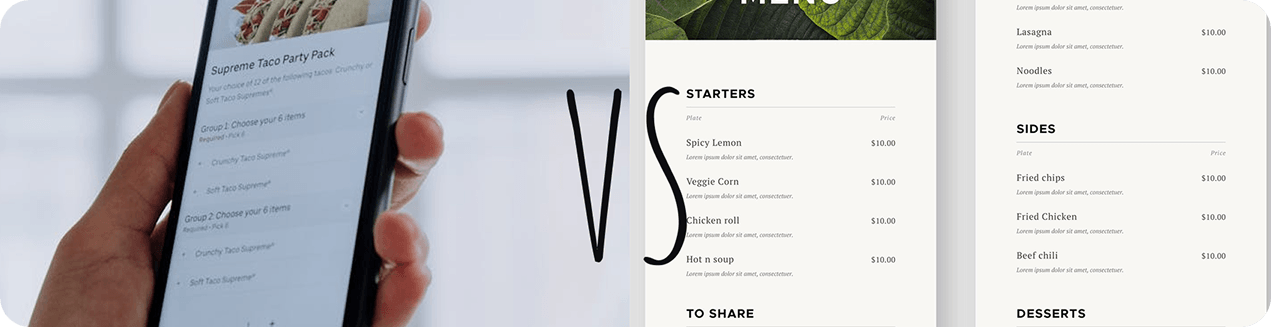
What Is a PDF Menu?
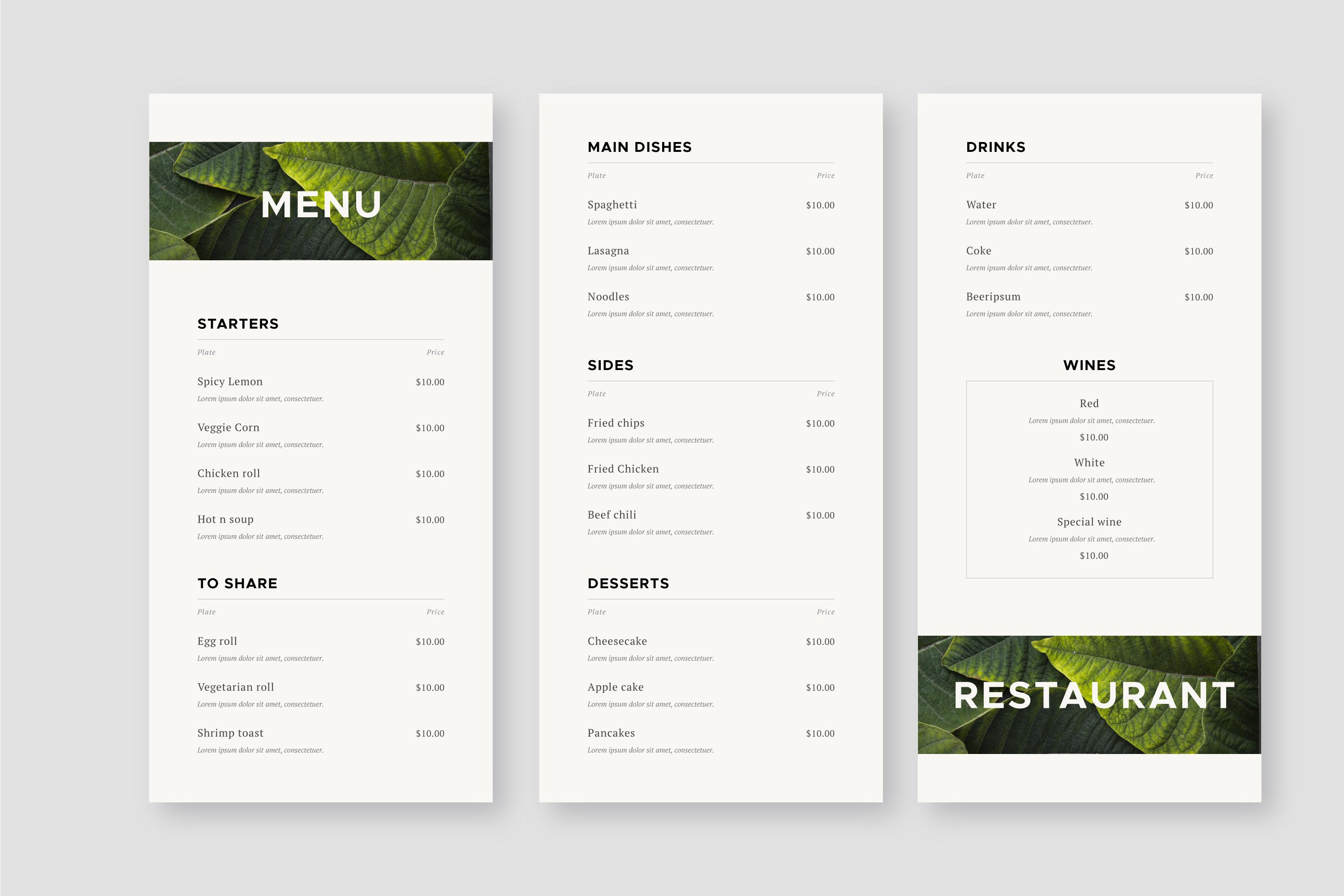
A PDF menu is essentially a digital version of a printed menu. The restaurant creates a document containing dishes, descriptions, prices, and images, then uploads it to its website or shares it with customers.
PDF menus are easy to create and can preserve the exact design of a printed menu. They can also be downloaded and saved for later.
However, they have one major limitation: they are still documents rather than interactive restaurant tools.
For example, if you change the price of a burger, you need to edit the PDF, export a new version, upload it again, and make sure customers are accessing the latest file.
What Is a Digital Restaurant Menu?
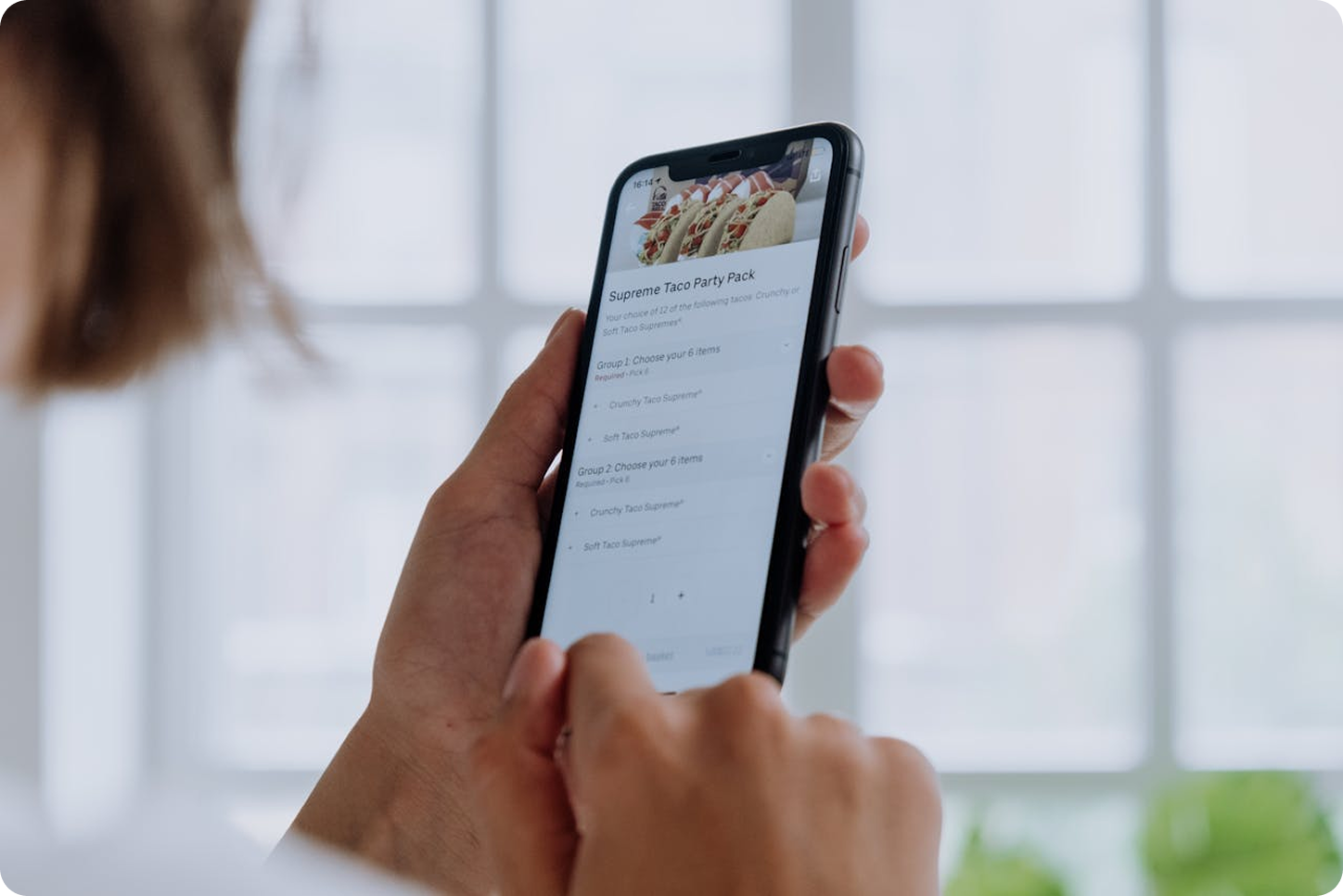
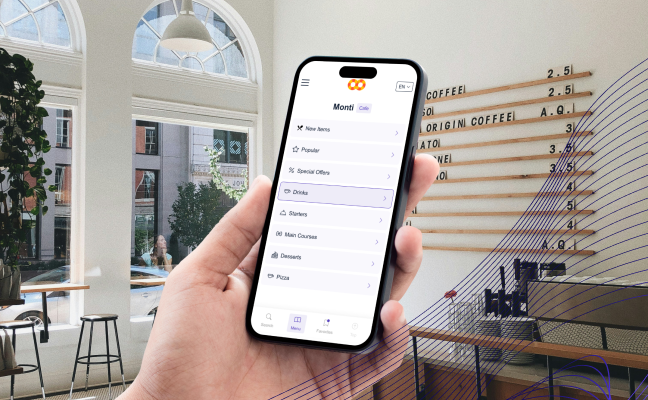
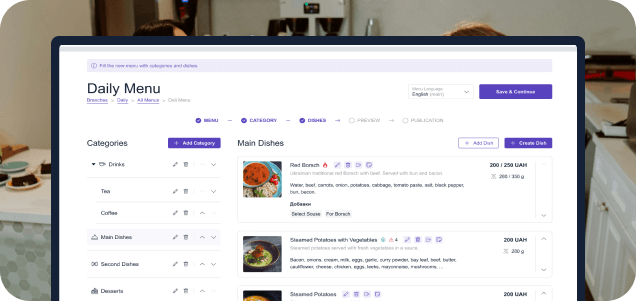
A digital restaurant menu is designed specifically for viewing on smartphones, tablets, and other devices. Instead of simply displaying a document, it can organize dishes into categories and provide interactive information.
With a platform such as ME-POS, restaurants can create multiple menus and organize:
- Categories and subcategories
- Dish descriptions
- Photos
- Prices
- Portion sizes
- Cooking times
- Allergens
- Dietary labels
- Add-ons and options
A digital menu can also be created specifically for different services, such as dine-in, delivery, and pickup.
PDF Menu vs Digital Menu: What's the Difference?
The biggest difference is flexibility.
A PDF is a static file. A digital menu is an online system that can be updated and organized as your restaurant changes.
Feature
PDF Menu
Digital Menu
Easy to update
Limited
Yes
Mobile-friendly navigation
Basic
Designed for mobile
Categories
Static pages
Interactive categories
Dish information
Basic
Detailed
Multiple menus
Separate files
Managed from one system
QR code access
Possible
Built for QR access
Add-ons and options
Limited
Supported
Multiple languages
Separate PDFs
Integrated language options
Updating Prices Is Much Easier
Restaurant prices change frequently. Ingredient costs increase, suppliers change, and businesses introduce new pricing strategies.
With a PDF menu, every price change requires a new document.
A digital menu makes the process much simpler.
Example
Your chicken burger increases from $12 to $13.
With a PDF:
- Edit the document.
- Export a new PDF.
- Upload the new file.
- Replace old links.
- Make sure customers aren't using an outdated copy.
With an online menu, you simply update the price in the admin panel.
Customers see the new information immediately.
Digital Menus Are Better for Mobile Customers
Most customers accessing a menu through a QR code are using smartphones. This makes mobile usability extremely important.
A PDF may require customers to:
- Download the file
- Zoom in and out
- Scroll through pages
- Search for specific dishes
An interactive menu is designed around mobile navigation.
Customers can select Desserts, for example, and immediately see relevant dishes instead of scrolling through an entire document.
This makes the ordering process faster and more comfortable.
QR Code Menus Make Access Simple
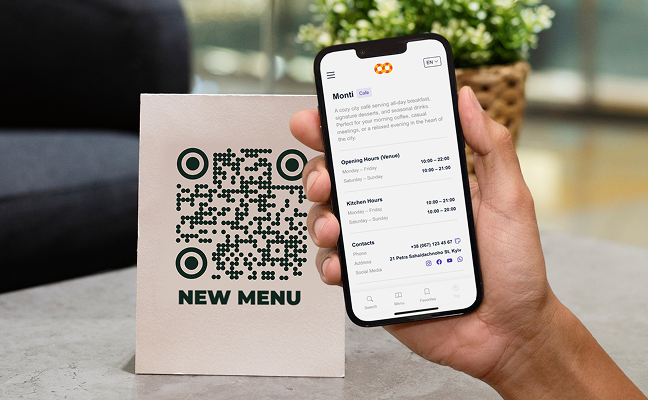
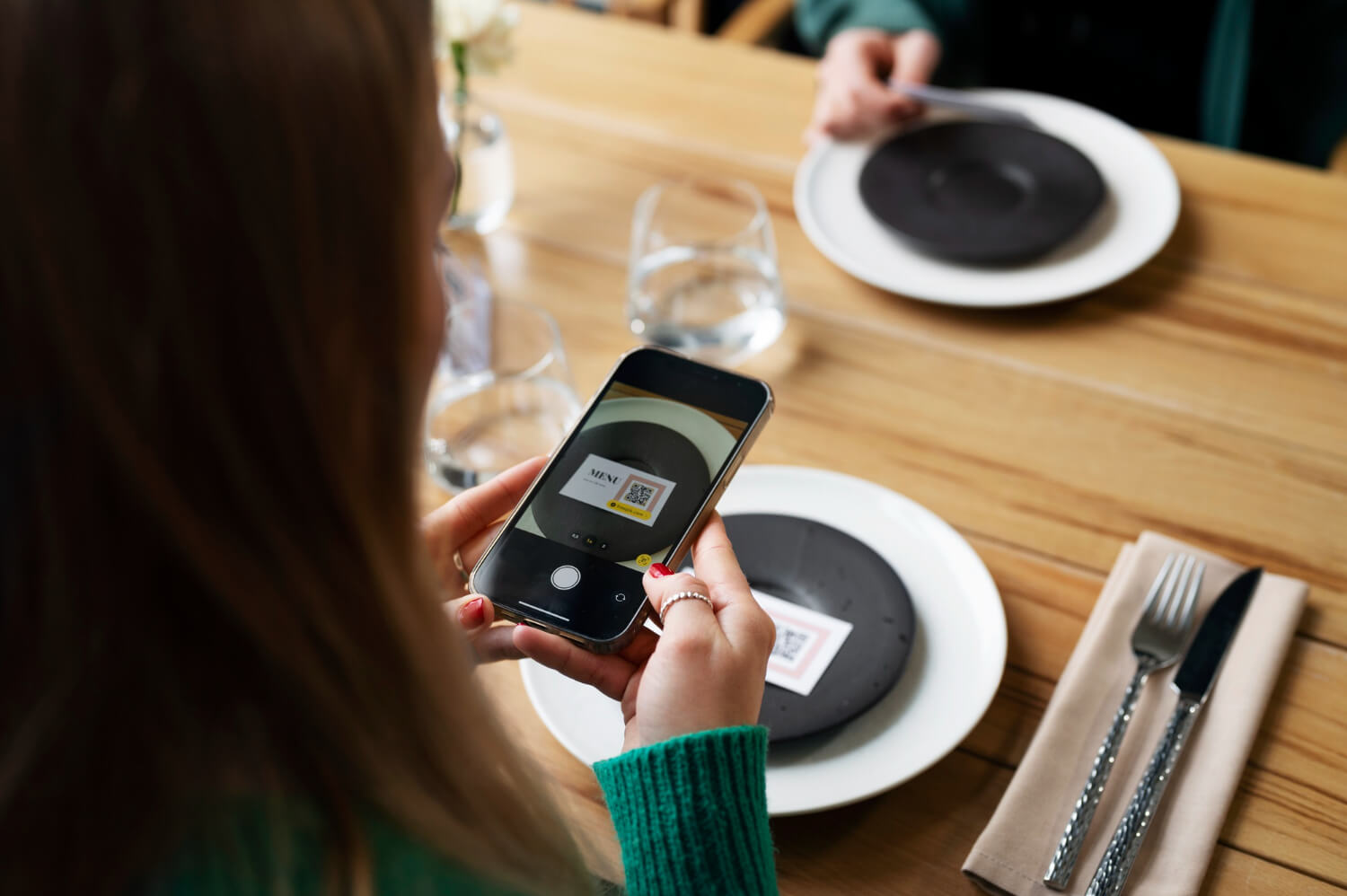
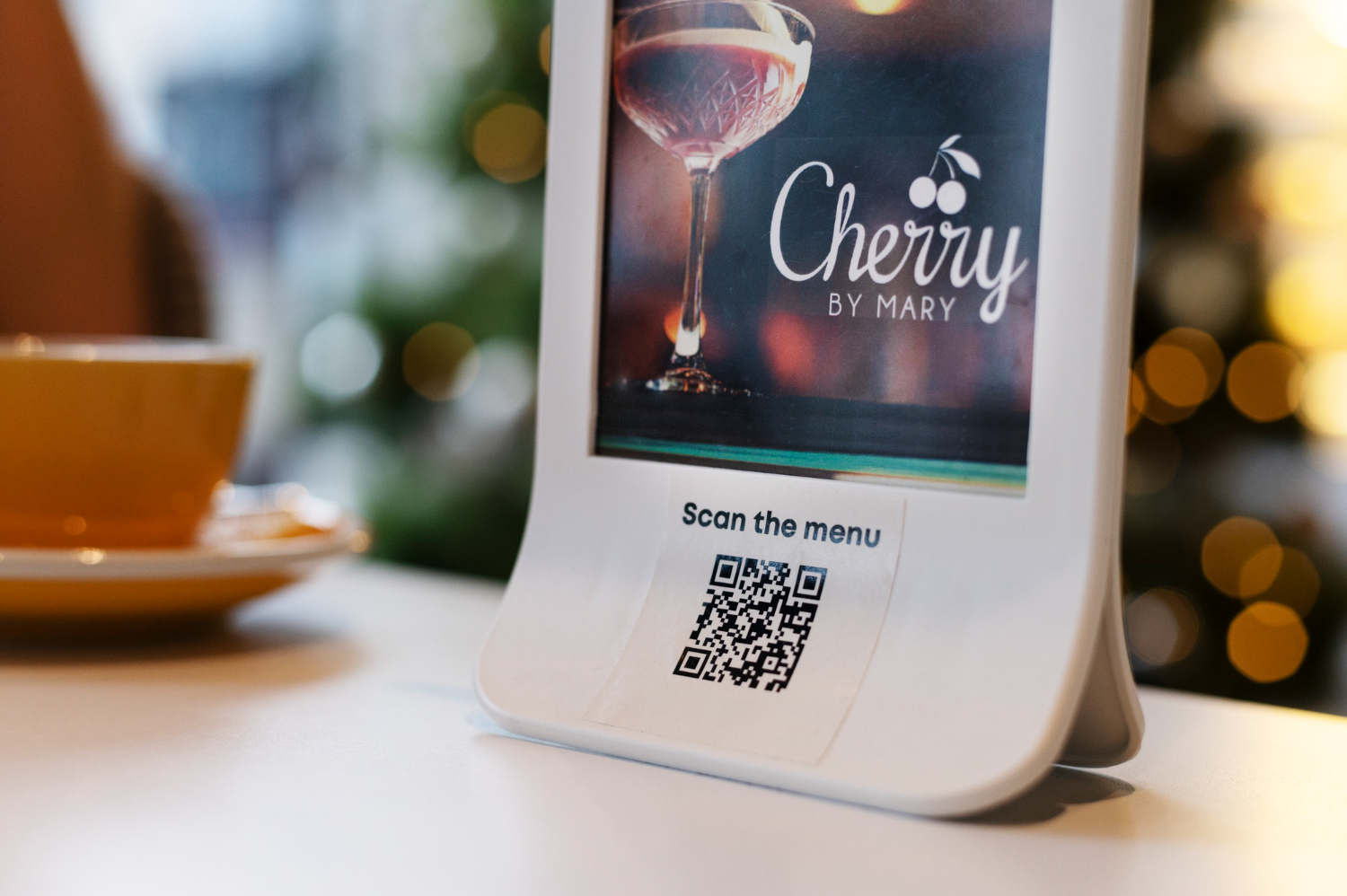
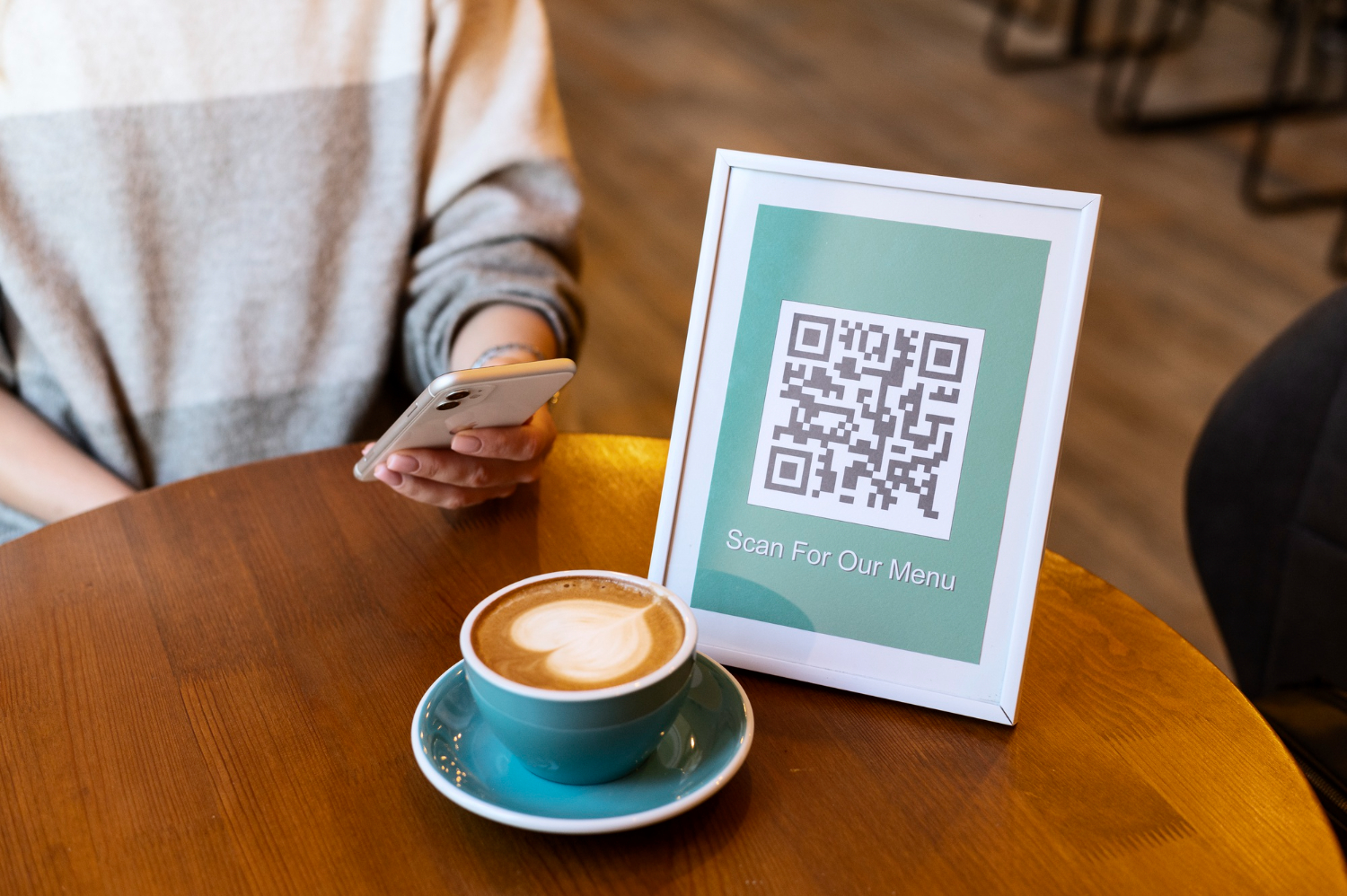
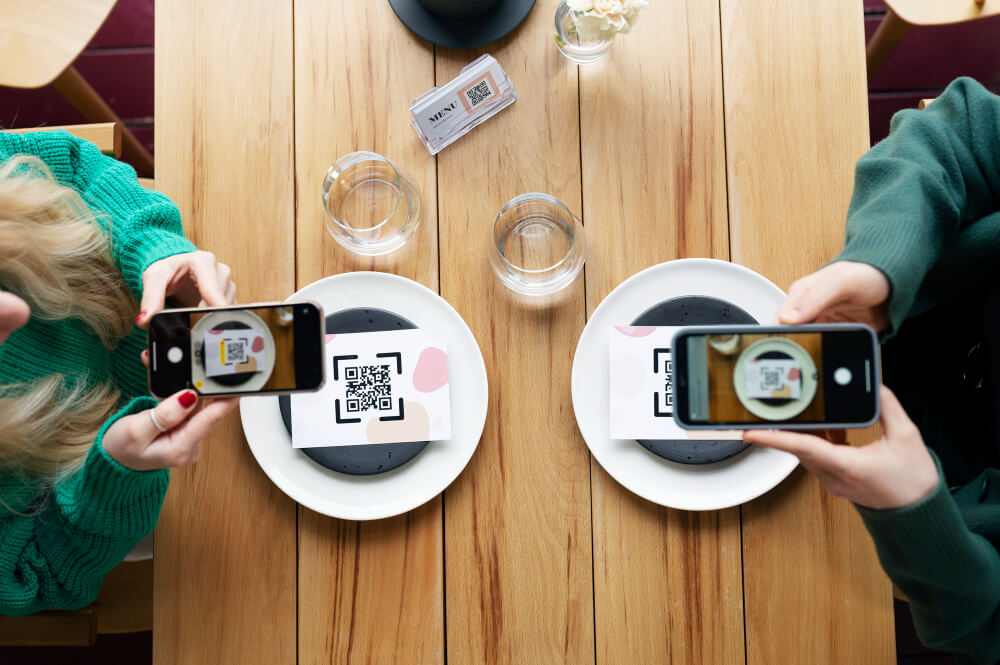
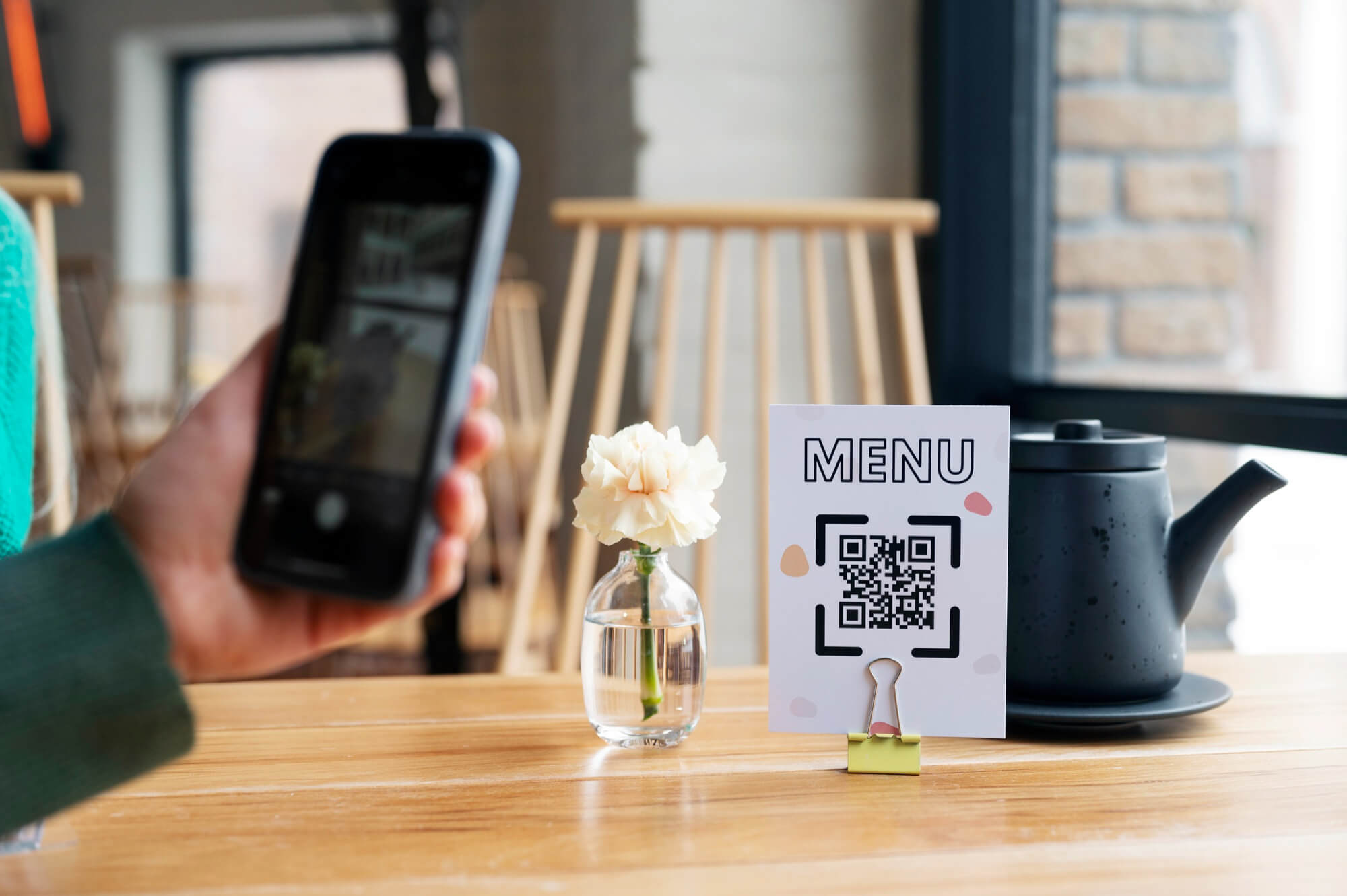
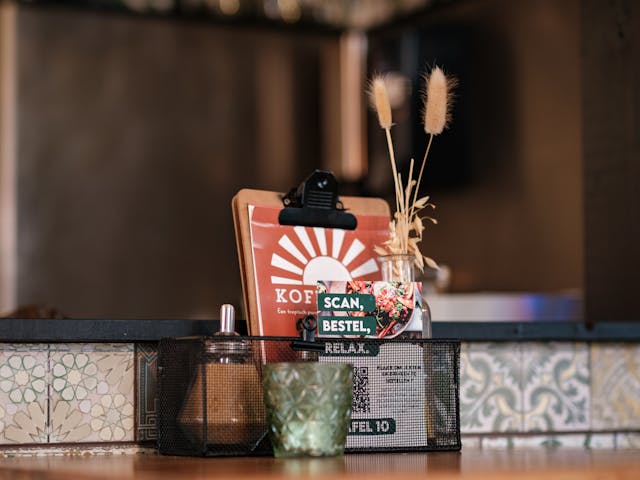
A QR code menu allows customers to access your menu without searching for your website or asking staff for a printed copy.
Place the QR code:
- On restaurant tables
- At the entrance
- On takeaway packaging
- In hotel rooms
- On promotional materials
Customers scan the code and open the current online menu.
With ME-POS, restaurants can use separate QR codes for dine-in, delivery, and pickup. The QR codes remain permanent, while the menus behind them can be changed whenever necessary.
Start Your Me-Pos
Experience for Free!
Make sure that Me-Pos Online Booking meets your needs and requirements before making a final decision.
Use for Free
Multiple Menus Are Easier to Manage
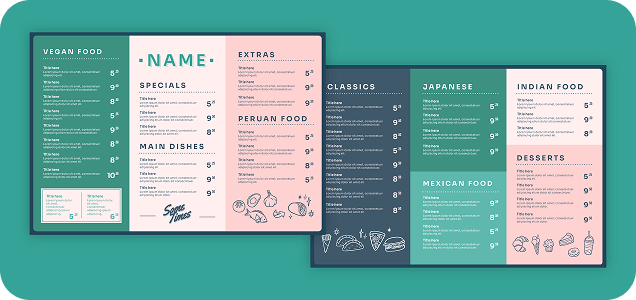
Restaurants often need different menus for different situations.
For example:
- Dine-in menu
- Delivery menu
- Pickup menu
- Breakfast menu
- Seasonal menu
- Holiday menu
- Event menu
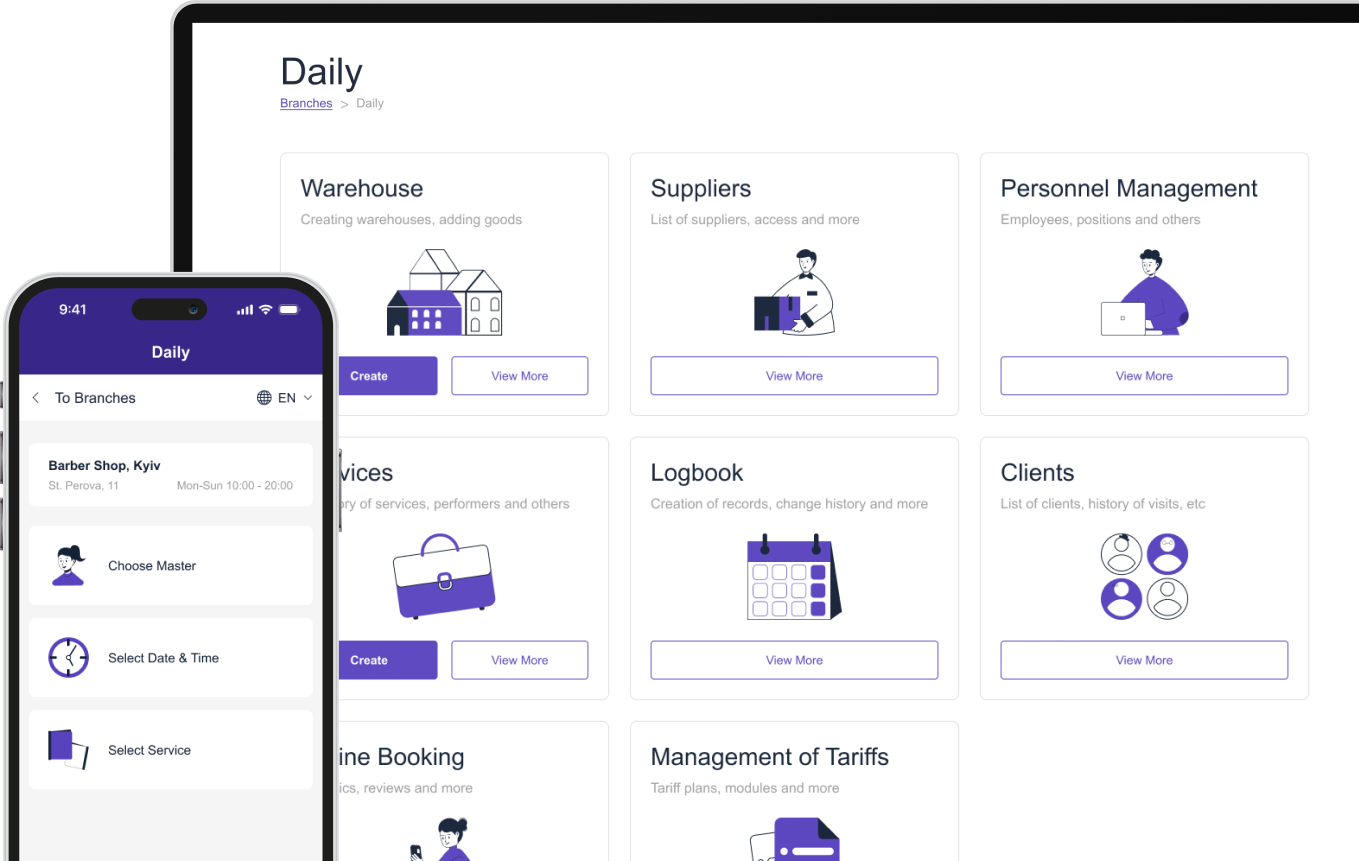
Managing all these versions as PDFs can quickly become confusing. A digital menu system lets you organize multiple menus in one place.
Example
Your restaurant offers a special Valentine's Day menu for one weekend. Instead of creating and distributing another PDF, you can create a separate digital menu and publish it when needed. After the event, you can archive it without affecting your main menu.
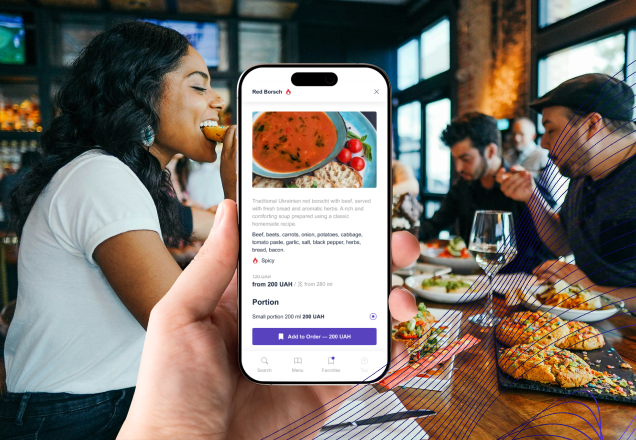
Digital Menus Support More Detailed Dish Information
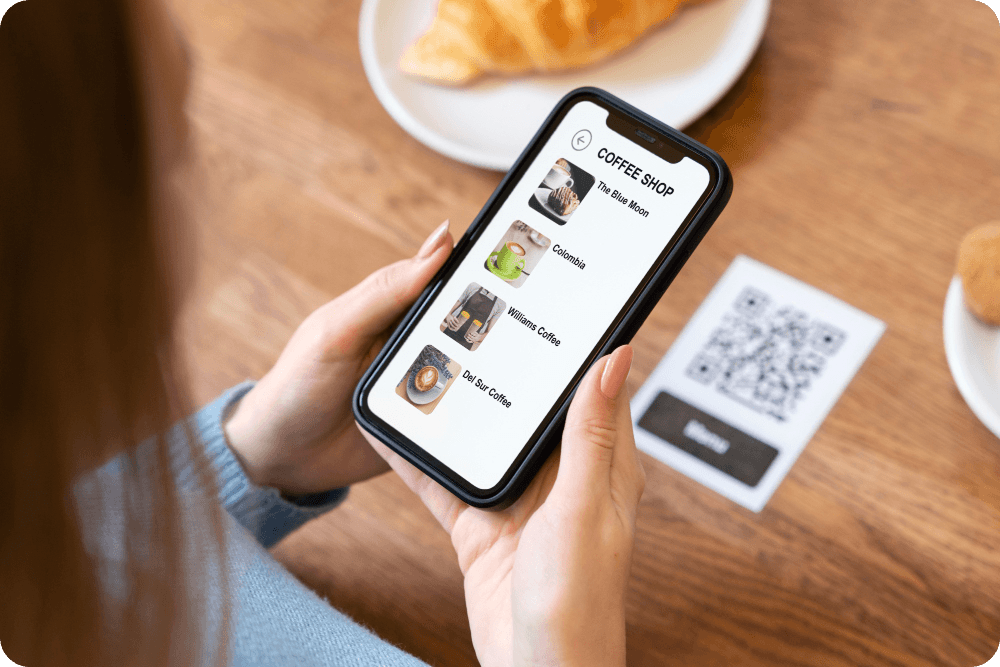
A PDF can contain descriptions, but digital menus provide more flexibility for organizing information.
For each dish, you can include:
- High-quality photos
- Ingredients
- Allergens
- Dietary labels
- Portion information
- Cooking time
- Different portion prices
- Availability
This is especially useful for customers with dietary requirements.
A guest can quickly identify vegetarian, vegan, gluten-free, or other relevant options without asking a server about every dish.
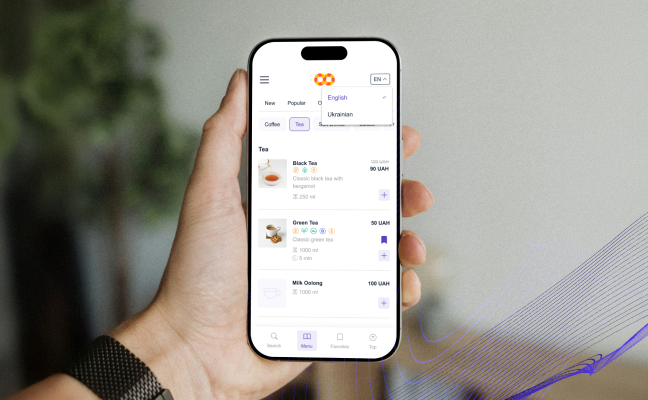
Multilingual Menus Are Easier to Maintain
Restaurants serving international customers often need menus in several languages.
With PDFs, you may end up maintaining separate files for English, German, French, Ukranian, and other languages.
A digital restaurant menu can manage these translations within the same system.
ME-POS supports a primary menu language and additional languages, allowing customers to switch between available versions.
If a translation is missing, the primary language can be displayed automatically.
Digital Menus Can Increase Upselling Opportunities
A static PDF mainly presents information. An interactive menu can organize information in a way that encourages customers to explore more products.
Restaurants can highlight:
- Signature dishes
- Premium items
- Seasonal specials
- Desserts
- Drinks
- Add-ons
For example, a burger can have optional extras such as cheese, bacon, or sauces. Individual add-ons can have their own prices.
This makes the menu more useful as a sales tool, not simply an information document.
When Does a PDF Menu Still Make Sense?
PDF menus aren't completely outdated. They can still be useful when you need:
- A downloadable menu
- A printable version
- A menu to send by email
- A simple document for event organizers
- A quick digital copy of an existing printed menu
For a small restaurant with a very simple and rarely changing menu, a PDF may be sufficient.
However, businesses that regularly update their offerings will generally benefit more from an interactive solution.
Which Option Should Your Restaurant Choose?
If you only need to provide customers with a digital copy of your printed menu, a PDF can work.
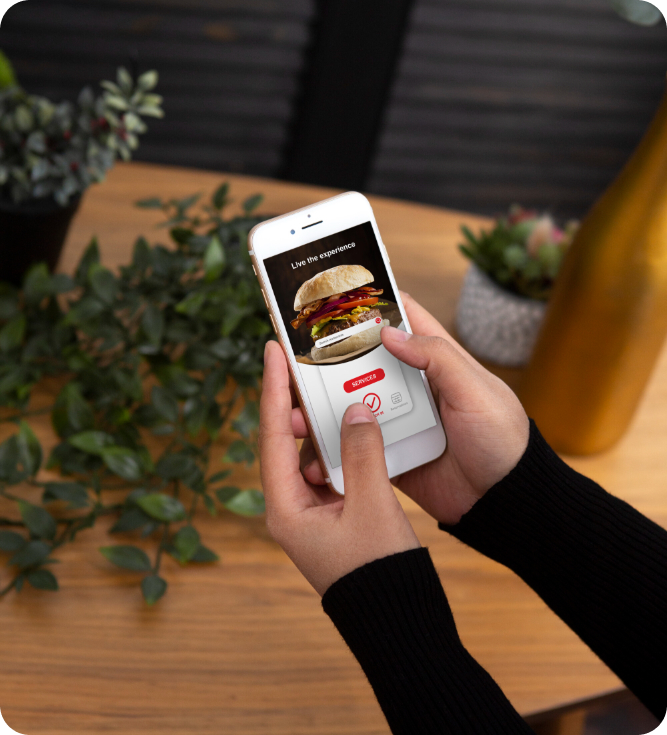
But if you want to build a flexible online menu that is easy to update, mobile-friendly, multilingual, and accessible through QR codes, an interactive digital menu is a stronger long-term solution.
The difference becomes especially important as your restaurant grows.
A PDF gives customers a document.
A digital menu gives your restaurant a system for managing and presenting its products.
Conclusion
Both PDF and digital menus have their place in the restaurant industry, but they serve different purposes. A PDF menu is simple and familiar, while a digital restaurant menu provides significantly more flexibility for modern restaurant operations.
With ME-POS, restaurants can create multiple menus, manage detailed dish information, support multiple languages, add customizable options, and use permanent QR codes for dine-in, delivery, and pickup.
If your goal is simply to put your existing menu online, a PDF may be enough. But if you want a flexible, interactive, and easy-to-manage QR code menu that can grow with your business, a digital menu is the better choice

Frequently Asked Questions about Digital menu vs PDF Menu
A PDF can be inexpensive to create initially, especially if you already have a designed menu. However, frequent updates, multiple versions, and language-specific files can make PDF management more time-consuming as the restaurant grows.
Yes. A QR code can direct customers to a PDF file. However, an interactive QR menu generally provides a better mobile experience because customers can navigate categories and dish information without opening and scrolling through a document.
It can, depending on your restaurant and customer preferences. Some businesses use digital menus as their primary option while keeping a small number of printed menus available for guests who prefer them.
Yes. A restaurant can create separate menus for different service types, allowing you to show customers the dishes and options most relevant to their ordering method.
An interactive menu allows you to update prices directly in the management system instead of creating and uploading a new document. This helps ensure customers always see the latest information.
Me-Pos Team
Last modified 14.08.2026
Was This Article Helpful?
Click on a star to rate it!
Thank you for your vote!

Average Rating: 5/5 Votes: 2
Be the first to rate this post!
Share with Friends:




























View more
Related Articles

785
5
A Comprehensive Guide on How to Start a Small Business Successfully
So, you’re thinking about starting up a small business? That’s awesome! Whether you’re doing it for personal fulfillment, to escape the 9-to-5 grind, ...
Me-Pos Team
|
11.03.2025
|
10min
74
5
What Information Should a Restaurant Include in Its Online Profile?
When people look for a restaurant online, they want to answer a few simple questions: What kind of food does it serve? Where is it located? How much d...
Me-Pos Team
|
26.10.2026
|
10min
71
5
Online Booking vs. Phone Reservations: Which Is Better for Your Business?
Managing reservations efficiently is essential for restaurants, beauty salons, hotels, and other service businesses. Customers want a convenient way t...
Me-Pos Team
|
23.10.2026
|
12min

Why Service Businesses Need Consumables and Retail Inventory Management
Service businesses rely on more than appointments and customer relationships to operate successfully. Salons use shampoos, hair dyes, and skincare pro...
Me-Pos Team
|
02.10.2026
|
11min
183
5
Restaurant Menu Engineering: How to Design a More Profitable Menu
A restaurant menu does much more than tell customers what they can order. It can influence what they notice, what they choose, and how much they spend...
Me-Pos Team
|
03.09.2026
|
9min
314
5
QR Menu vs Traditional Menu: Cost, Efficiency, and Customer Experience
The restaurant industry has changed dramatically in recent years. As customer expectations evolve and operational costs continue to rise, businesses a...
Me-Pos Team
|
25.05.2026
|
12min
384
5
Why Every Restaurant Needs a QR Menu in 2026: Trends, Costs, and Customer Expectations
The restaurant industry is changing faster than ever. In 2026, customers expect speed, convenience, personalization, and contactless service as standa...
Me-Pos Team
|
18.05.2026
|
12min

415
5
How to Scale a Service Business Without Losing Quality
Scaling a service business is exciting — more clients, more revenue, and stronger market presence. But growth comes with a serious challenge: maintain...
Me-Pos Team
|
30.03.2026
|
8min

982
5
How to Open a Coffee Shop?
Opening a coffee bar can be a rewarding business venture, combining the love of coffee with the opportunity to create a community space. This comprehe...
Me-Pos Team
|
21.08.2024
|
15min
1348
5
Licenses and Permits Needed to Open a Restaurant
Opening a restaurant is an exciting yet challenging endeavor that requires more than just a great concept and a mouth-watering menu. Among the first a...
Me-Pos Team
|
12.12.2024
|
16min

1107
5
How to Open a Hair Salon: A Comprehensive Startup Guide
Starting a hair salon can be an exciting and rewarding venture. This comprehensive guide aims to provide you with information on how to open a hairdre...
Me-Pos Team
|
30.10.2024
|
13min
767
5
20 Tips to Choose the Best Accounting Software for Small Businesses
Choosing the best small business software accounting can be a daunting task, given the multitude of options available in the market. The right softwar...
Me-Pos Team
|
28.10.2024
|
15min

1024
5
How to Open a Nails Salon: 18 Tips for Success
Starting a nail salon business is an exciting venture that requires careful planning and preparation. The foundation of a successful nail salon lies i...
Me-Pos Team
|
28.10.2024
|
13min
2430
5
The Ultimate Guide to Restaurant Promotion Ideas: Boost Your Business
Effective promotion strategies are crucial for the success of any restaurant. This comprehensive guide is designed to help restaurant owners and manag...
Me-Pos Team
|
24.10.2024
|
16min
1207
5
How to Open a Bakery?
This guide will walk you through the essential steps to open a bakery shop, from initial planning to the grand opening. Whether you’re a first-time en...
Me-Pos Team
|
30.09.2024
|
17min

1501
4.5
How to Open a Beauty Salon and How Much Does it Cost?
Opening a beauty salon is an exciting venture that requires careful planning, research, and a clear understanding of the costs involved. Proper planni...
Me-Pos Team
|
25.10.2024
|
12min
1279
3.7
How to Name a Restaurant?
This guide will walk you through the essential steps to choosing awesome names for restaurants, ensuring they resonate with your target audience and s...
Me-Pos Team
|
30.09.2024
|
15min

588
3.6
CRM for Service Industry 2026: 7 Essential Features Your Business Needs
In 2026, customer expectations are higher than ever. Clients want seamless communication, personalized experiences, fast service, and easy booking — a...
Me-Pos Team
|
19.02.2026
|
7min
785
5
A Comprehensive Guide on How to Start a Small Business Successfully
So, you’re thinking about starting up a small business? That’s awesome! Whether you’re doing it for personal fulfillment, to escape the 9-to-5 grind, ...
Me-Pos Team
|
11.03.2025
|
10min
74
5
What Information Should a Restaurant Include in Its Online Profile?
When people look for a restaurant online, they want to answer a few simple questions: What kind of food does it serve? Where is it located? How much d...
Me-Pos Team
|
26.10.2026
|
10min
71
5
Online Booking vs. Phone Reservations: Which Is Better for Your Business?
Managing reservations efficiently is essential for restaurants, beauty salons, hotels, and other service businesses. Customers want a convenient way t...
Me-Pos Team
|
23.10.2026
|
12min
Why Service Businesses Need Consumables and Retail Inventory Management
Service businesses rely on more than appointments and customer relationships to operate successfully. Salons use shampoos, hair dyes, and skincare pro...
Me-Pos Team
|
02.10.2026
|
11min
183
5
Restaurant Menu Engineering: How to Design a More Profitable Menu
A restaurant menu does much more than tell customers what they can order. It can influence what they notice, what they choose, and how much they spend...
Me-Pos Team
|
03.09.2026
|
9min
314
5
QR Menu vs Traditional Menu: Cost, Efficiency, and Customer Experience
The restaurant industry has changed dramatically in recent years. As customer expectations evolve and operational costs continue to rise, businesses a...
Me-Pos Team
|
25.05.2026
|
12min
384
5
Why Every Restaurant Needs a QR Menu in 2026: Trends, Costs, and Customer Expectations
The restaurant industry is changing faster than ever. In 2026, customers expect speed, convenience, personalization, and contactless service as standa...
Me-Pos Team
|
18.05.2026
|
12min
415
5
How to Scale a Service Business Without Losing Quality
Scaling a service business is exciting — more clients, more revenue, and stronger market presence. But growth comes with a serious challenge: maintain...
Me-Pos Team
|
30.03.2026
|
8min
982
5
How to Open a Coffee Shop?
Opening a coffee bar can be a rewarding business venture, combining the love of coffee with the opportunity to create a community space. This comprehe...
Me-Pos Team
|
21.08.2024
|
15min
1348
5
Licenses and Permits Needed to Open a Restaurant
Opening a restaurant is an exciting yet challenging endeavor that requires more than just a great concept and a mouth-watering menu. Among the first a...
Me-Pos Team
|
12.12.2024
|
16min
1107
5
How to Open a Hair Salon: A Comprehensive Startup Guide
Starting a hair salon can be an exciting and rewarding venture. This comprehensive guide aims to provide you with information on how to open a hairdre...
Me-Pos Team
|
30.10.2024
|
13min
767
5
20 Tips to Choose the Best Accounting Software for Small Businesses
Choosing the best small business software accounting can be a daunting task, given the multitude of options available in the market. The right softwar...
Me-Pos Team
|
28.10.2024
|
15min
1024
5
How to Open a Nails Salon: 18 Tips for Success
Starting a nail salon business is an exciting venture that requires careful planning and preparation. The foundation of a successful nail salon lies i...
Me-Pos Team
|
28.10.2024
|
13min
2430
5
The Ultimate Guide to Restaurant Promotion Ideas: Boost Your Business
Effective promotion strategies are crucial for the success of any restaurant. This comprehensive guide is designed to help restaurant owners and manag...
Me-Pos Team
|
24.10.2024
|
16min
1207
5
How to Open a Bakery?
This guide will walk you through the essential steps to open a bakery shop, from initial planning to the grand opening. Whether you’re a first-time en...
Me-Pos Team
|
30.09.2024
|
17min
1501
4.5
How to Open a Beauty Salon and How Much Does it Cost?
Opening a beauty salon is an exciting venture that requires careful planning, research, and a clear understanding of the costs involved. Proper planni...
Me-Pos Team
|
25.10.2024
|
12min
1279
3.7
How to Name a Restaurant?
This guide will walk you through the essential steps to choosing awesome names for restaurants, ensuring they resonate with your target audience and s...
Me-Pos Team
|
30.09.2024
|
15min
588
3.6
CRM for Service Industry 2026: 7 Essential Features Your Business Needs
In 2026, customer expectations are higher than ever. Clients want seamless communication, personalized experiences, fast service, and easy booking — a...
Me-Pos Team
|
19.02.2026
|
7min
View more
