
How to Update Your Restaurant Menu Without Reprinting for Seasonal and Limited-Time Offers
Restaurant menus rarely stay the same all year. A summer café may want to add fresh salads and cold drinks, while a restaurant might introduce pumpkin dishes in autumn or a special holiday menu in December.
The problem? Traditional printed menus make every change more complicated. A new dish, price adjustment, or limited-time offer can mean editing the design, printing new copies, and replacing menus throughout the restaurant.
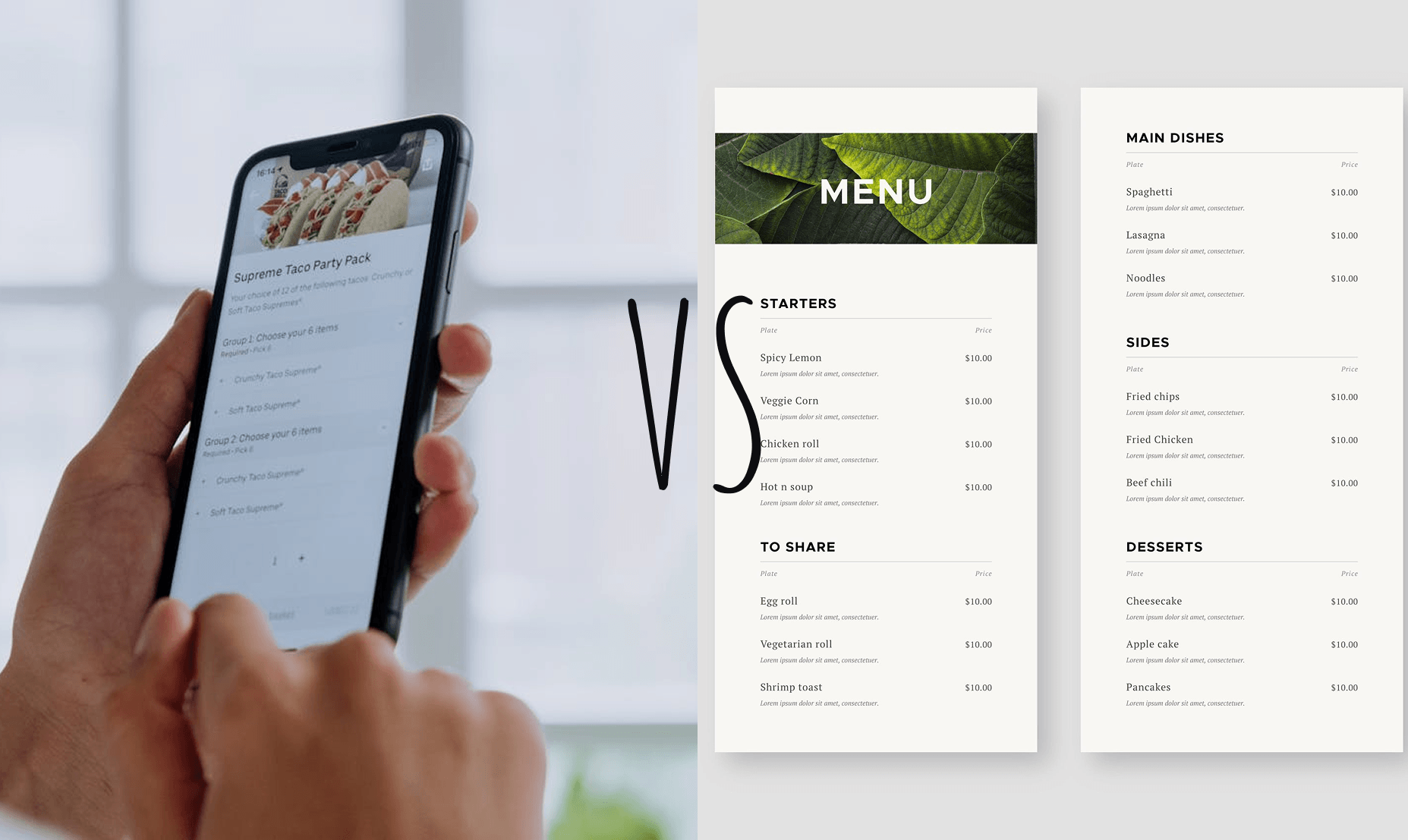
With an online restaurant menu, you can make these changes much more easily. A QR code menu gives customers access to the latest version without requiring you to print a new menu every time something changes.
Here's how to make restaurant menu updates easier and more flexible.

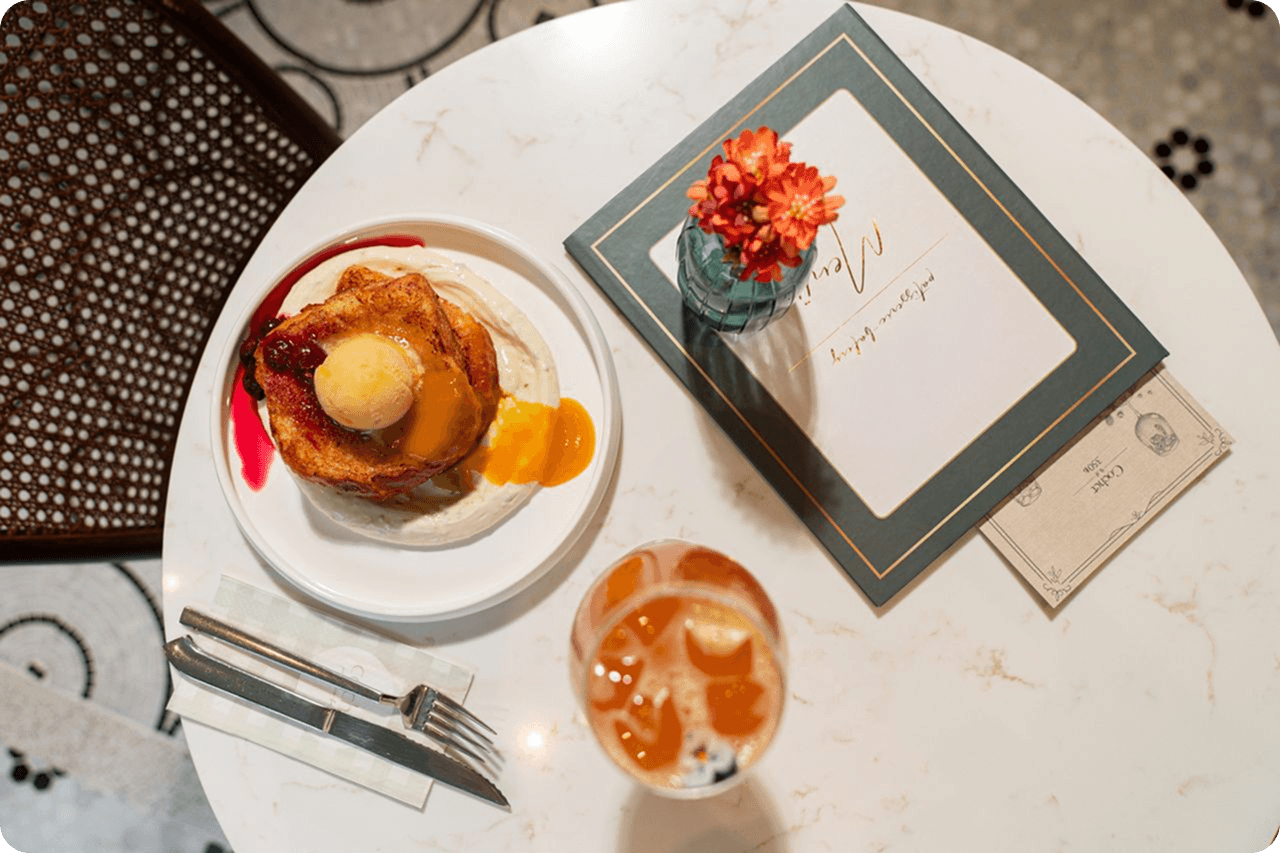
Why Seasonal Menu Changes Are Difficult With Printed Menus
Printed menus work well when your offerings stay relatively stable. But seasonal promotions create a different challenge.
Imagine you introduce a summer special that will only be available for six weeks. Printing an entirely new menu for such a short period may not make financial sense.
You also have to consider what happens when:
- An ingredient becomes unavailable.
- A dish sells out.
- A price changes.
- You add a new seasonal drink.
- A limited-time promotion ends.
- A special event requires a temporary menu.
- You want to correct a menu mistake.
With printed materials, even a small change can require replacing multiple copies.
A digital menu removes much of this friction.
Use a QR Code Menu for Flexible Updates
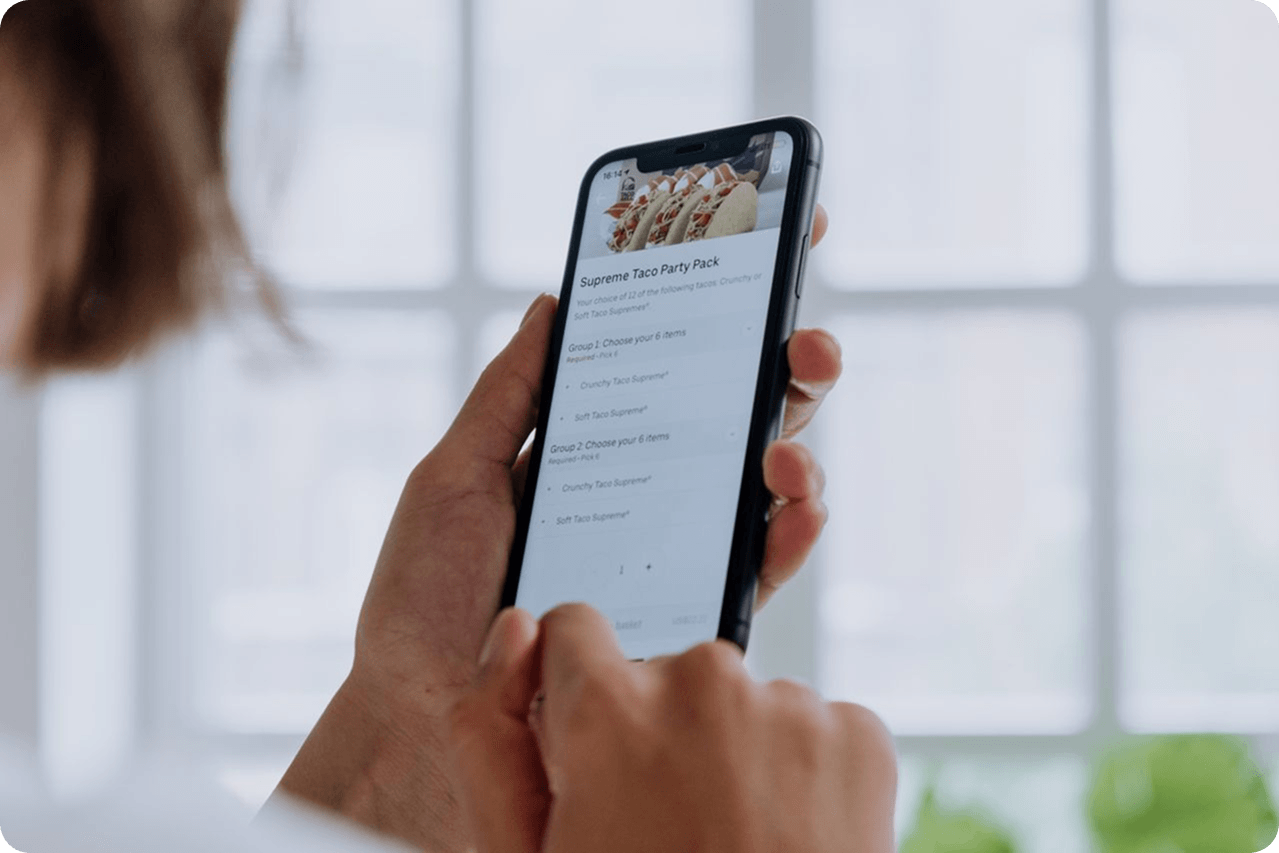
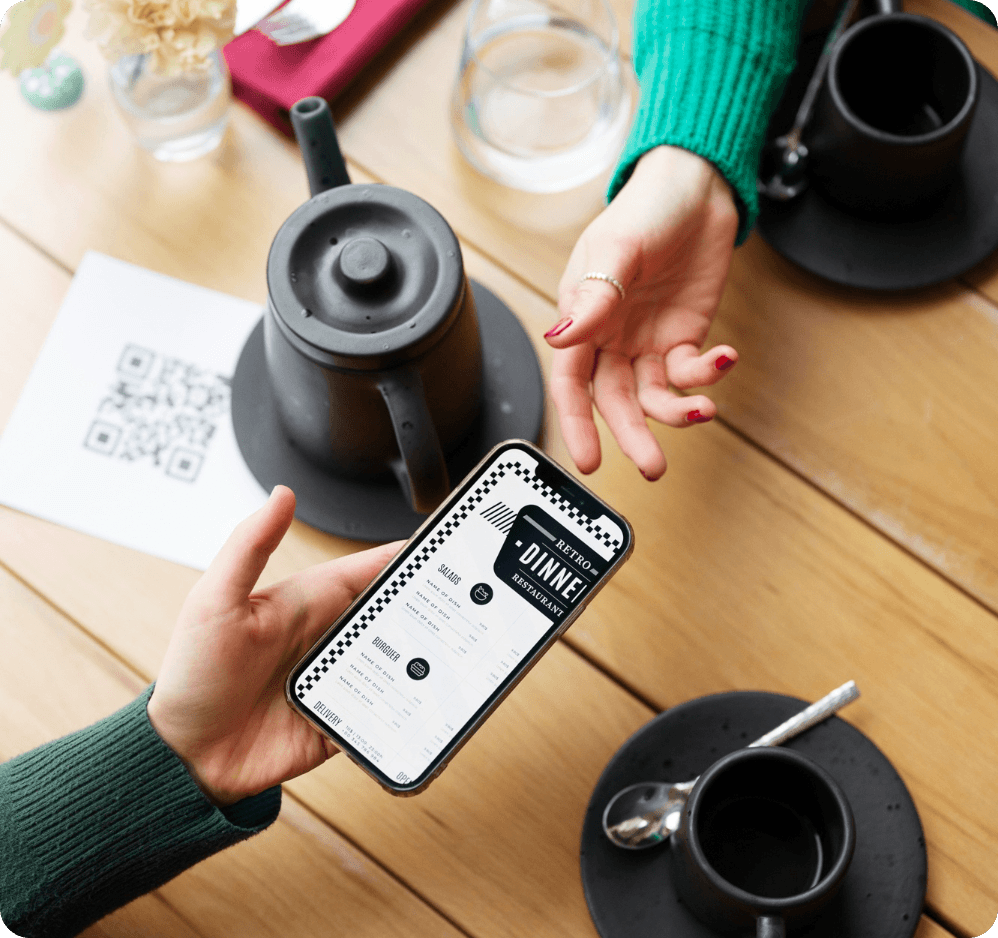
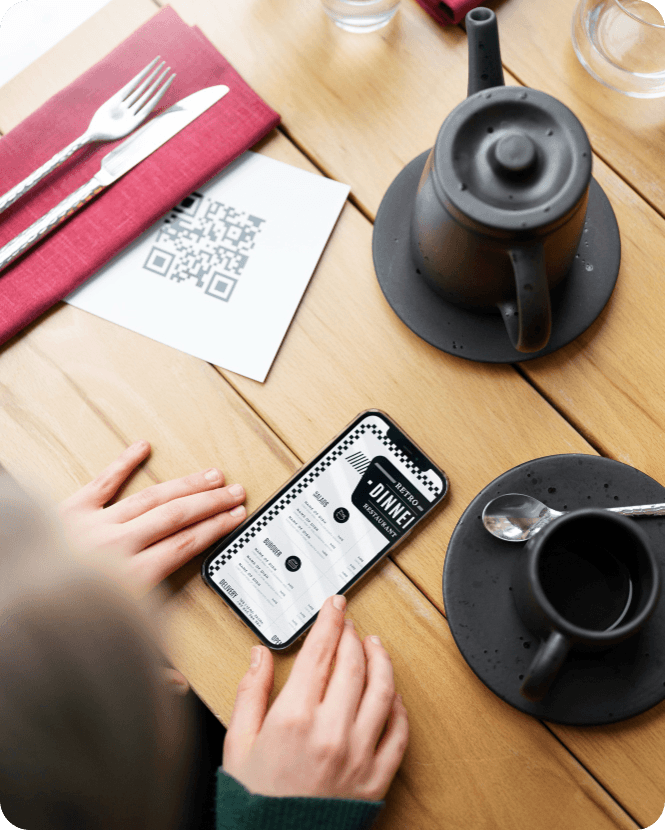
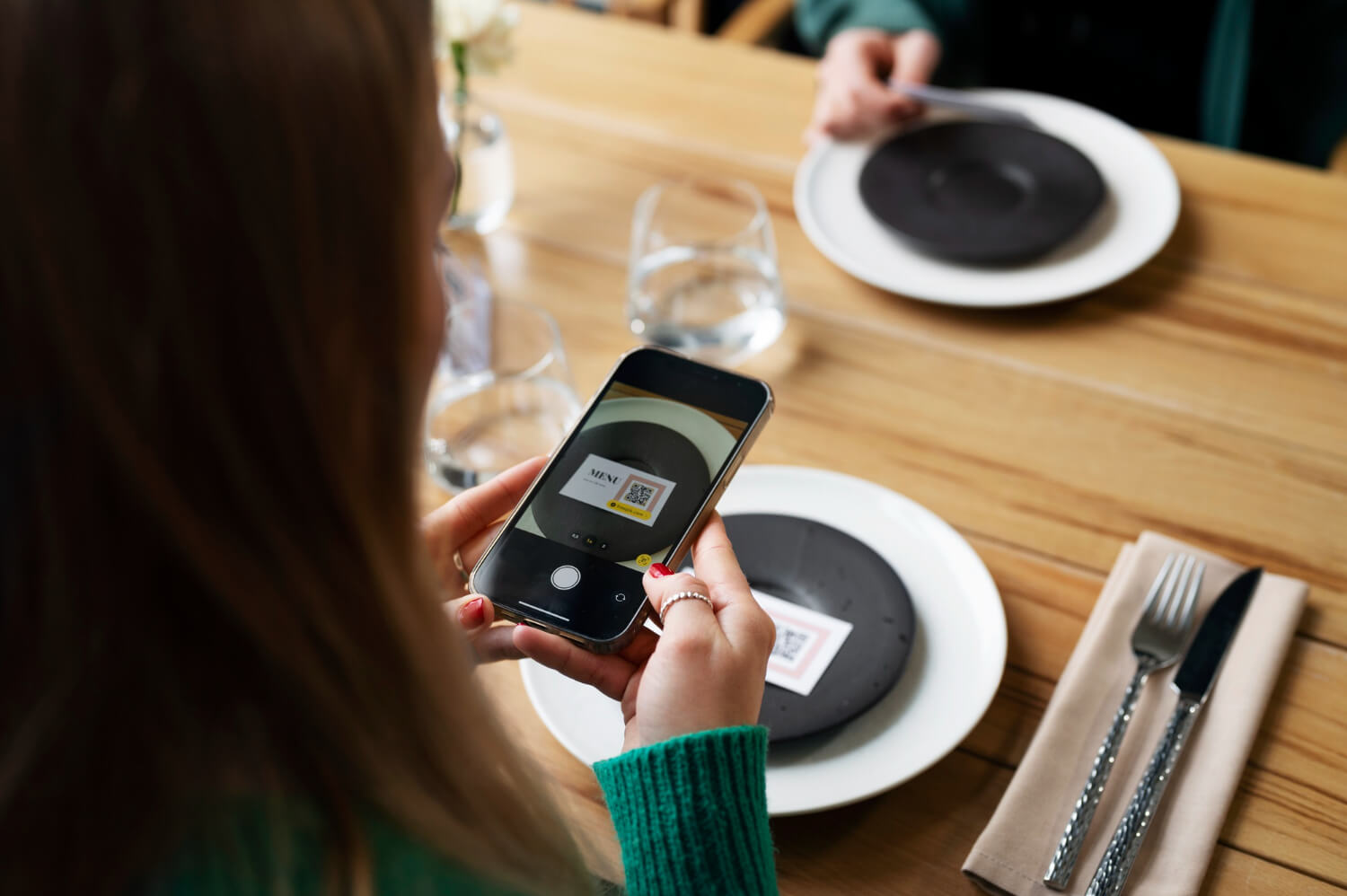
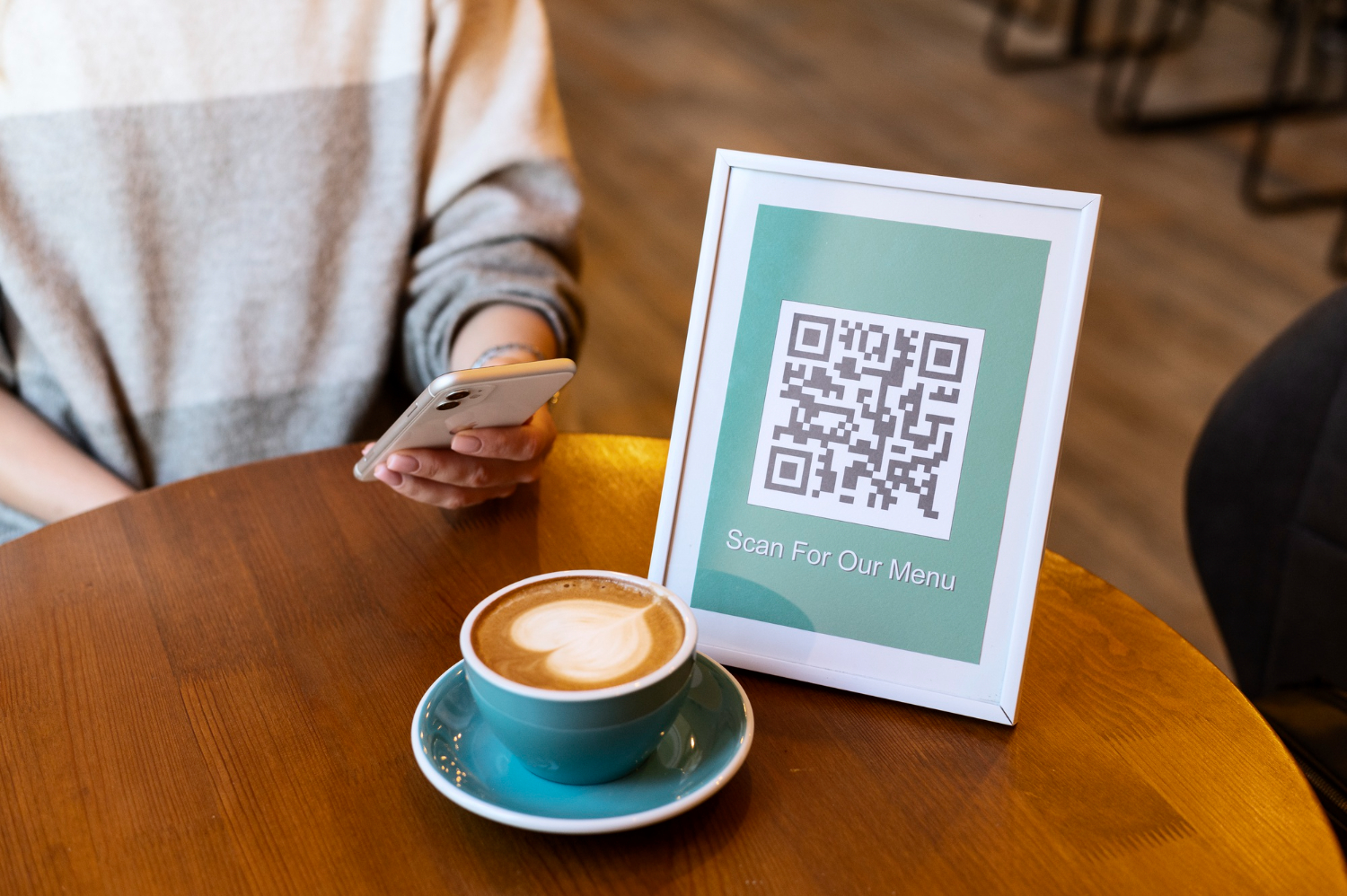
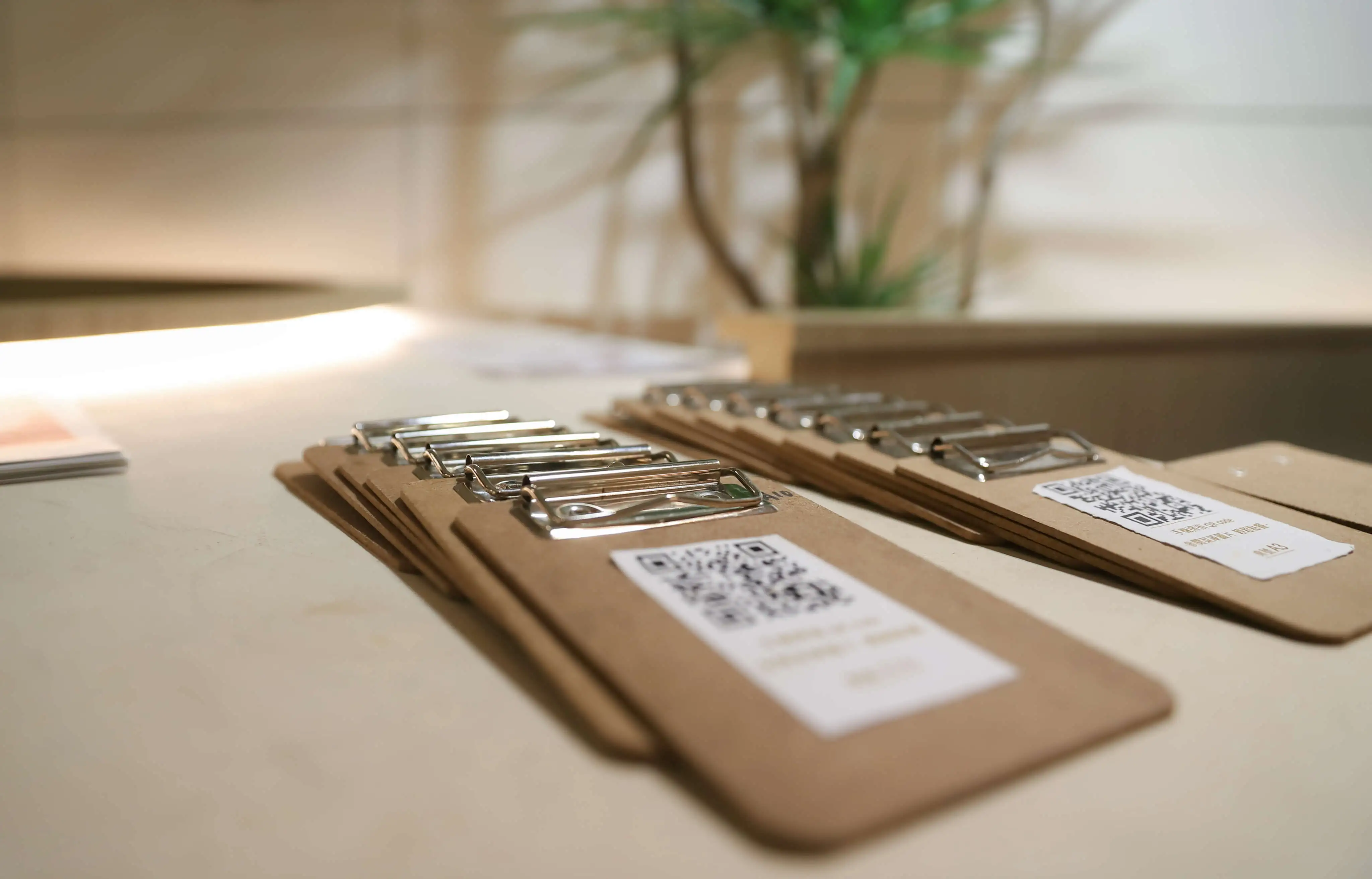
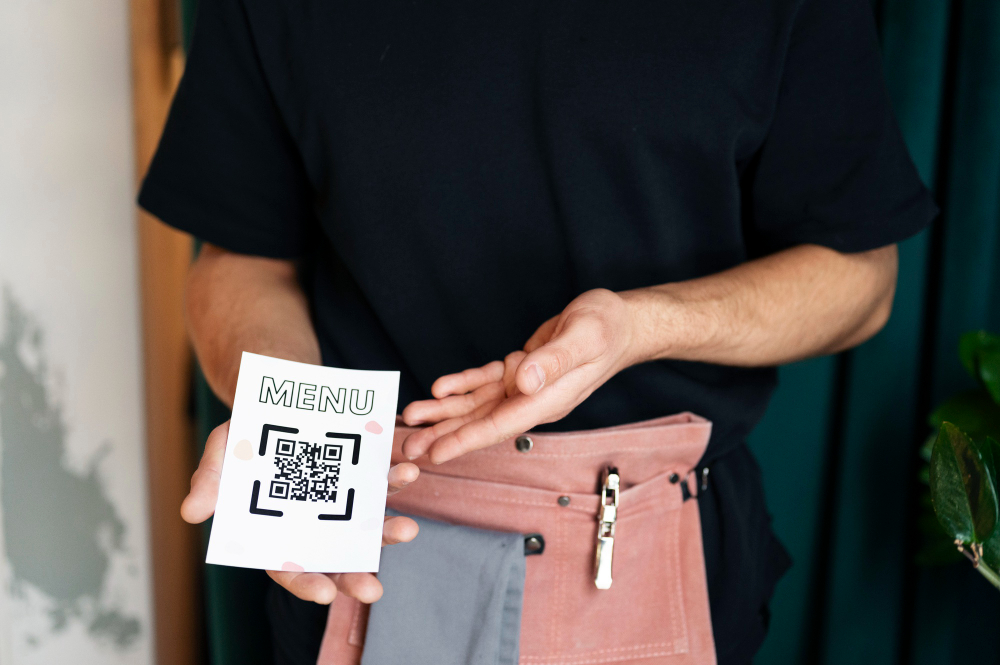
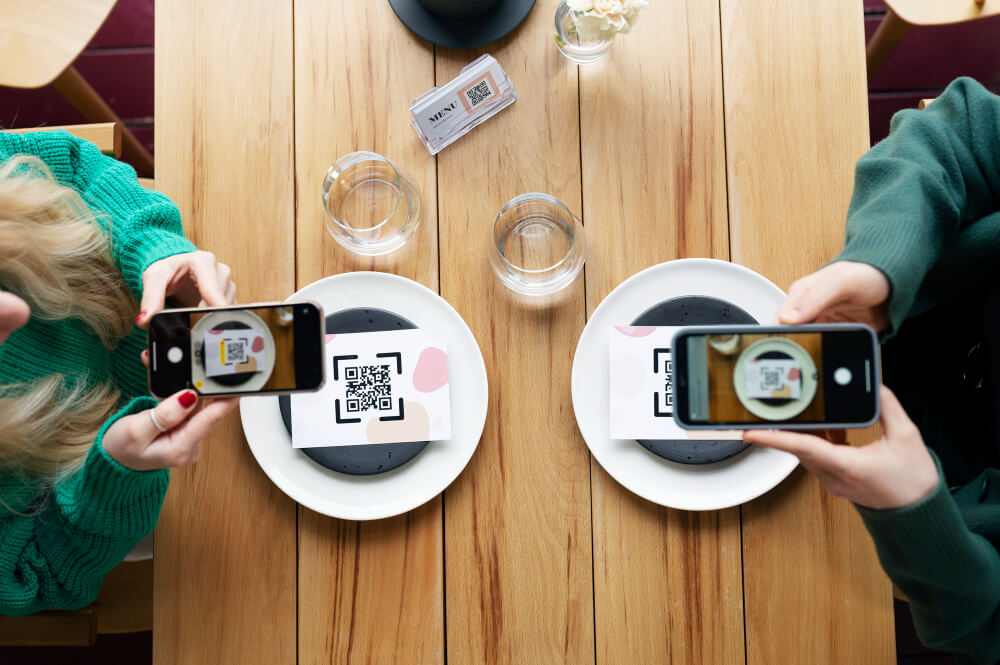
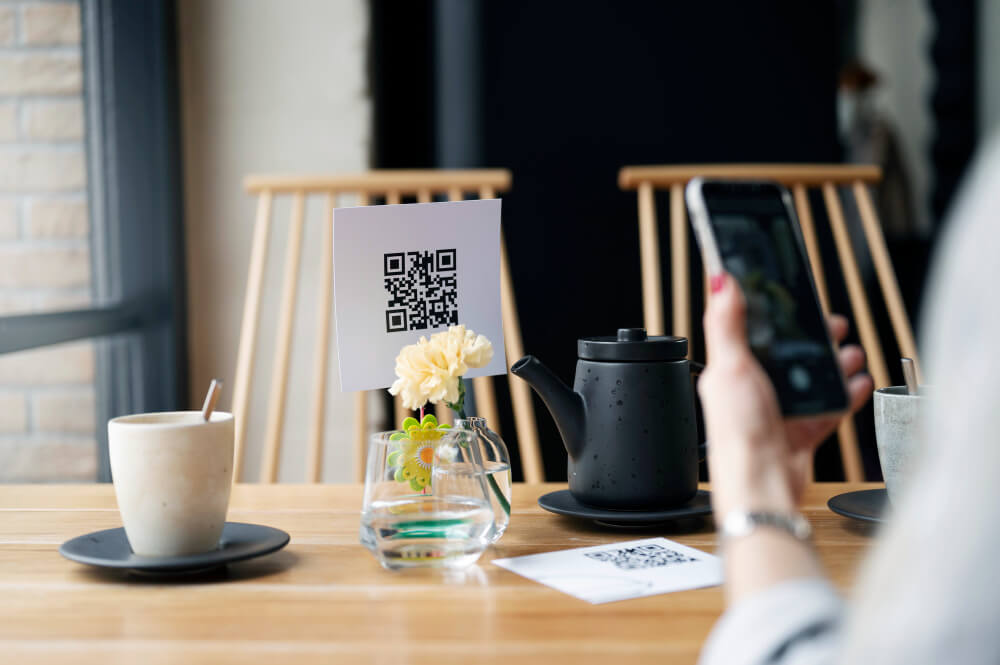
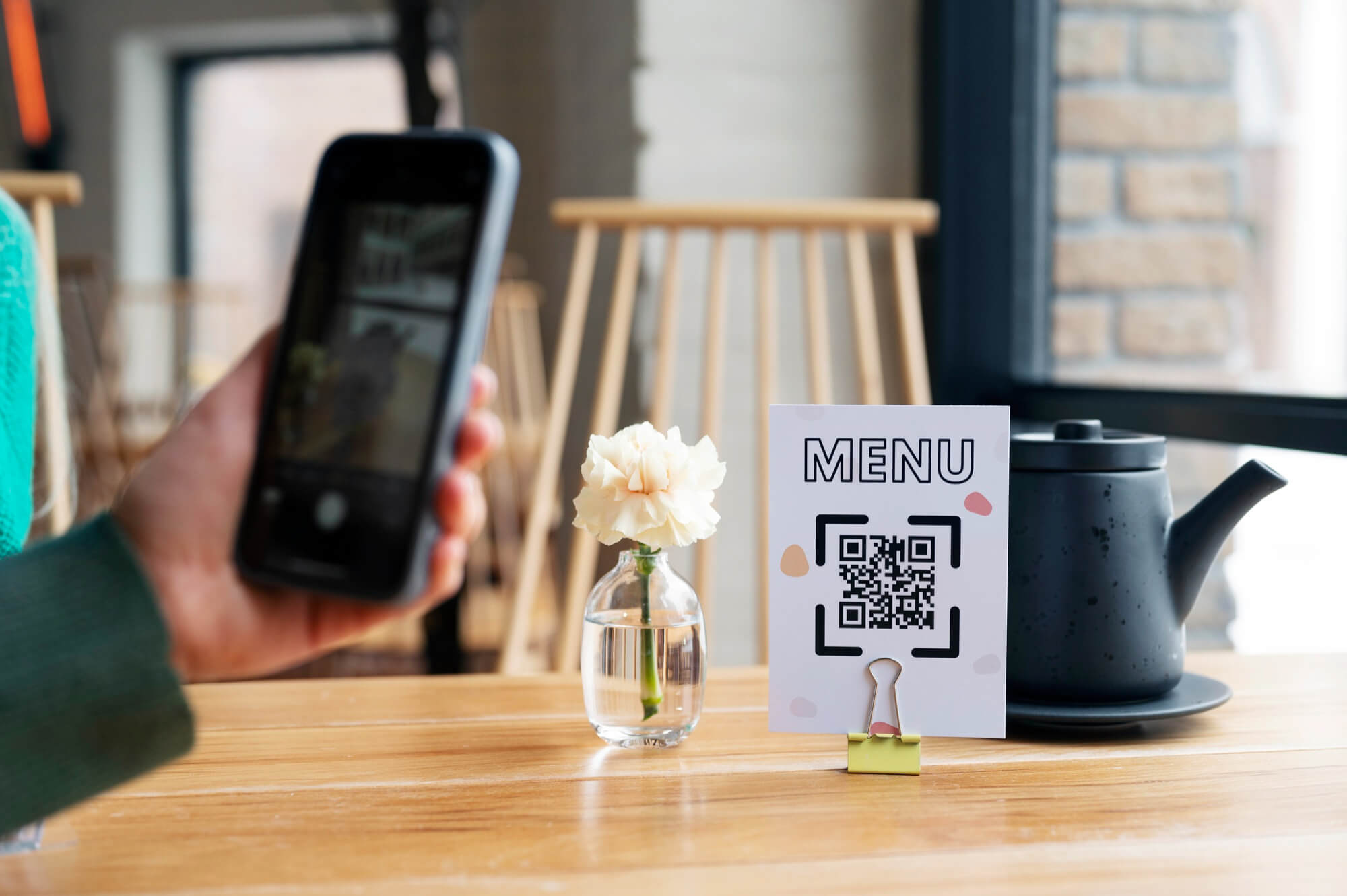
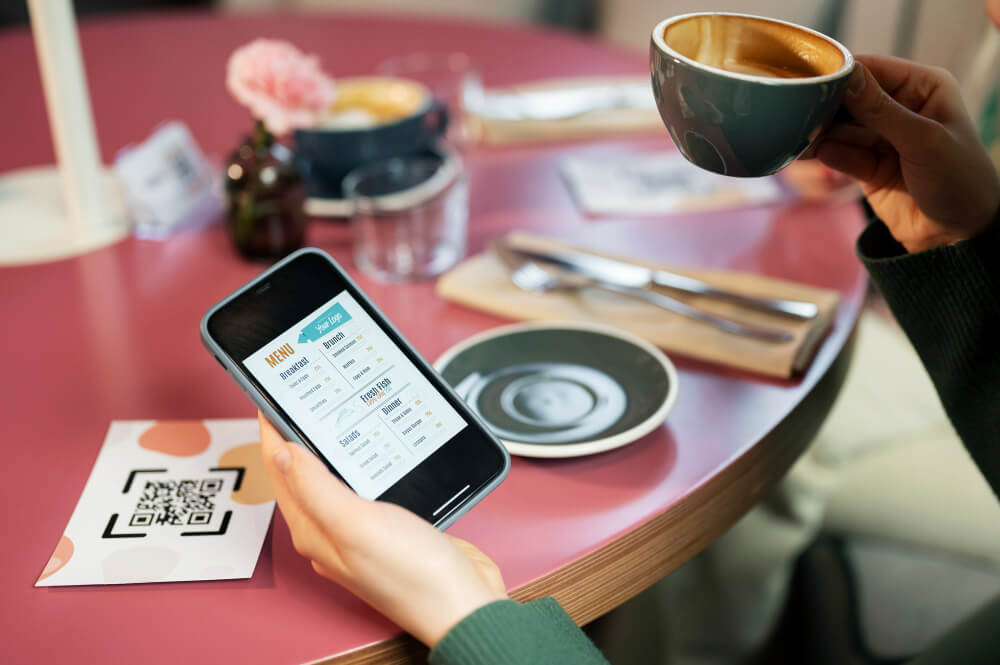
A digital menu allows customers to view your current offerings from their smartphones. They scan a QR code at the table, counter, entrance, or another convenient location and open the menu online.
The important advantage is that you can update the content behind the QR code without replacing the physical QR code itself.
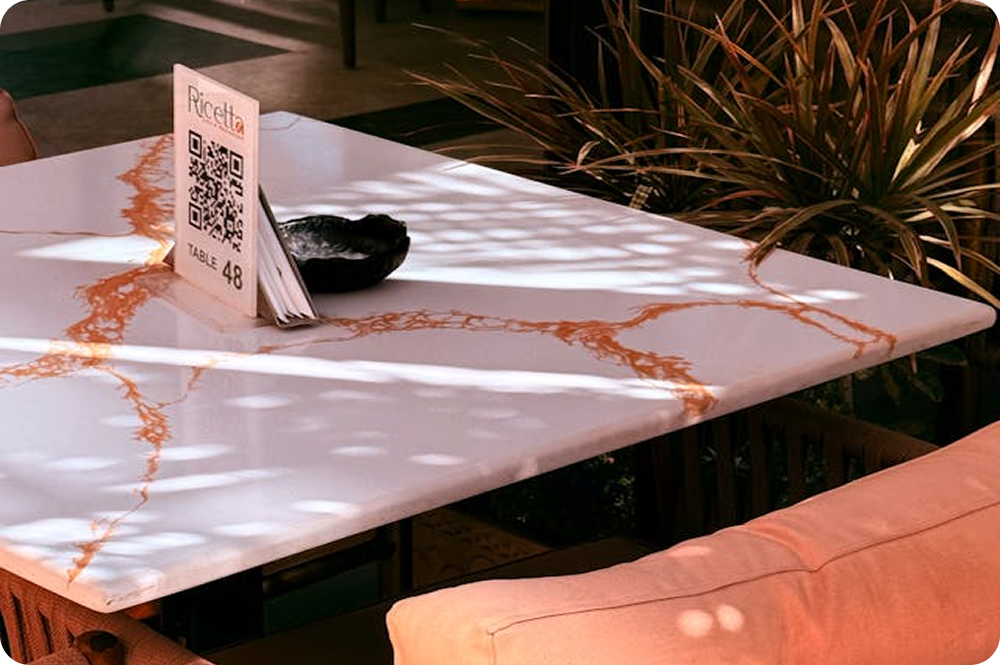
For example, your restaurant could have a permanent QR code on every table. In spring, customers see your spring menu. When summer arrives, you update the menu, and customers scanning the same QR code see the new offerings.
This makes seasonal changes much easier to manage.

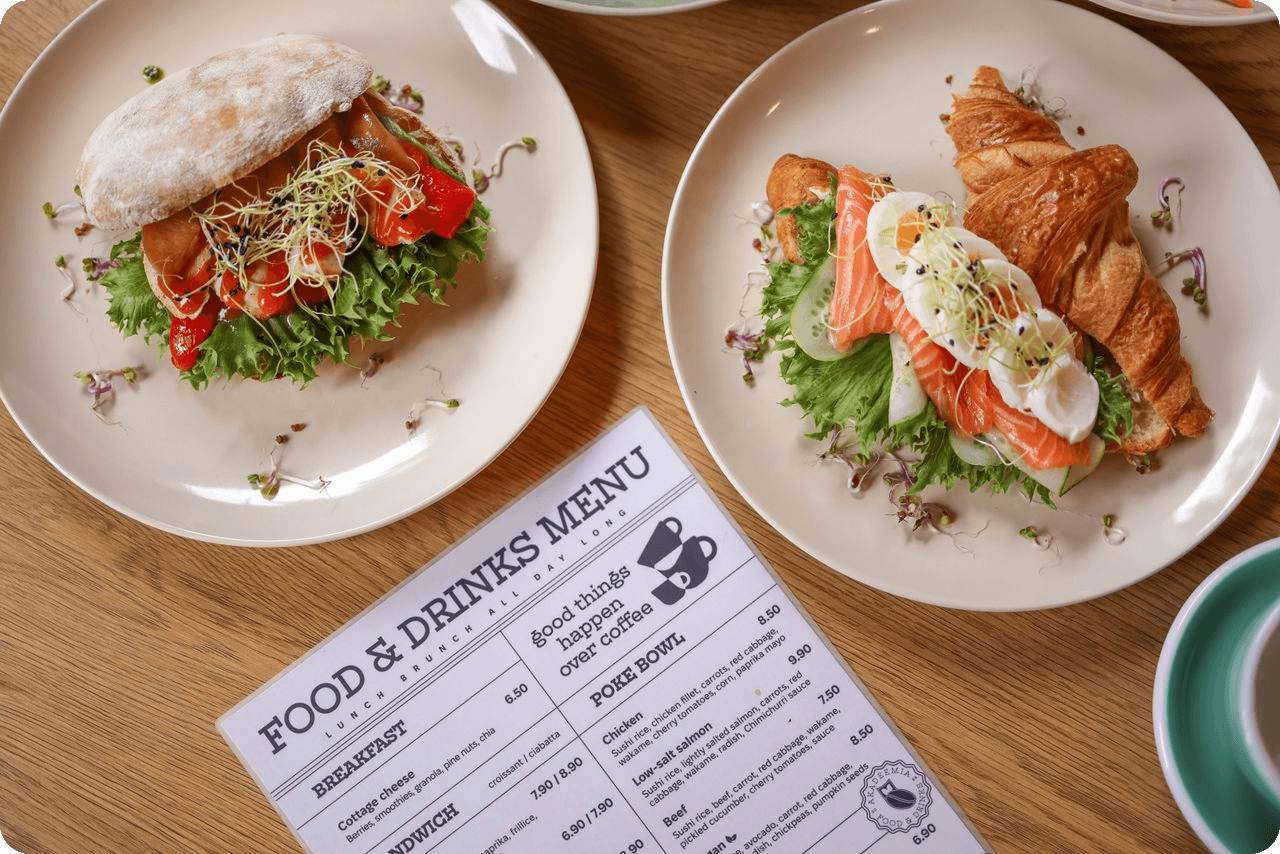
Create a Seasonal Menu Before the Season Starts
Don't wait until the first day of summer to start changing your menu.
Prepare the upcoming menu in advance so you have time to check everything before customers see it.
Your preparation checklist might include:
- New seasonal dishes
- Updated prices
- Ingredient information
- Allergen information
- Dish photos
- New categories
- Seasonal drinks
- Limited-time promotions
- Availability dates
- Translations, if your restaurant serves international customers
Preparing ahead also gives your kitchen and front-of-house team time to learn about the new offerings.
Use Separate Menus for Different Offers
Not every change needs to affect your entire restaurant menu.
You may want to maintain different menus for different situations, such as:
- Dine-in
- Delivery
- Pickup
- Breakfast
- Lunch
- Dinner
- Seasonal promotions
- Holiday events
- Special occasions
This approach gives you more control over what customers see.
For example, a lunch menu might contain a smaller selection of quick meals, while the evening menu includes the complete dinner offering.
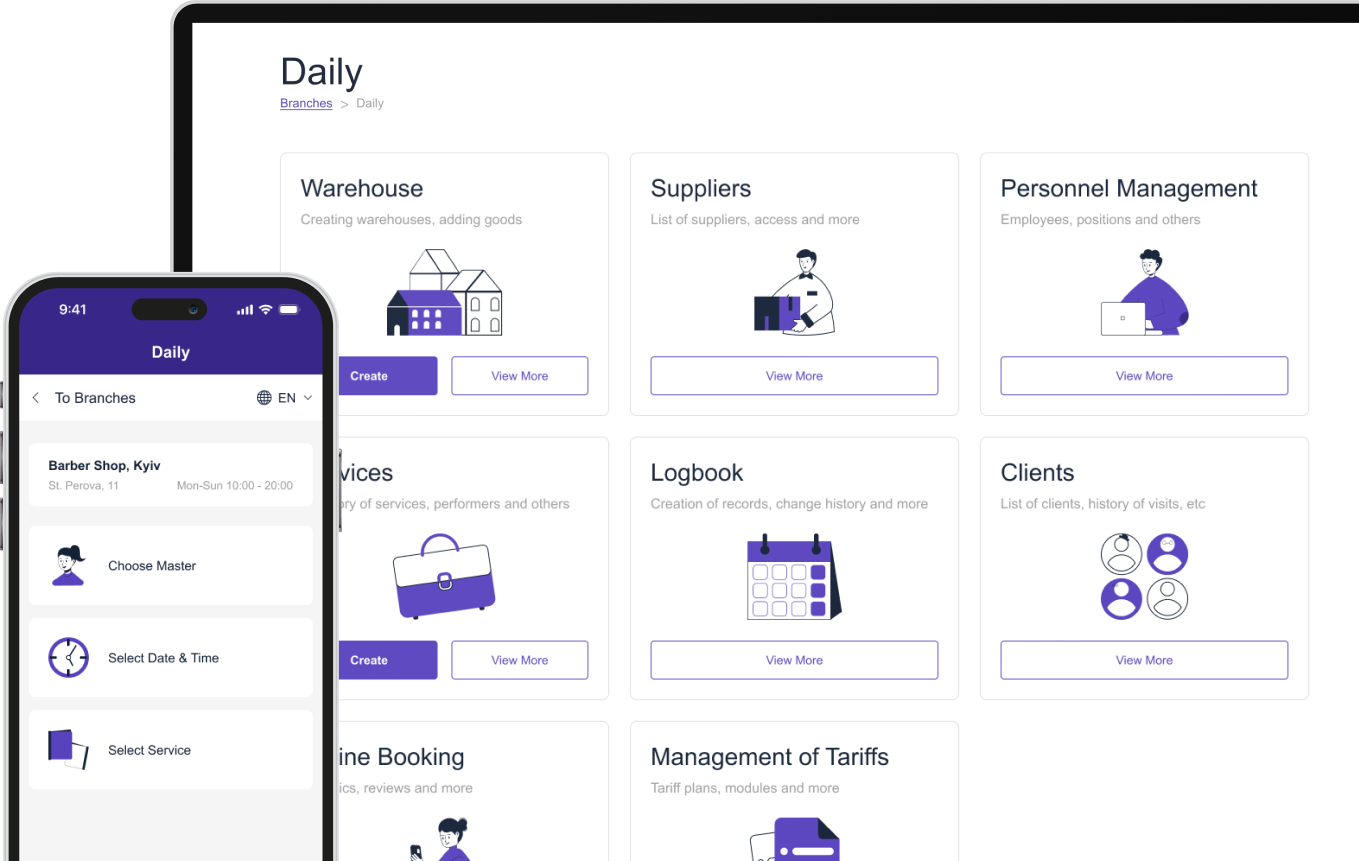
With ME-POS, restaurants can create multiple digital menus and organize offerings according to different menu types. This makes it easier to manage different versions without rebuilding the entire menu from scratch.
Start Your Me-Pos
Experience for Free!
Make sure that Me-Pos Online Booking meets your needs and requirements before making a final decision.
Use for Free
Highlight Limited-Time Offers
Limited-time offers need to stand out.
If a customer has to search through a long menu to find your seasonal special, the promotion may lose its impact.
Create a dedicated section such as:
- Summer Specials
- Chef's Seasonal Picks
- Available This Month
- Limited-Time Desserts
You can then highlight the dishes you specifically want customers to notice.
A useful limited-time offer should make three things clear:
- What is being offered?
- Why is it special?
- How long is it available?
For example:
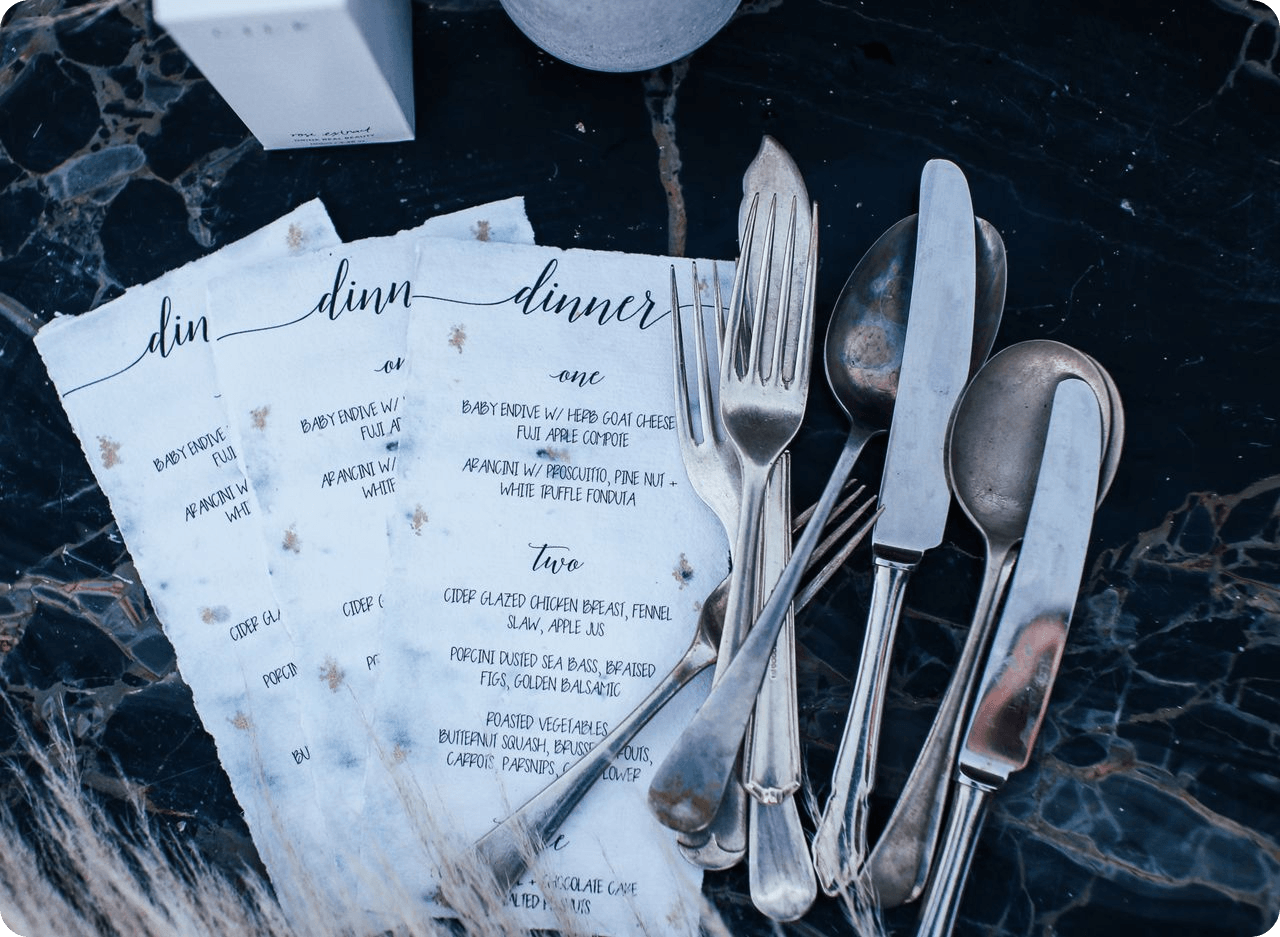
Strawberry Basil Lemonade - Fresh strawberries, basil, and house-made lemonade. Available throughout July.
The customer immediately understands the product and its limited availability.
Update Prices Without Reprinting Menus
Prices sometimes need to change because ingredient costs, portion sizes, or supplier prices change.
With a printed menu, even a single price change can create extra work.
An online menu lets you update the price digitally and publish the change without replacing every physical menu.
This is particularly useful for restaurants with frequently changing ingredients or seasonal products.
Just remember to update the price everywhere it appears. Check your menu, ordering system, promotional materials, and other customer-facing channels to keep information consistent.
Plan Your Menu Updates With a Simple Workflow
Having a repeatable process makes seasonal changes much easier. Instead of making rushed edits, your team can follow the same steps every time you introduce or remove menu items.
1. Plan
Decide which dishes and offers you want to introduce, remove, or modify. Consider the season, customer preferences, ingredient availability, and how long each special will be available.
2. Prepare
Collect descriptions, photos, prices, ingredients, and other necessary information before making the menu live. Preparing everything in advance helps you avoid missing details when customers start ordering.
3. Update
Make the changes in your online menu system. Add new dishes, adjust prices, change availability, or create a dedicated seasonal category without having to redesign and print the entire menu.
4. Review
Check the menu from a customer's perspective, preferably on a smartphone. Make sure descriptions are clear, prices are correct, images load properly, and seasonal offers are easy to find.
5. Publish
Make the updated menu available to customers once everything has been checked. If you're launching a promotion at a specific time, publish it according to your planned start date so customers see the right offers.
6. Monitor
Watch which seasonal dishes perform well and use that information for future menu planning. You can identify popular items, adjust underperforming offers, and decide which seasonal dishes may deserve a permanent place on your menu.
This workflow prevents last-minute changes from becoming chaotic and makes regular restaurant menu updates much easier to manage.
Restaurant Menu Update Checklist
Menu Update
What to Check
Best Time to Update
Seasonal dishes
Name, description, price, ingredients, availability
Before the season starts
Limited-time offers
Promotion details and end date
Before the promotion launches
Price changes
New prices across all relevant menus
As soon as prices change
Sold-out dishes
Availability status
Immediately
New drinks
Photos, ingredients, sizes, prices
Before promotion
Seasonal categories
Category name and included dishes
At seasonal launch
Allergen information
Ingredients and allergen labels
Before publishing
Menu languages
Updated translations
Before publishing
Expired promotions
Remove or archive old offers
When promotion ends
Make Your Menu Easier to Manage With ME-POS
A digital menu is most useful when updating it doesn't create additional administrative work.
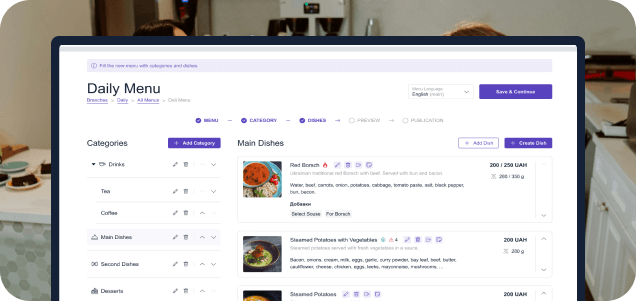
ME-POS provides tools for managing dishes, categories, prices, portions, availability, menu types, and multiple languages. Restaurants can update their digital menu while keeping the same QR-based access point for customers.
This is particularly useful for businesses that frequently change their offerings or run seasonal promotions.
Instead of thinking, “Do we really want to change the menu if we'll have to print everything again?”, you can focus on a better question: “What should we offer our customers right now?”
Conclusion
Seasonal dishes and limited-time offers give restaurants an opportunity to keep their menus fresh and give customers a reason to come back. But frequent changes are difficult to manage when every update requires new printed menus.
An online restaurant menu and QR code menu make the process much more flexible. You can update dishes, prices, availability, categories, and promotions without replacing every physical menu.
The key is to create a consistent update process, keep information accurate, and use your menu as more than a list of dishes. When managed well, digital restaurant menu updates can support both daily operations and seasonal marketing.
Frequently Asked Questions about Updating Restaurant Menu
Yes, with a digital menu system designed for ongoing updates, the QR code can continue directing customers to the menu while the content behind it changes. This means you don't need to create and distribute a new QR code every time your menu changes.
There is no universal schedule. Update it whenever your dishes, prices, availability, or promotions change, while larger seasonal reviews can be planned several times a year.
Creating a dedicated seasonal category can make special dishes easier to discover. It also gives customers a clear visual signal that these items are different from your regular offerings.
Yes. Even if only a few items change, you can update those specific dishes without replacing the entire menu. This is especially useful for price changes, temporary availability, and occasional promotions.
Yes, separate menu versions can be useful when your dine-in and delivery selections are different. You can show customers the items and options that are actually available for the type of service they are using.
Me-Pos Team
Last modified 11.09.2026.
Was This Article Helpful?
Click on a star to rate it!
Thank you for your vote!

Average Rating: 5/5 Votes: 1
Be the first to rate this post!
Share with Friends:


































View more
Related Articles

1255
5
What is a Warehouse Management System: All You Need to Know
In the rapidly evolving landscape of supply chain and logistics, efficient warehouse management has become a cornerstone of business success. As compa...
Me-Pos Team
|
13.12.2024
|
18min
How to Manage Multiple Business Locations in One CRM System
Managing several business locations can be challenging when each branch uses separate tools, spreadsheets, or reporting processes. Business owners nee...
Me-Pos Team
|
12.10.2026
|
14min

123
5
How to Set Up Online Booking by Staff, Services, and Working Hours
Managing appointments manually can become complicated as your business grows. Whether you run a beauty salon, restaurant, hotel, sports club, or anoth...
Me-Pos Team
|
21.09.2026
|
11min
290
5
How QR Menus Reduce Staff Workload and Improve Table Turnover
The restaurant industry is constantly searching for ways to improve efficiency, reduce operational costs, and provide better customer experiences. In ...
Me-Pos Team
|
02.06.2026
|
13min

330
5
How Inventory Tracking Prevents Losses in Service Businesses
In service-based businesses like beauty salons, spas, tattoo studios, and car washes, inventory often goes unnoticed — until it starts causing problem...
Me-Pos Team
|
14.04.2026
|
10min
431
5
How to Build an Efficient Staff Schedule for Service Businesses
Creating an efficient staff schedule is one of the most important — and often overlooked — aspects of running a successful service business. Whether y...
Me-Pos Team
|
06.04.2026
|
9min

828
5
KPIs for Beauty Salon Staff: How to Measure Employee Performance and Efficiency
Running a successful beauty salon isn’t just about offering great services or stylish interiors — it’s about building a high-performing team. Your sty...
Me-Pos Team
|
23.02.2026
|
8min

What Is E-Booking and How It Can Elevate Your Hotel's Success
The hospitality industry is evolving rapidly, and the integration of technology plays a critical role in shaping guest experiences. One of the most tr...
Me-Pos Team
|
01.08.2025
|
10min

949
5
Guide on How to Start a Hotel Business: All You Need to Know
Starting a hotel business can be an exciting and rewarding venture, but it requires careful planning, significant investment, and a thorough understan...
Me-Pos Team
|
30.07.2025
|
10min

967
5
Restaurant Floor Planning: Strategies for Optimal Space Utilization
Designing the floor plan of a restaurant is one of the most crucial steps to building a thriving business. It’s more than just arranging tables—it’s a...
Me-Pos Team
|
09.04.2025
|
8min
1123
5
What Is a Barback? Understanding the Role and Responsibilities
In a bar, the barback is the hero working behind the scenes, keeping everything running smoothly. While bartenders are out there mixing drinks and cha...
Me-Pos Team
|
13.03.2025
|
8min

1219
5
Essential Retail KPIs: Measuring Success and Growth
Running a retail business is a balancing act. You have to manage products, customers, employees, and the store itself, all while trying to turn a prof...
Me-Pos Team
|
19.12.2024
|
14min
Mastering Customer Retention: How to Create Loyalty Programs?
Customer retention refers to a company’s ability to keep its customers over a sustained period, ensuring they continue to choose its products or servi...
Me-Pos Team
|
17.12.2024
|
15min

1074
5
Best Non-Slip Restaurant Shoes
In the bustling environment of a restaurant, safety, and comfort are paramount for the well-being of workers. Non-slip restaurant industry shoes are c...
Me-Pos Team
|
30.09.2024
|
12min

924
4.9
How to Ask a Customer for Review and Feedback: Build Your Reputation
Gathering customer reviews is essential for any business looking to build trust, improve services, and grow its online presence. However, how to ask c...
Me-Pos Team
|
31.07.2025
|
10min

682
4.7
Choosing the Best CRM for Realtors: Key Features and Considerations
Real estate is one of the most competitive industries out there. Whether you’re managing dozens of properties, closing sales with clients, or running ...
Me-Pos Team
|
09.04.2025
|
6min
1255
5
What is a Warehouse Management System: All You Need to Know
In the rapidly evolving landscape of supply chain and logistics, efficient warehouse management has become a cornerstone of business success. As compa...
Me-Pos Team
|
13.12.2024
|
18min
How to Manage Multiple Business Locations in One CRM System
Managing several business locations can be challenging when each branch uses separate tools, spreadsheets, or reporting processes. Business owners nee...
Me-Pos Team
|
12.10.2026
|
14min
123
5
How to Set Up Online Booking by Staff, Services, and Working Hours
Managing appointments manually can become complicated as your business grows. Whether you run a beauty salon, restaurant, hotel, sports club, or anoth...
Me-Pos Team
|
21.09.2026
|
11min
290
5
How QR Menus Reduce Staff Workload and Improve Table Turnover
The restaurant industry is constantly searching for ways to improve efficiency, reduce operational costs, and provide better customer experiences. In ...
Me-Pos Team
|
02.06.2026
|
13min
330
5
How Inventory Tracking Prevents Losses in Service Businesses
In service-based businesses like beauty salons, spas, tattoo studios, and car washes, inventory often goes unnoticed — until it starts causing problem...
Me-Pos Team
|
14.04.2026
|
10min
431
5
How to Build an Efficient Staff Schedule for Service Businesses
Creating an efficient staff schedule is one of the most important — and often overlooked — aspects of running a successful service business. Whether y...
Me-Pos Team
|
06.04.2026
|
9min
828
5
KPIs for Beauty Salon Staff: How to Measure Employee Performance and Efficiency
Running a successful beauty salon isn’t just about offering great services or stylish interiors — it’s about building a high-performing team. Your sty...
Me-Pos Team
|
23.02.2026
|
8min
What Is E-Booking and How It Can Elevate Your Hotel's Success
The hospitality industry is evolving rapidly, and the integration of technology plays a critical role in shaping guest experiences. One of the most tr...
Me-Pos Team
|
01.08.2025
|
10min
949
5
Guide on How to Start a Hotel Business: All You Need to Know
Starting a hotel business can be an exciting and rewarding venture, but it requires careful planning, significant investment, and a thorough understan...
Me-Pos Team
|
30.07.2025
|
10min
967
5
Restaurant Floor Planning: Strategies for Optimal Space Utilization
Designing the floor plan of a restaurant is one of the most crucial steps to building a thriving business. It’s more than just arranging tables—it’s a...
Me-Pos Team
|
09.04.2025
|
8min
1123
5
What Is a Barback? Understanding the Role and Responsibilities
In a bar, the barback is the hero working behind the scenes, keeping everything running smoothly. While bartenders are out there mixing drinks and cha...
Me-Pos Team
|
13.03.2025
|
8min
1219
5
Essential Retail KPIs: Measuring Success and Growth
Running a retail business is a balancing act. You have to manage products, customers, employees, and the store itself, all while trying to turn a prof...
Me-Pos Team
|
19.12.2024
|
14min
Mastering Customer Retention: How to Create Loyalty Programs?
Customer retention refers to a company’s ability to keep its customers over a sustained period, ensuring they continue to choose its products or servi...
Me-Pos Team
|
17.12.2024
|
15min
1074
5
Best Non-Slip Restaurant Shoes
In the bustling environment of a restaurant, safety, and comfort are paramount for the well-being of workers. Non-slip restaurant industry shoes are c...
Me-Pos Team
|
30.09.2024
|
12min
924
4.9
How to Ask a Customer for Review and Feedback: Build Your Reputation
Gathering customer reviews is essential for any business looking to build trust, improve services, and grow its online presence. However, how to ask c...
Me-Pos Team
|
31.07.2025
|
10min
682
4.7
Choosing the Best CRM for Realtors: Key Features and Considerations
Real estate is one of the most competitive industries out there. Whether you’re managing dozens of properties, closing sales with clients, or running ...
Me-Pos Team
|
09.04.2025
|
6min
View more
